
Browse a trip timeline
What is this feature for?
Section titled “What is this feature for?”Timeline makes a complex itinerary easier to understand during planning and in the field, especially on mobile.
Before you start
Section titled “Before you start”| Where can I find it? | Trips → select Trips again / Timeline |
| Access | User, Viewer |
Where can I find it?
Section titled “Where can I find it?”Follow this path in the interface : Trips → select Trips again / Timeline.
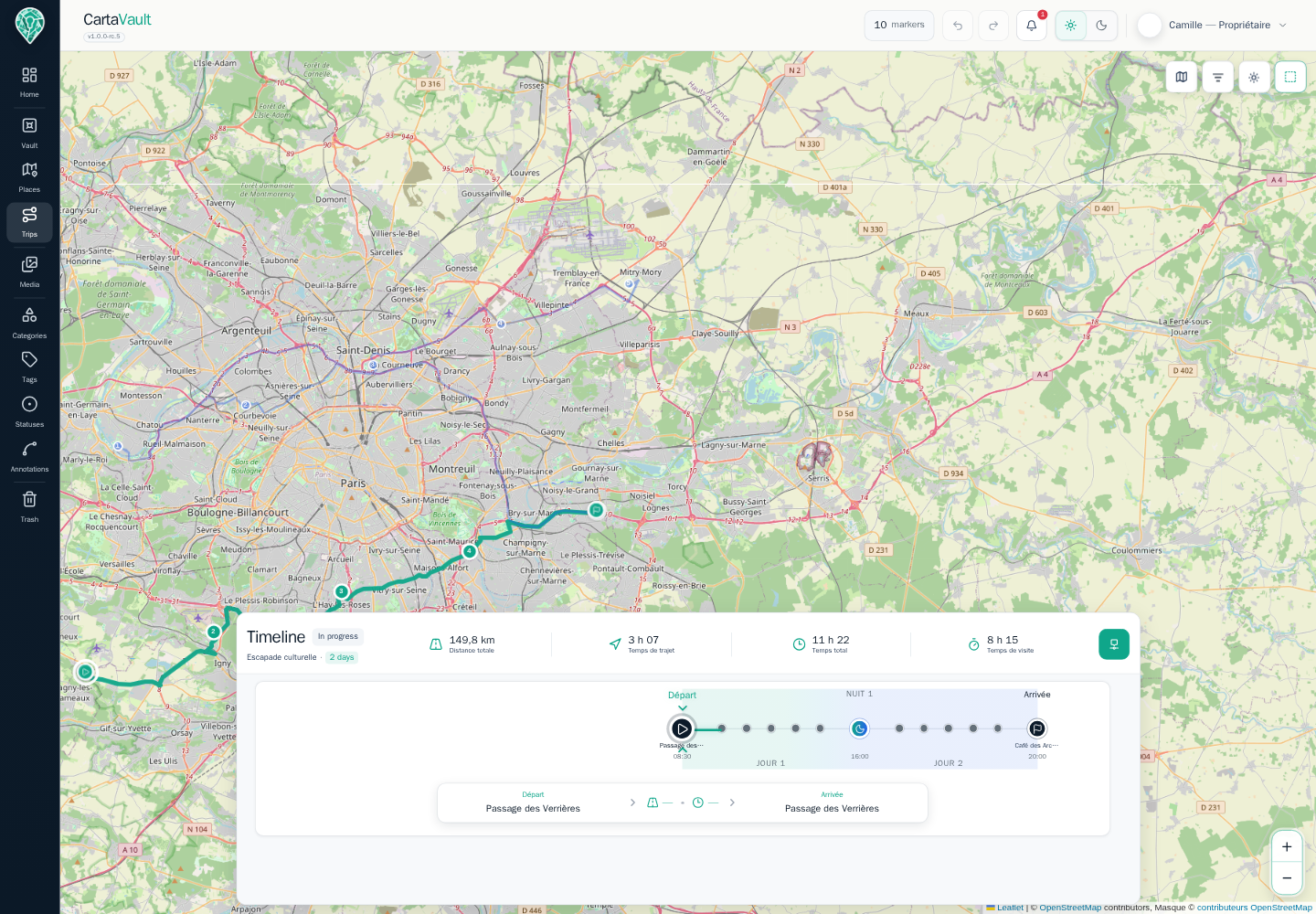
Browse a trip timeline — desktop screen
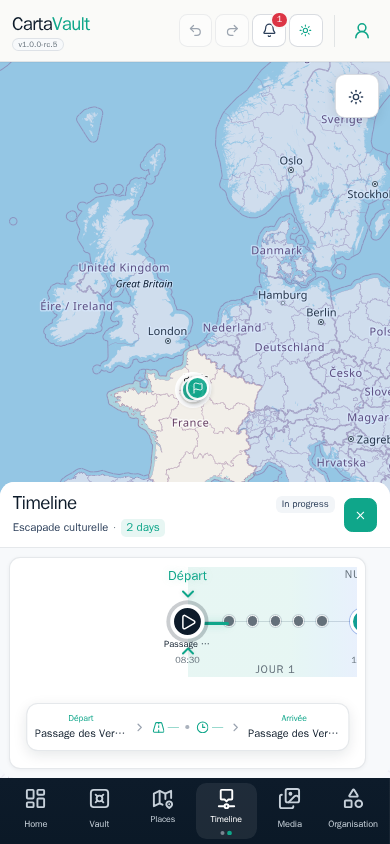
Browse a trip timeline — mobile screen
How do I use it?
Section titled “How do I use it?”- Select a trip.
- Enable Timeline view.
- Choose a day or stop to highlight it on the map.
Expected result
Section titled “Expected result”Timeline uses the saved order and calculated times.
How does it work?
Section titled “How does it work?”- Timeline uses the saved order and calculated times.
- Selection synchronizes the map and matching record.
- Changing main section exits this secondary mode.
Good to know
Section titled “Good to know”See also
Section titled “See also”Version CartaVault : master · ID : trips.timeline