
Restore items from trash
What is this feature for?
Section titled “What is this feature for?”Trash protects against accidental deletion while preserving an explicit path to permanent erasure.
Before you start
Section titled “Before you start”| Where can I find it? | Organization → Trash |
| Access | User |
Where can I find it?
Section titled “Where can I find it?”Follow this path in the interface : Organization → Trash.
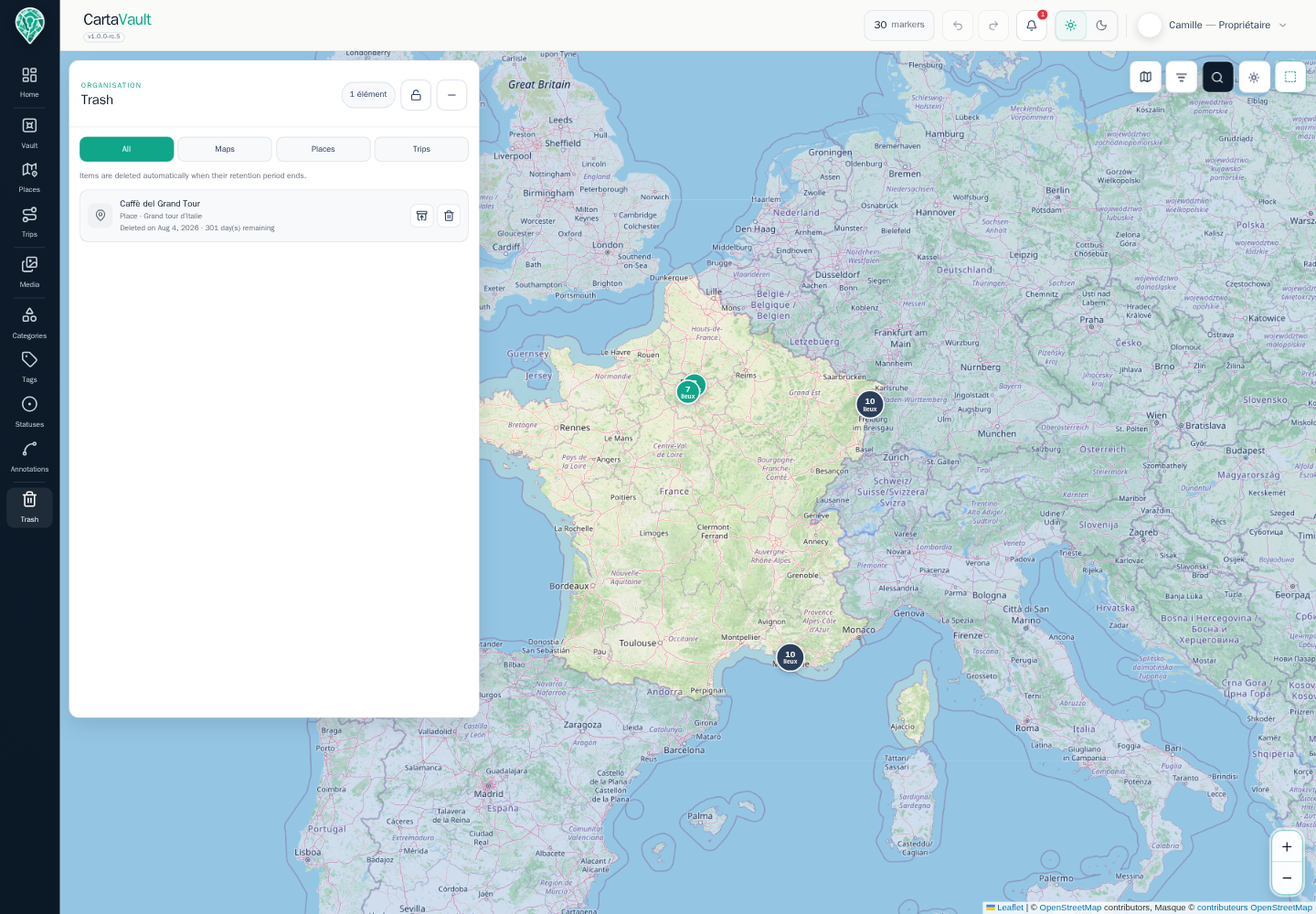
Restore items from trash — desktop screen
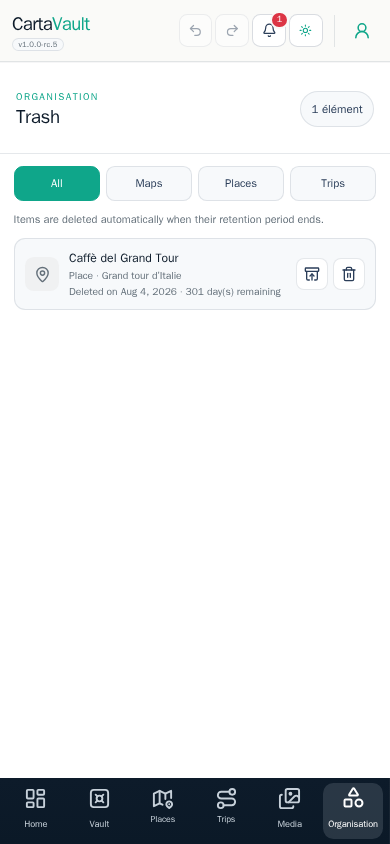
Restore items from trash — mobile screen
How do I use it?
Section titled “How do I use it?”- Filter the deleted item type.
- Restore it or request permanent deletion.
- Confirm irreversible operations.
Expected result
Section titled “Expected result”Restoration makes associated relationships visible again.
How does it work?
Section titled “How does it work?”- Restoration makes associated relationships visible again.
- Expired items are purged according to the retention setting.
Good to know
Section titled “Good to know”See also
Section titled “See also”Version CartaVault : master · ID : maps.trash