
Import and export a KMZ map
What is this feature for?
Section titled “What is this feature for?”KMZ supports migration and geographic data exchange without manual re-entry.
Before you start
Section titled “Before you start”| Where can I find it? | Places → Import KMZ; Vault → map menu → Export |
| Access | Map owner, Editor, Viewer |
Where can I find it?
Section titled “Where can I find it?”Follow this path in the interface : Places → Import KMZ; Vault → map menu → Export.
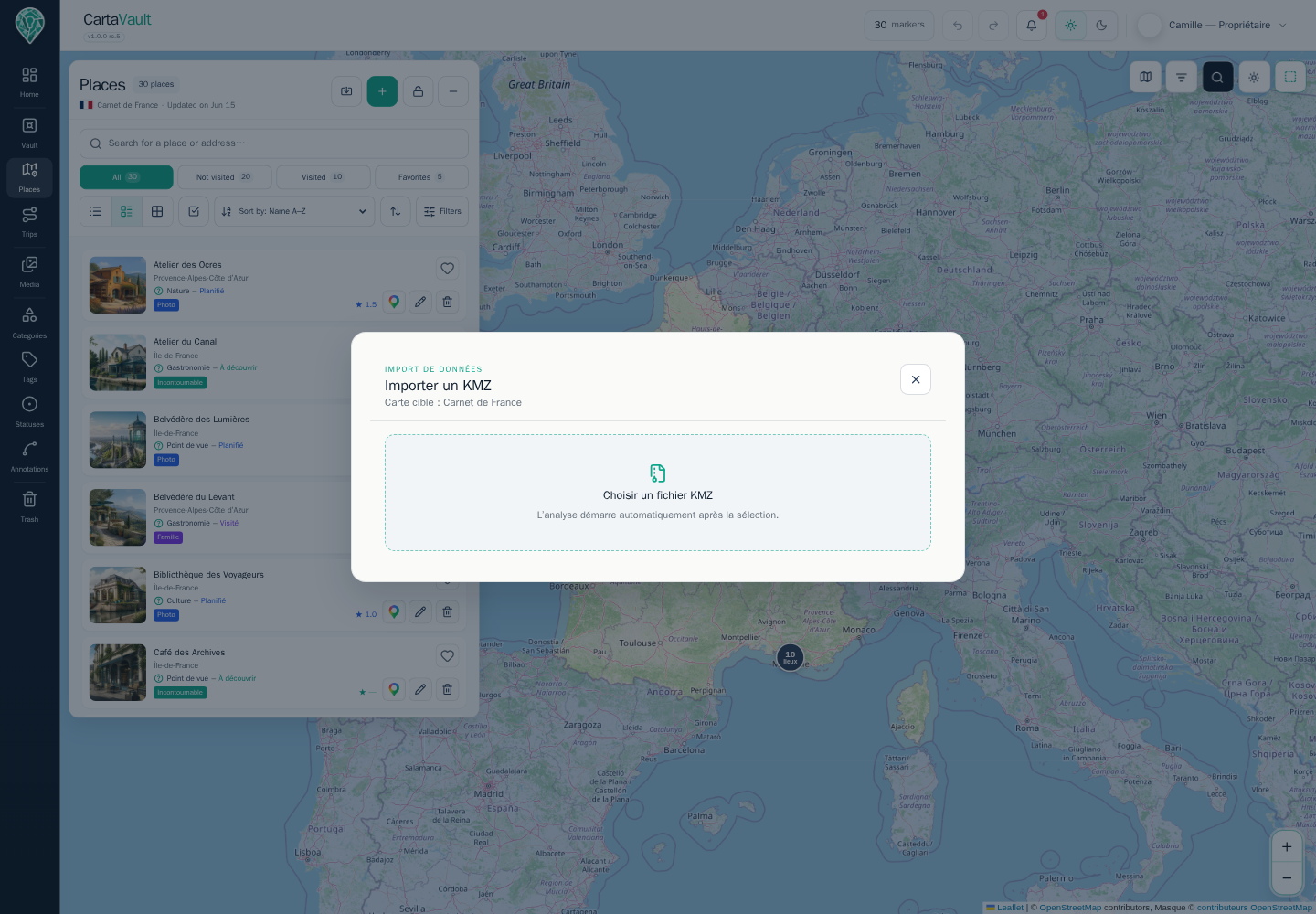
Import and export a KMZ map — desktop screen
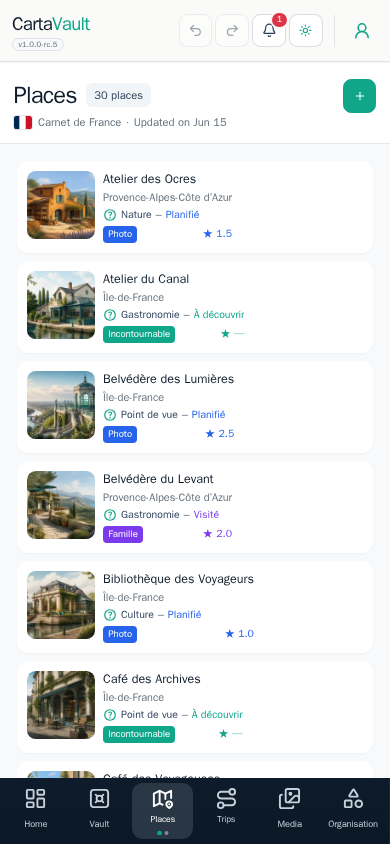
Import and export a KMZ map — mobile screen
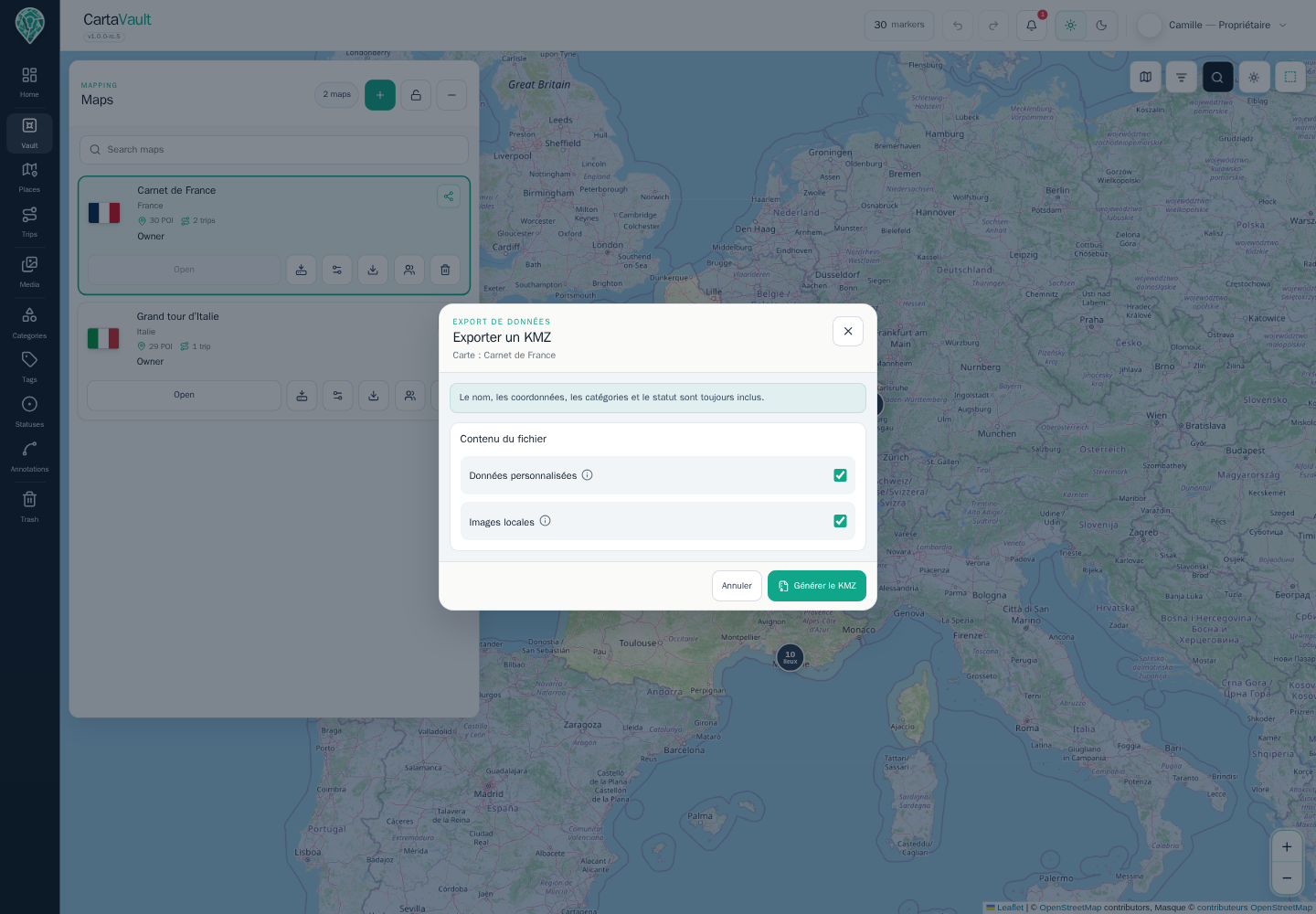
Import and export a KMZ map — desktop screen
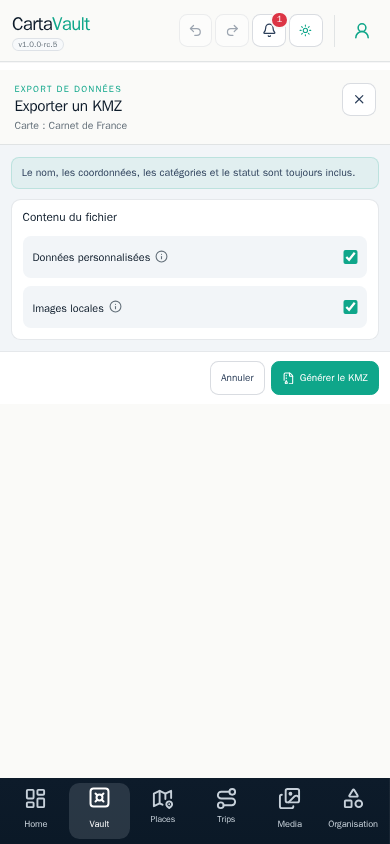
Import and export a KMZ map — mobile screen
How do I use it?
Section titled “How do I use it?”- On desktop, choose the file or export options.
- Review the report, matches and warnings.
- Confirm import or download the generated archive.
Expected result
Section titled “Expected result”Import detects common conventions and reports duplicates.
How does it work?
Section titled “How does it work?”- Import detects common conventions and reports duplicates.
- Export always includes identity, coordinates, categories and status; images are optional.
- Long-running operations can be followed from notifications.
Good to know
Section titled “Good to know”See also
Section titled “See also”Version CartaVault : master · ID : media.map-exchange