
Browse the map vault
What is this feature for?
Section titled “What is this feature for?”The vault centralizes owned and shared maps so users can quickly open the right workspace.
Before you start
Section titled “Before you start”| Where can I find it? | Vault |
| Access | User |
Where can I find it?
Section titled “Where can I find it?”Follow this path in the interface : Vault.
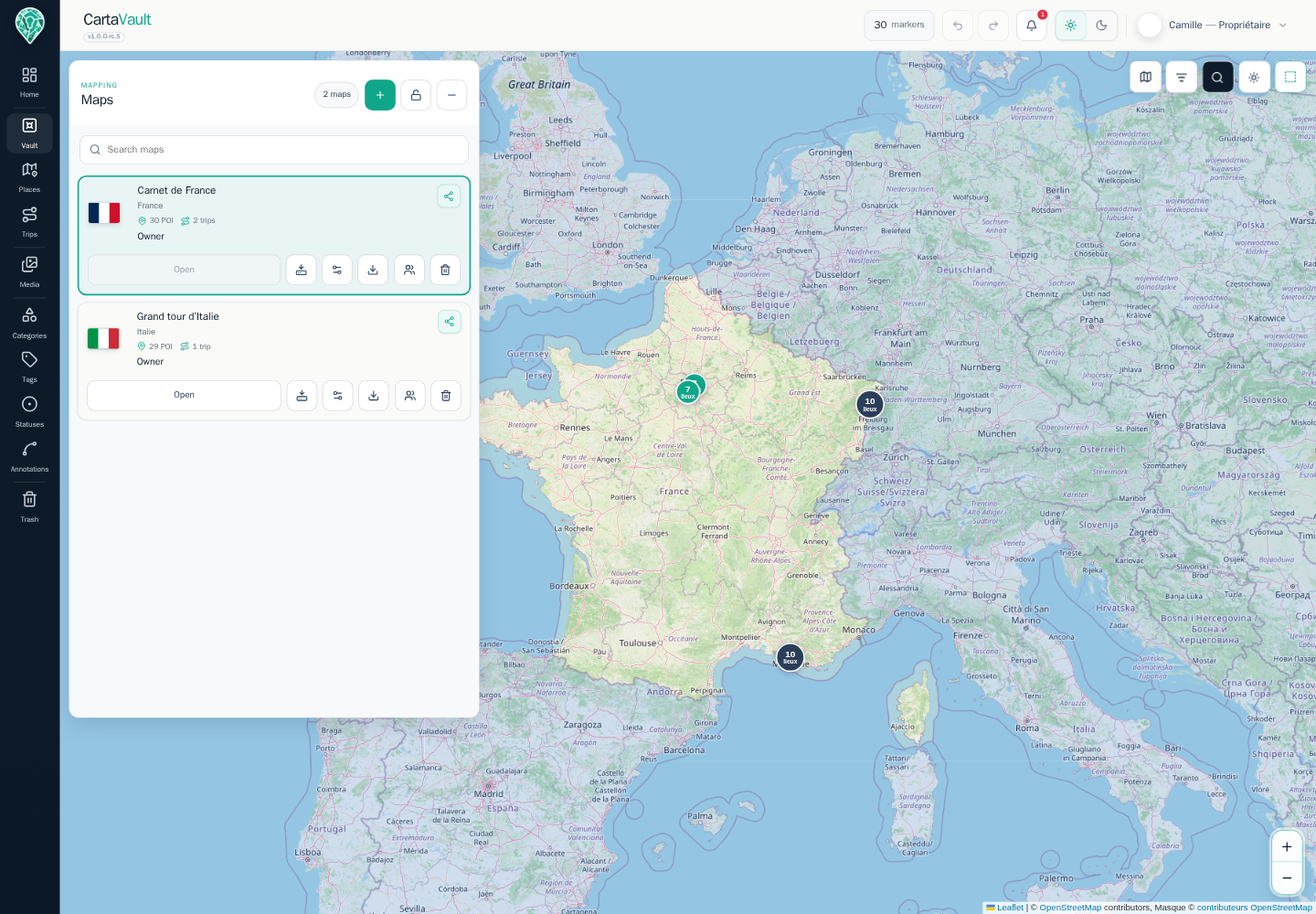
Browse the map vault — desktop screen
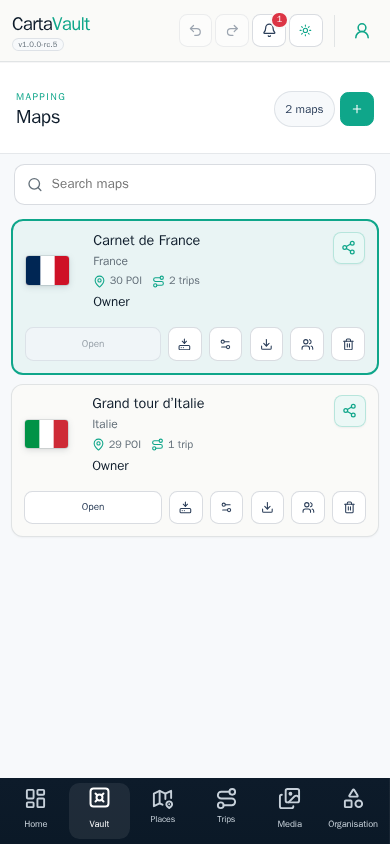
Browse the map vault — mobile screen
How do I use it?
Section titled “How do I use it?”- Open Vault in the main navigation.
- Search by map name or country.
- Open the map or its action menu according to your permissions.
Expected result
Section titled “Expected result”Each card shows country, counters and the account role.
How does it work?
Section titled “How does it work?”- Each card shows country, counters and the account role.
- Settings, sharing, export, offline and deletion actions depend on permissions.
Good to know
Section titled “Good to know”See also
Section titled “See also”Version CartaVault : master · ID : maps.catalog