
Configure TOTP authentication
What is this feature for?
Section titled “What is this feature for?”TOTP adds a temporary code generated on a separate device and is stronger than a second factor delivered to the same email account.
Before you start
Section titled “Before you start”| Where can I find it? | My account → Security → Authenticator application (TOTP) |
| Access | User |
Where can I find it?
Section titled “Where can I find it?”Follow this path in the interface : My account → Security → Authenticator application (TOTP).
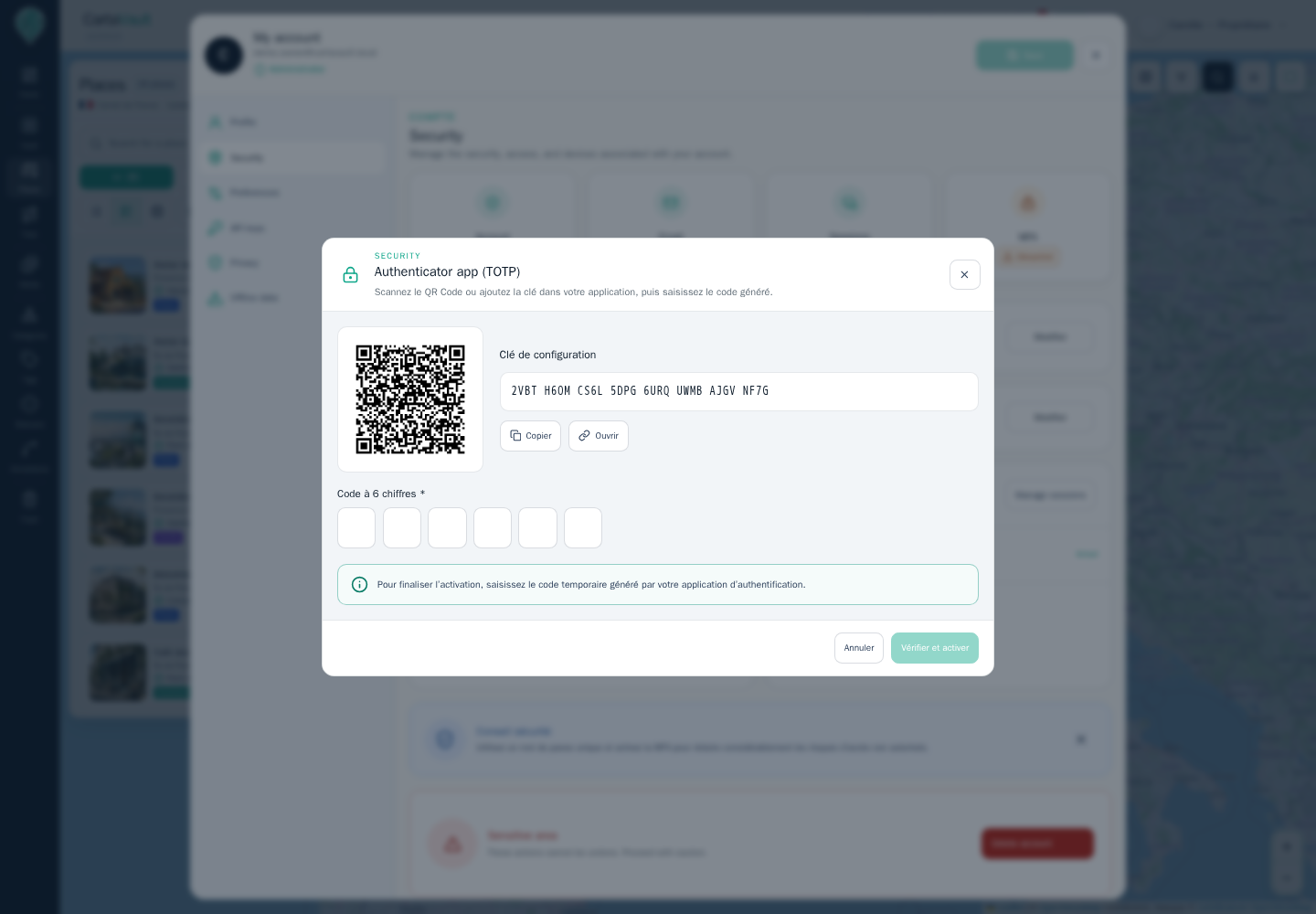
Configure TOTP authentication — desktop screen
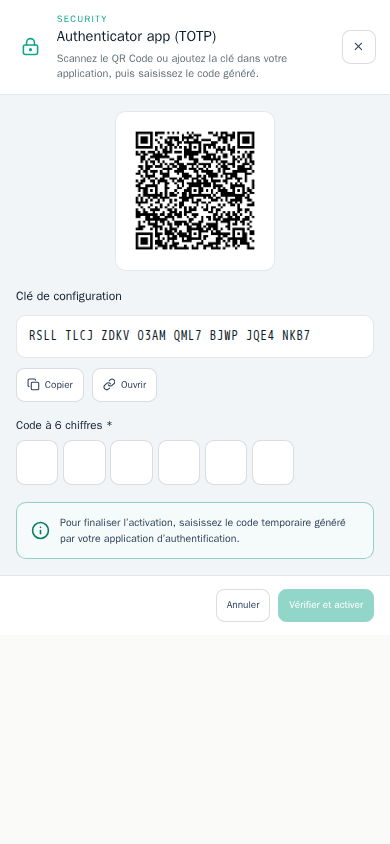
Configure TOTP authentication — mobile screen
How do I use it?
Section titled “How do I use it?”- Confirm your password when requested.
- Scan the QR code or copy the setup key into the app.
- Enter the six-digit code and store recovery codes.
Expected result
Section titled “Expected result”The secret is encrypted on the server and is not returned after activation.
How does it work?
Section titled “How does it work?”- The secret is encrypted on the server and is not returned after activation.
- Activation occurs only after validating the first code.
- Enabling TOTP disables email codes; methods do not stack.
Good to know
Section titled “Good to know”See also
Section titled “See also”Version CartaVault : master · ID : account.totp