
Enable email MFA codes
What is this feature for?
Section titled “What is this feature for?”Email codes provide an additional protection layer for accounts that do not yet use a TOTP application.
Before you start
Section titled “Before you start”| Where can I find it? | My account → Security → Email code |
| Access | User |
Where can I find it?
Section titled “Where can I find it?”Follow this path in the interface : My account → Security → Email code.
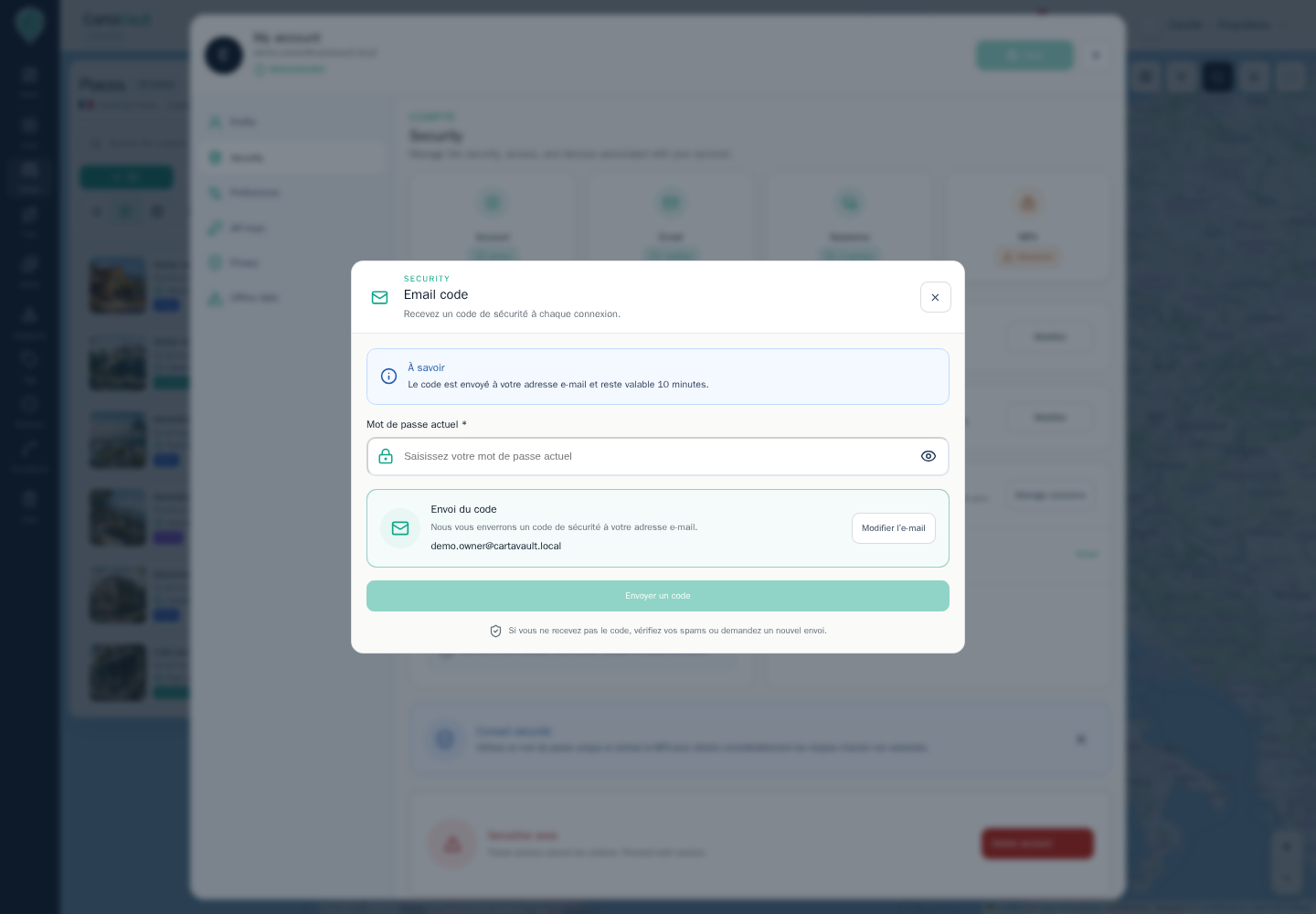
Enable email MFA codes — desktop screen
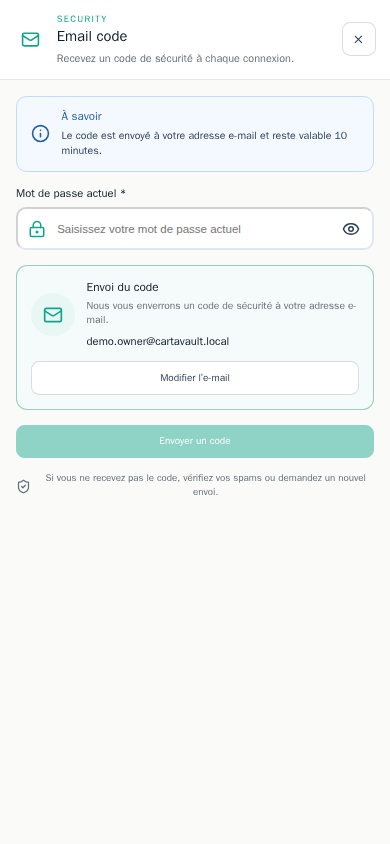
Enable email MFA codes — mobile screen
How do I use it?
Section titled “How do I use it?”- Open Email code.
- Enter the current password.
- Request the code and validate it according to the received instructions.
Expected result
Section titled “Expected result”The code is single-use, short-lived and attempt-limited.
How does it work?
Section titled “How does it work?”- The code is single-use, short-lived and attempt-limited.
- TOTP can still be enabled later and replaces this method.
- When TOTP is active, the Email code card is hidden.
Good to know
Section titled “Good to know”See also
Section titled “See also”Version CartaVault : master · ID : account.email-mfa