
Configure preferences
What is this feature for?
Section titled “What is this feature for?”Preferences adapt CartaVault to the working context and follow the account across devices.
Before you start
Section titled “Before you start”| Where can I find it? | User menu → Options → Preferences |
| Access | User |
Where can I find it?
Section titled “Where can I find it?”Follow this path in the interface : User menu → Options → Preferences.
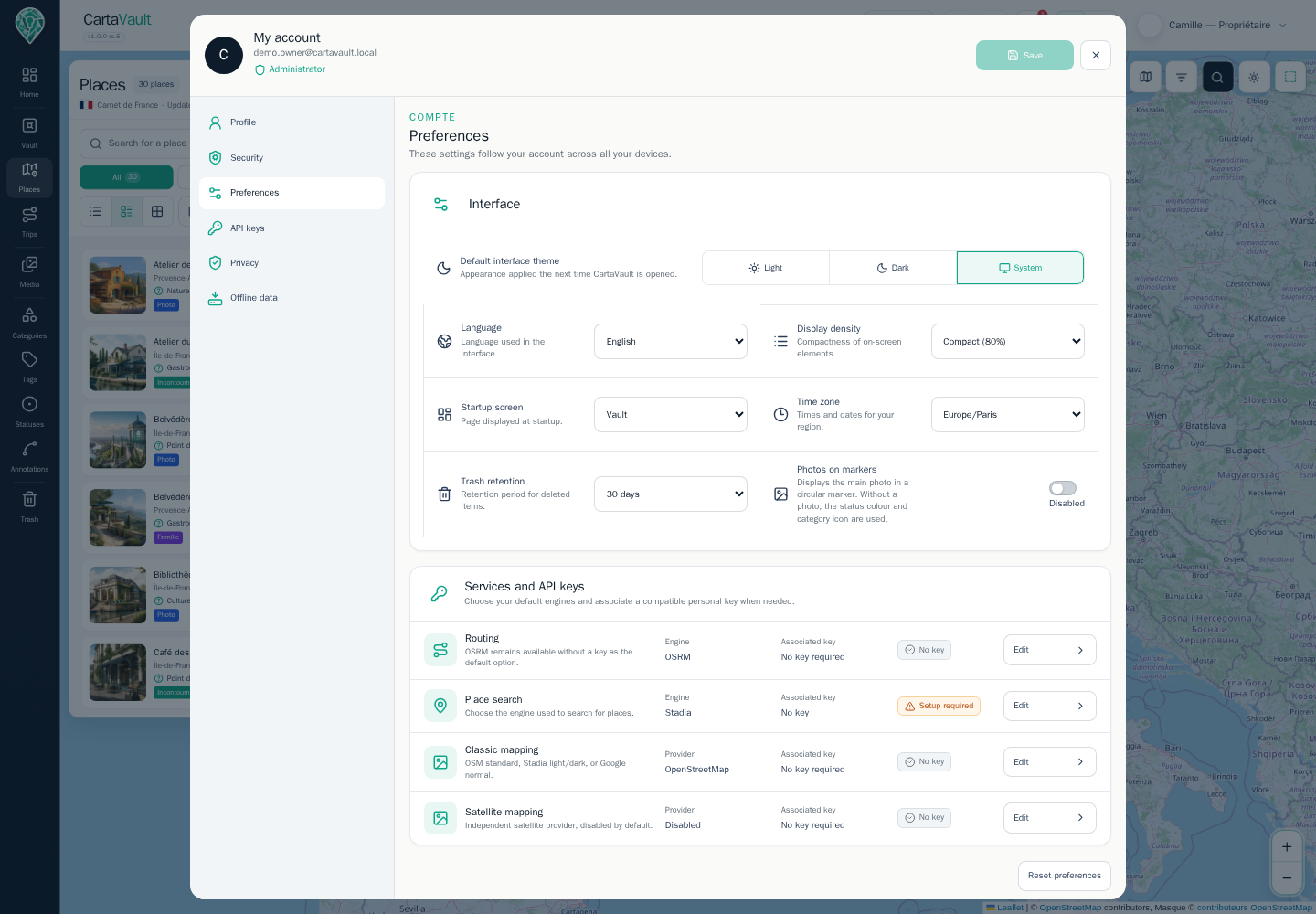
Configure preferences — desktop screen
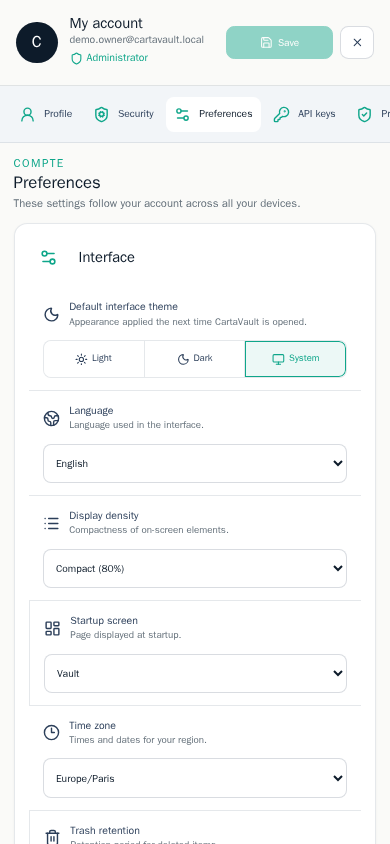
Configure preferences — mobile screen
How do I use it?
Section titled “How do I use it?”- Choose interface settings and timezone.
- Select startup view and trash retention.
- Configure providers compatible with your keys, then save.
Expected result
Section titled “Expected result”Choices are staged locally and saved together.
How does it work?
Section titled “How does it work?”- Choices are staged locally and saved together.
- An unavailable provider or one without a compatible key remains disabled.
- Reset restores defaults without deleting data.
Good to know
Section titled “Good to know”See also
Section titled “See also”Version CartaVault : master · ID : account.preferences