
Monitor instance status
What is this feature for?
Section titled “What is this feature for?”Diagnostics help understand failures or saturation without opening an SSH session on the server.
Before you start
Section titled “Before you start”| Where can I find it? | Administration → Instance status |
| Access | Administrator |
Where can I find it?
Section titled “Where can I find it?”Follow this path in the interface : Administration → Instance status.
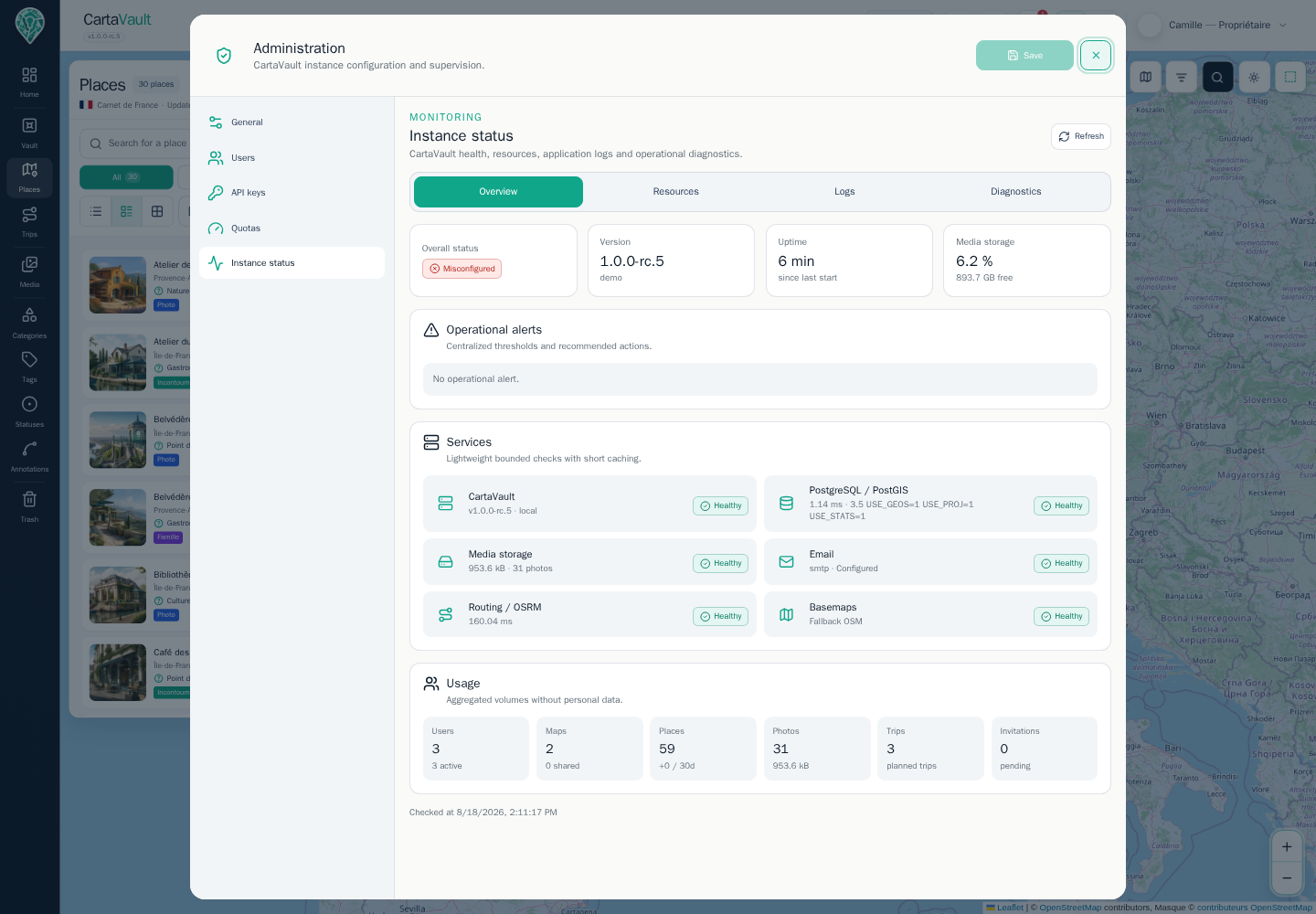
Monitor instance status — desktop screen
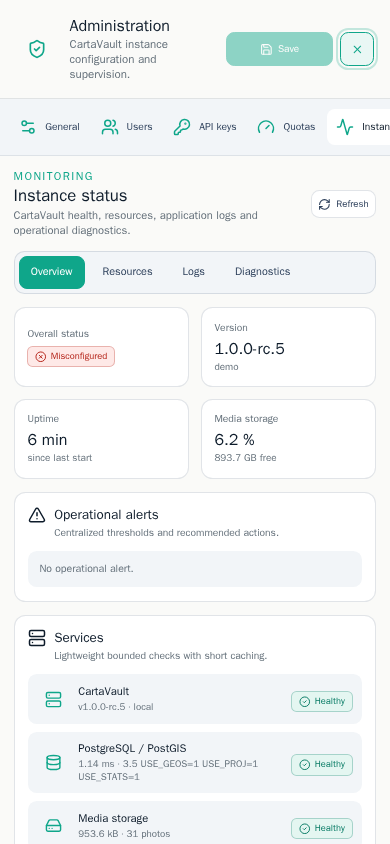
Monitor instance status — mobile screen
How do I use it?
Section titled “How do I use it?”- Refresh diagnostics.
- Review summary, services, resources and versions.
- Filter recent logs and use details to correlate an incident.
Expected result
Section titled “Expected result”Each check has an independent state; an external outage does not hide other services.
How does it work?
Section titled “How does it work?”- Each check has an independent state; an external outage does not hide other services.
- Sensitive values are absent from responses.
- Version, Alembic revision and PostGIS status improve support.
Good to know
Section titled “Good to know”See also
Section titled “See also”Version CartaVault : master · ID : admin.instance