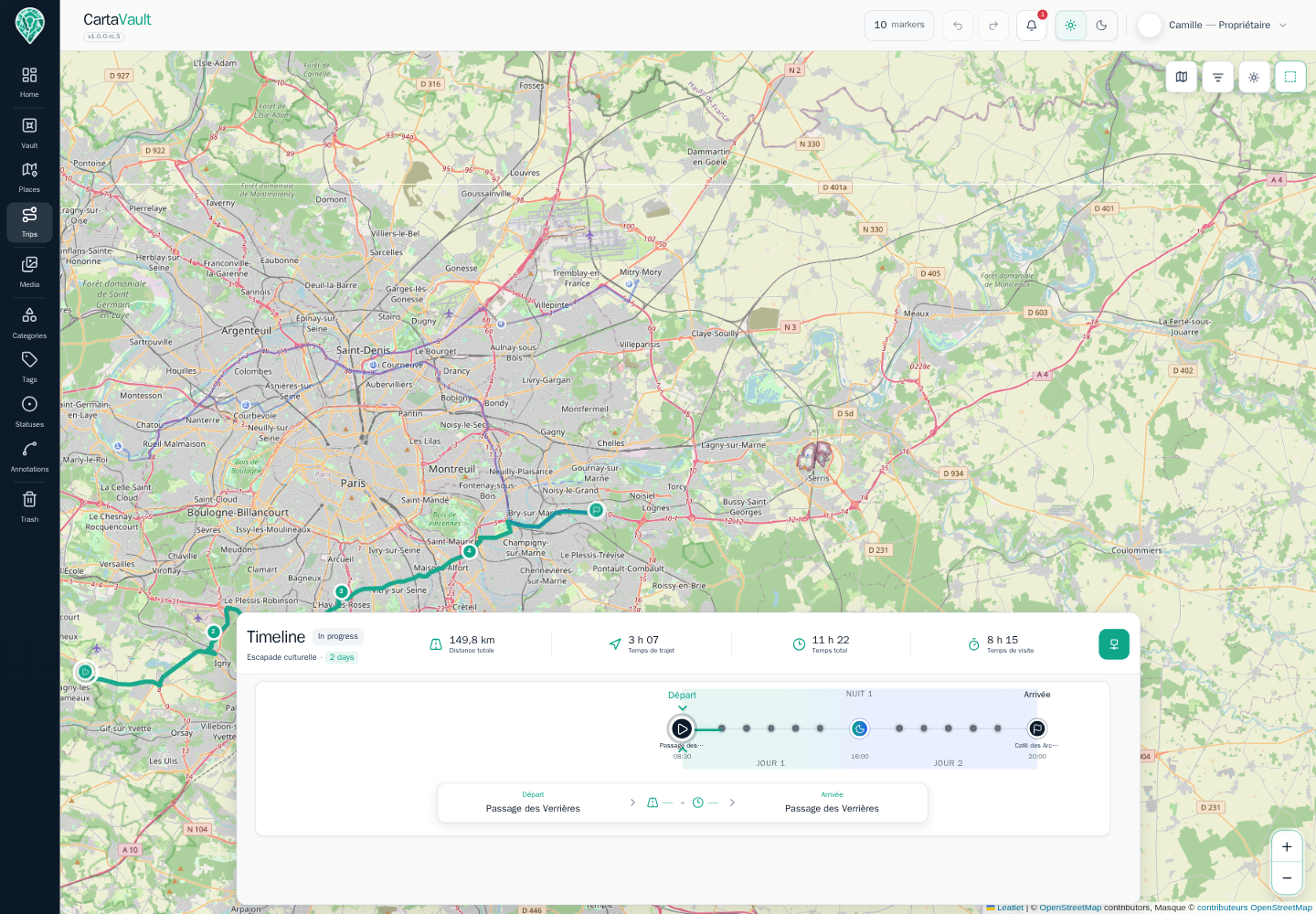
Desktop view
A flexible mapping workspace
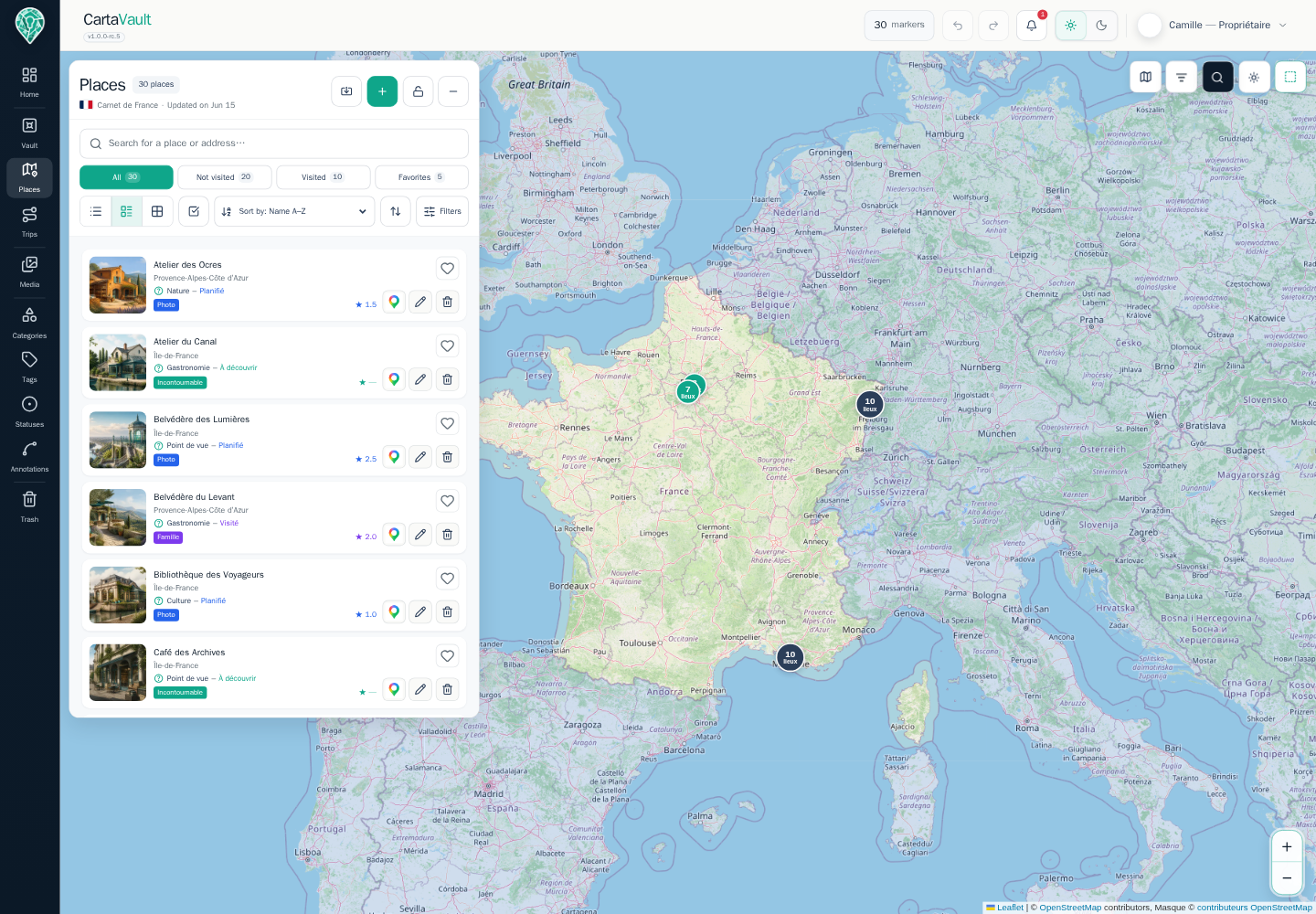
Section titled “A flexible mapping workspace”On desktop, CartaVault combines the map with independent panels. Places is used to search and organize POIs, while Trips plans the itinerary. In free layout, panels can be moved and resized. The layout control in the header restores the default locked arrangement.
Plan a trip
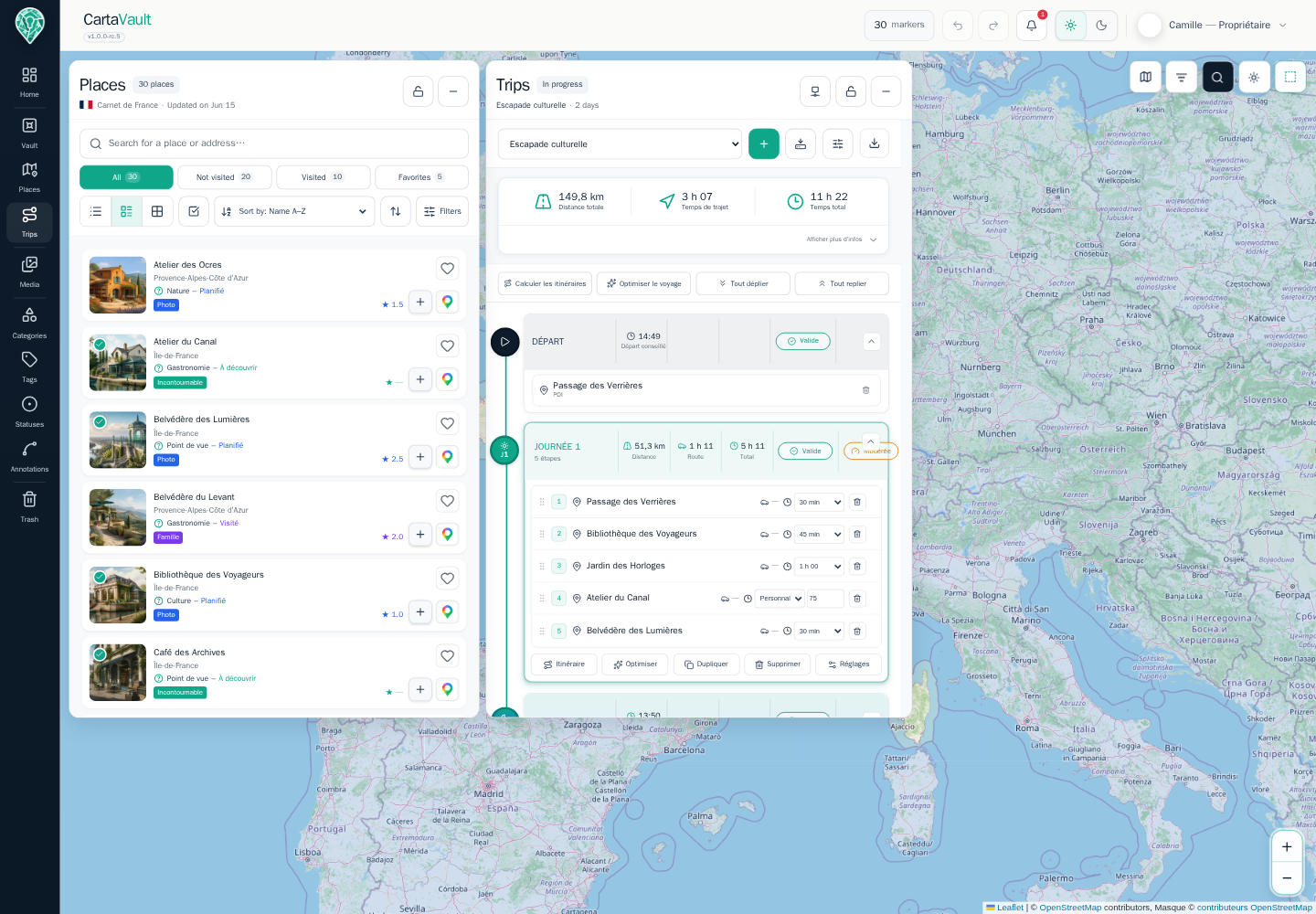
Section titled “Plan a trip”POIs can be added with drag and drop or through map search. Days, nights, departure, and arrival are managed from Trips. Route and optimization actions remain available without leaving the map.
Explore the timeline
Section titled “Explore the timeline”Timeline is a dedicated trip view. Use points, keyboard navigation, or horizontal dragging to explore stages while keeping the related route visible on the map.