
Configure the instance
What is this feature for?
Section titled “What is this feature for?”The console groups settings affecting all accounts and separates platform administration from access to private maps.
Before you start
Section titled “Before you start”| Where can I find it? | User menu → Administration → General |
| Access | Administrator |
Where can I find it?
Section titled “Where can I find it?”Follow this path in the interface : User menu → Administration → General.
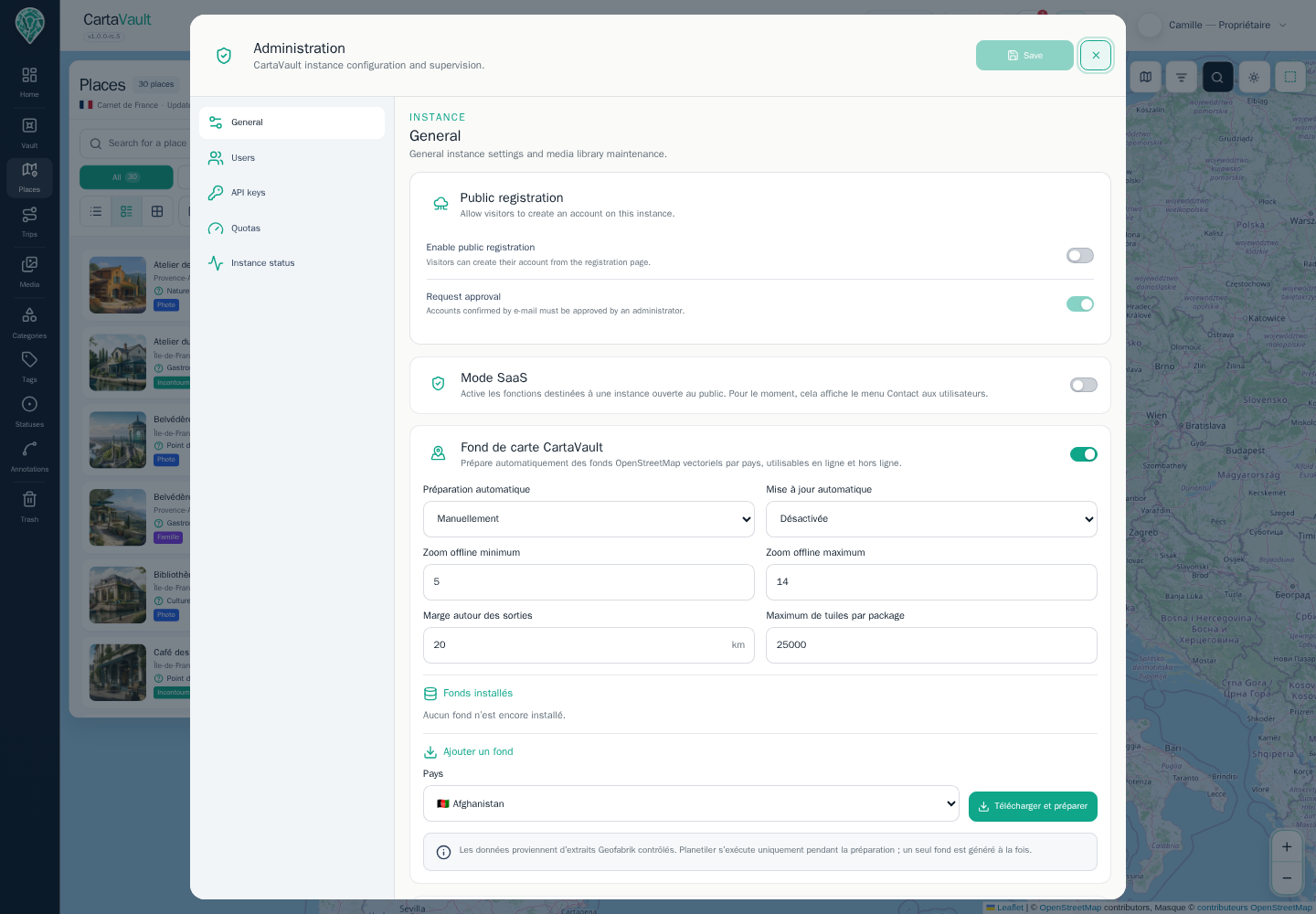
Configure the instance — desktop screen
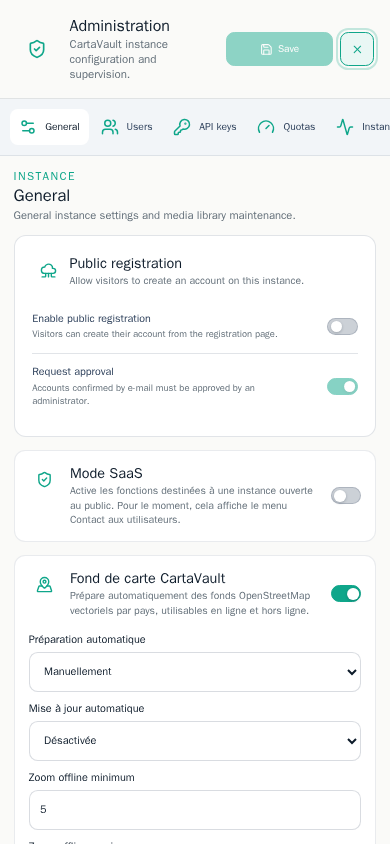
Configure the instance — mobile screen
How do I use it?
Section titled “How do I use it?”- Open Administration; General is selected by default.
- Change the required blocks.
- Click Save to apply pending changes.
Expected result
Section titled “Expected result”Configuration toggles are staged until saved.
How does it work?
Section titled “How does it work?”- Configuration toggles are staged until saved.
- Closing with unsaved changes opens a warning.
- Administration grants no implicit access to private content.
Good to know
Section titled “Good to know”See also
Section titled “See also”- Manage public registration
- Prepare CartaVault Vector basemaps
- Configure privacy and compliance
- Monitor instance status
Version CartaVault : master · ID : admin.general