
Create a map
What is this feature for?
Section titled “What is this feature for?”A map groups the places, trips, organization rules and access rights of a geographic project.
Before you start
Section titled “Before you start”| Where can I find it? | Vault → New map |
| Access | User |
Where can I find it?
Section titled “Where can I find it?”Follow this path in the interface : Vault → New map.
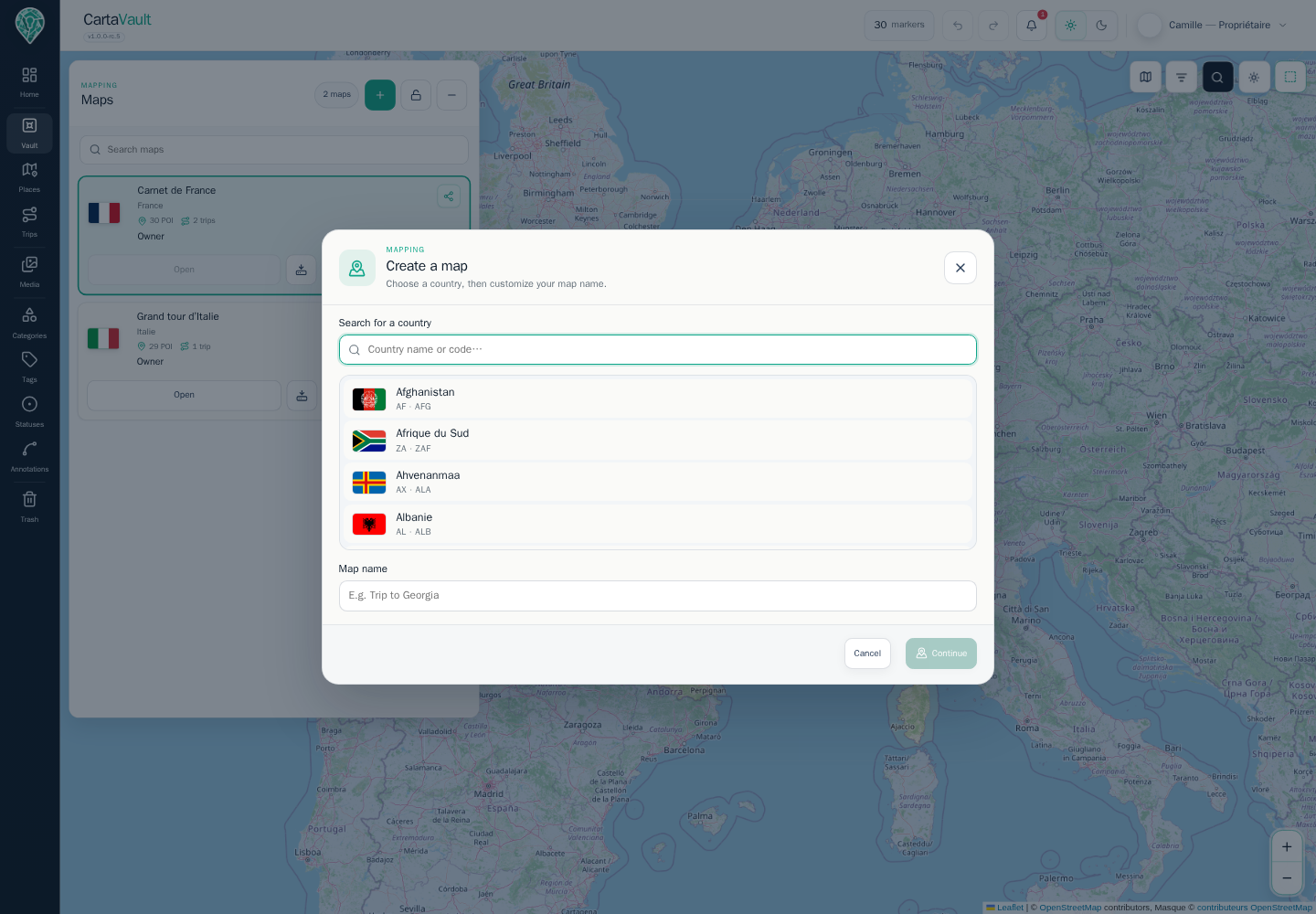
Create a map — desktop screen
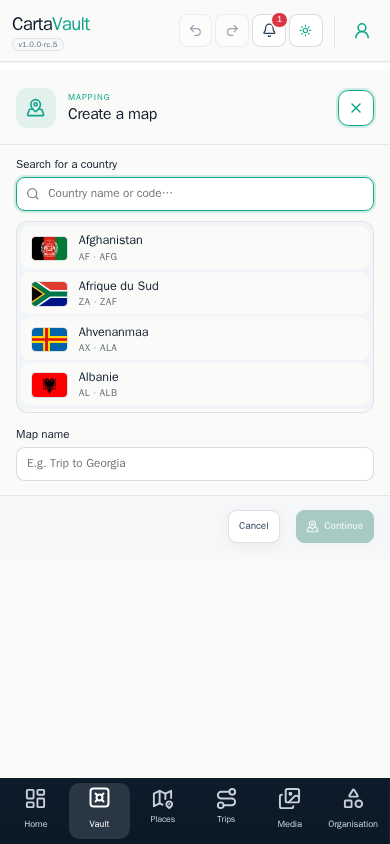
Create a map — mobile screen
How do I use it?
Section titled “How do I use it?”- Enter a clear name.
- Select the reference country.
- Choose the offered starter profile and confirm.
Expected result
Section titled “Expected result”Country controls initial framing, mask and coordinate checks.
How does it work?
Section titled “How does it work?”- Country controls initial framing, mask and coordinate checks.
- Profiles can prepare categories, statuses, tags and annotations.
Good to know
Section titled “Good to know”See also
Section titled “See also”Version CartaVault : master · ID : maps.create