
Configure privacy and compliance
What is this feature for?
Section titled “What is this feature for?”These settings make instance responsibilities explicit and adapt consent to services that are actually enabled.
Before you start
Section titled “Before you start”| Where can I find it? | Administration → General → Privacy and compliance |
| Access | Administrator |
Where can I find it?
Section titled “Where can I find it?”Follow this path in the interface : Administration → General → Privacy and compliance.
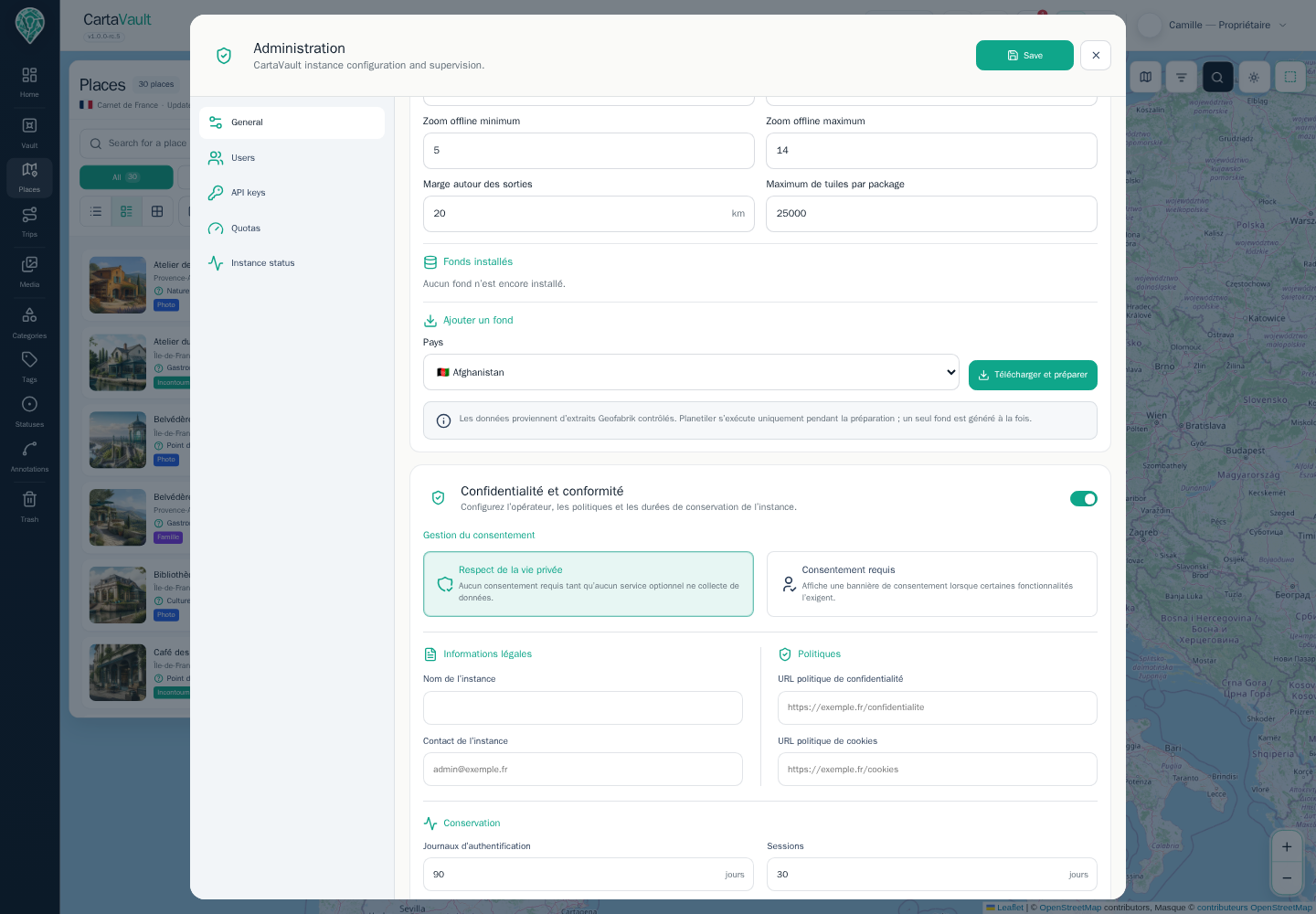
Configure privacy and compliance — desktop screen
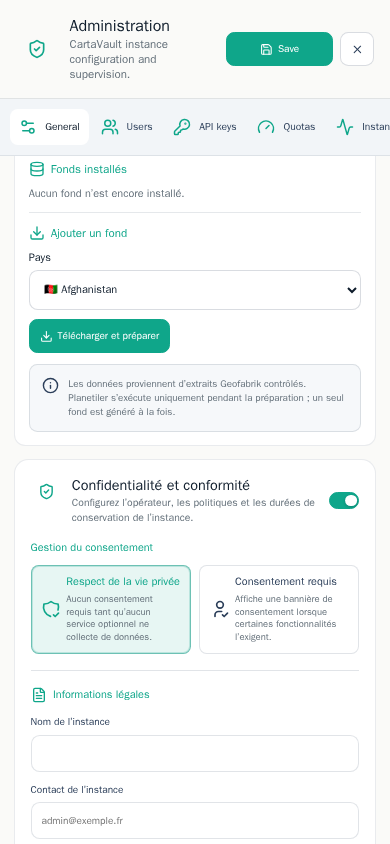
Configure privacy and compliance — mobile screen
How do I use it?
Section titled “How do I use it?”- Enable the section when it applies to the instance.
- Choose Privacy-respecting or Consent required.
- Fill operator, contact, policy URLs and retention durations, then save.
Expected result
Section titled “Expected result”Privacy-respecting mode shows no banner while no optional service collects data.
How does it work?
Section titled “How does it work?”- Privacy-respecting mode shows no banner while no optional service collects data.
- Consent required mode shows the banner for affected features.
- Logs and sessions older than configured durations are purged automatically.
Good to know
Section titled “Good to know”See also
Section titled “See also”Version CartaVault : master · ID : admin.privacy