
Prepare a trip offline
What is this feature for?
Section titled “What is this feature for?”A trip must remain readable when mobile connectivity is absent or unreliable.
Before you start
Section titled “Before you start”| Where can I find it? | Trips → Make available offline |
| Access | User, Viewer |
Where can I find it?
Section titled “Where can I find it?”Follow this path in the interface : Trips → Make available offline.
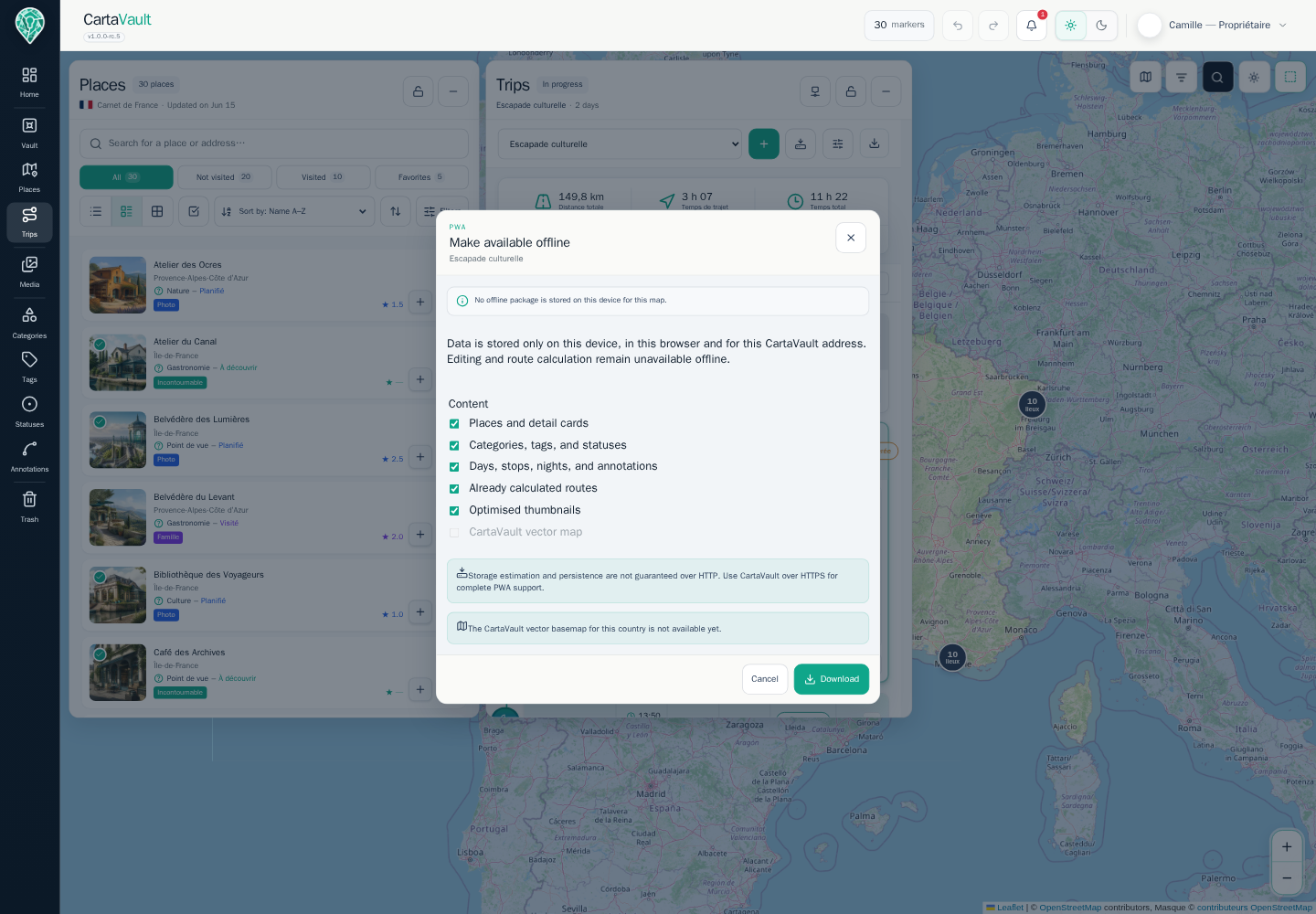
Prepare a trip offline — desktop screen
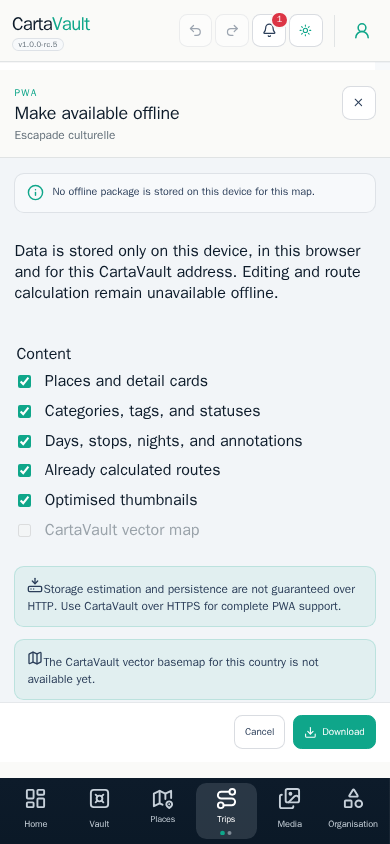
Prepare a trip offline — mobile screen
How do I use it?
Section titled “How do I use it?”- Calculate required routes before downloading.
- Open Make available offline and review content.
- Let the download complete, then verify it in My account.
Expected result
Section titled “Expected result”The package includes trip and map data, saved routes and CartaVault Vector tiles when available.
How does it work?
Section titled “How does it work?”- The package includes trip and map data, saved routes and CartaVault Vector tiles when available.
- The manager continues downloading while the page/PWA remains active.
- Edits and new route calculations remain unavailable offline.
Good to know
Section titled “Good to know”See also
Section titled “See also”Version CartaVault : master · ID : trips.offline