
Use the media library
What is this feature for?
Section titled “What is this feature for?”The media library provides a cross-map view of photos without opening every place record.
Before you start
Section titled “Before you start”| Where can I find it? | Media |
| Access | User, Viewer |
Where can I find it?
Section titled “Where can I find it?”Follow this path in the interface : Media.
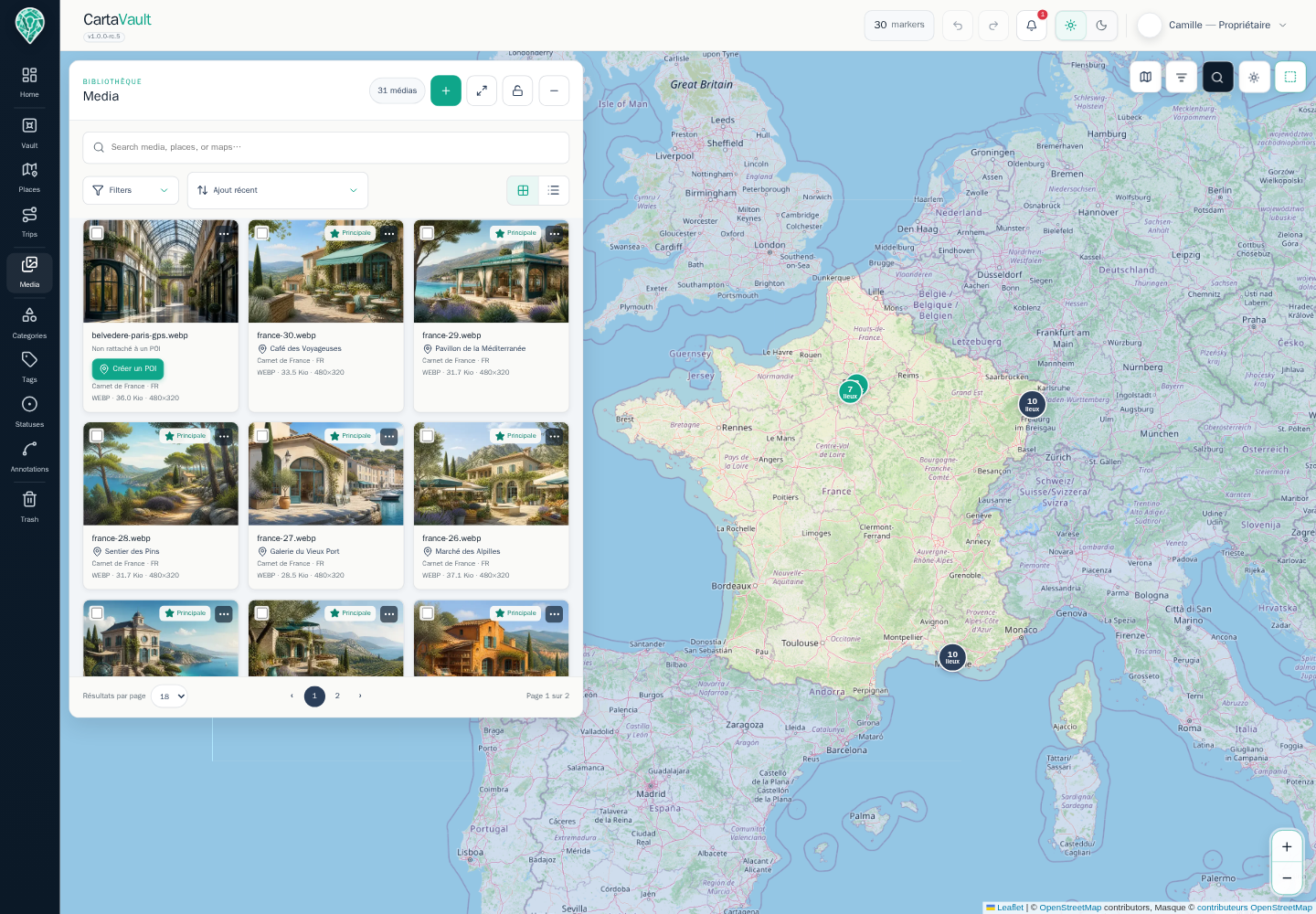
Use the media library — desktop screen
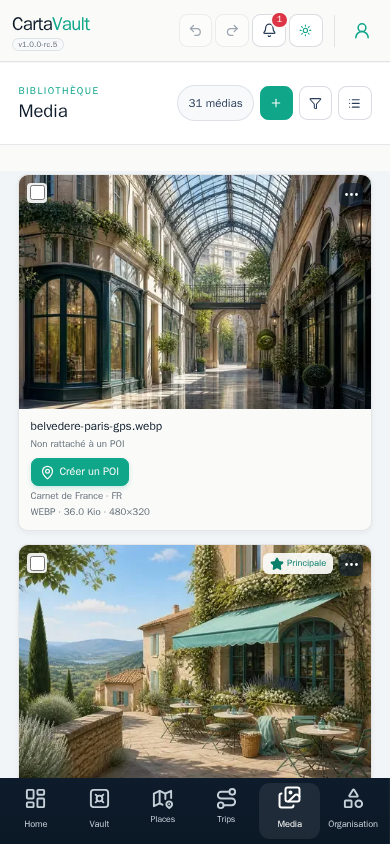
Use the media library — mobile screen
How do I use it?
Section titled “How do I use it?”- Open Media.
- Search or filter images.
- Open an item to inspect details and navigate to its place.
Expected result
Section titled “Expected result”Only media from accessible maps is shown.
How does it work?
Section titled “How does it work?”- Only media from accessible maps is shown.
- Optimized thumbnails load progressively.
- Deletion actions depend on edit rights.
Good to know
Section titled “Good to know”See also
Section titled “See also”Version CartaVault : master · ID : media.library