
Store recovery codes
What is this feature for?
Section titled “What is this feature for?”Recovery codes prevent a lost or broken phone from permanently locking the account.
Before you start
Section titled “Before you start”| Where can I find it? | My account → Security → TOTP application → Recovery codes |
| Access | User |
Where can I find it?
Section titled “Where can I find it?”Follow this path in the interface : My account → Security → TOTP application → Recovery codes.

Store recovery codes — desktop screen
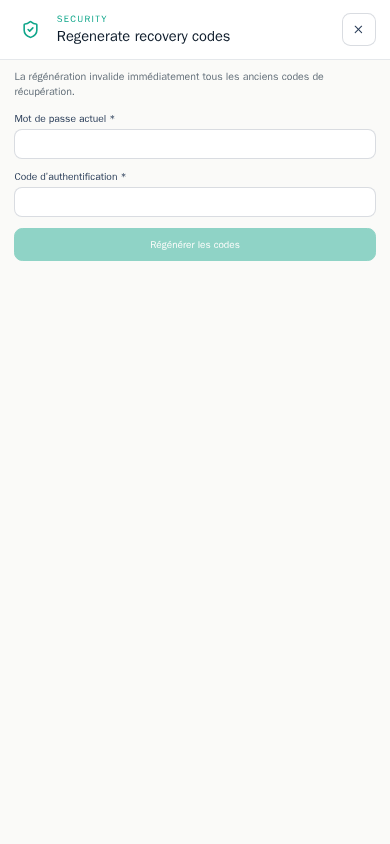
Store recovery codes — mobile screen
How do I use it?
Section titled “How do I use it?”- Copy or download codes during activation.
- Store them securely outside CartaVault.
- Regenerate them if exposure is suspected.
Expected result
Section titled “Expected result”Each code works only once.
How does it work?
Section titled “How does it work?”- Each code works only once.
- Only hashes are stored by the server.
- Regeneration invalidates all previous codes.
Good to know
Section titled “Good to know”See also
Section titled “See also”Version CartaVault : master · ID : account.recovery-codes