
Change your password
What is this feature for?
Section titled “What is this feature for?”A unique password limits the impact of a breach on another service and protects the first sign-in step.
Before you start
Section titled “Before you start”| Where can I find it? | My account → Security → Password → Change |
| Access | User |
Where can I find it?
Section titled “Where can I find it?”Follow this path in the interface : My account → Security → Password → Change.
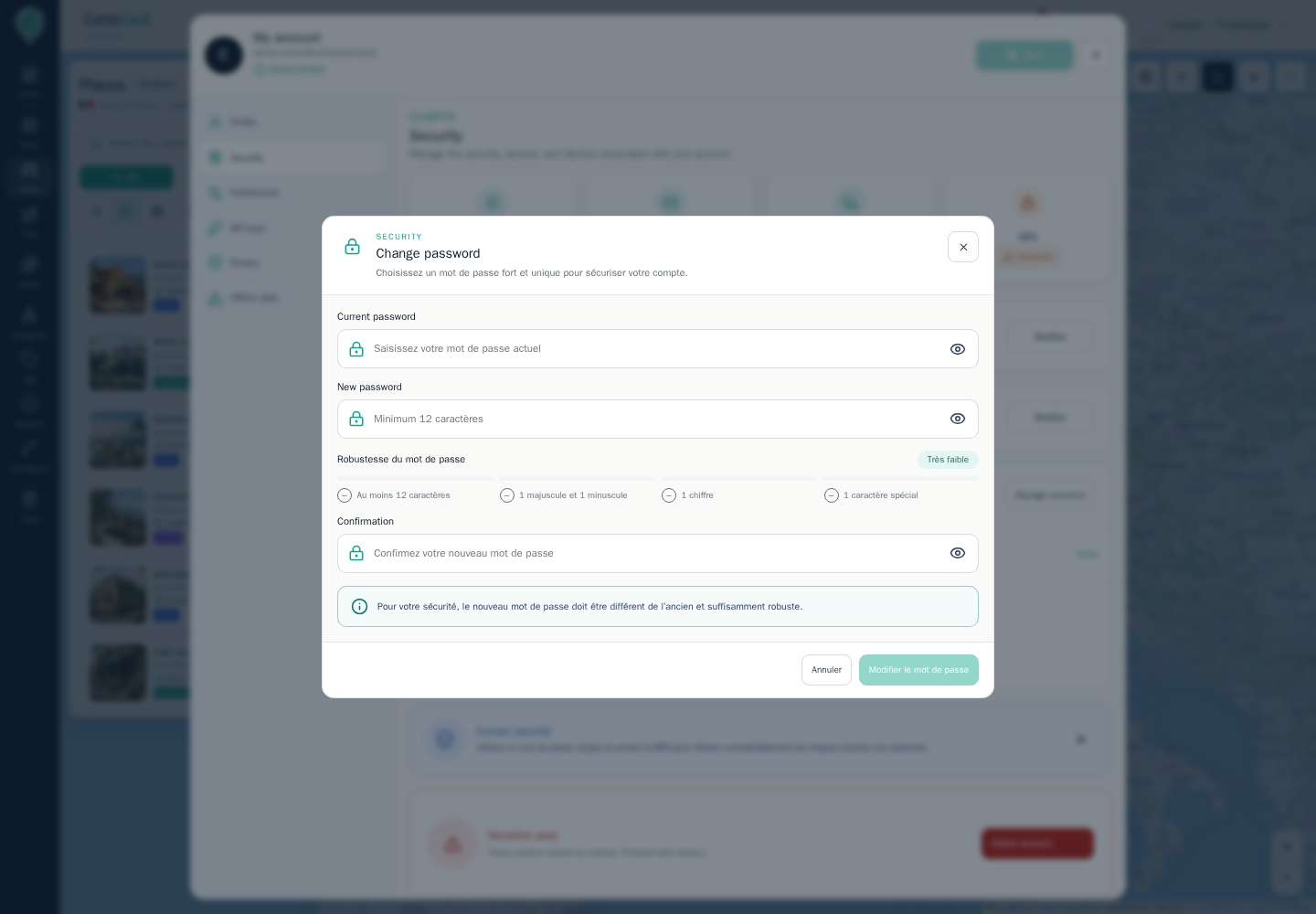
Change your password — desktop screen
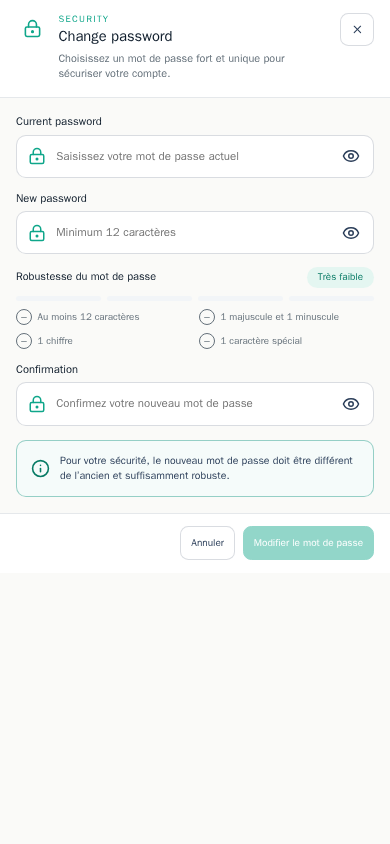
Change your password — mobile screen
How do I use it?
Section titled “How do I use it?”- Enter the current password.
- Enter and confirm the new password.
- Check strength criteria and confirm.
Expected result
Section titled “Expected result”Policy requires at least 12 characters, upper case, lower case, a digit and a special character.
How does it work?
Section titled “How does it work?”- Policy requires at least 12 characters, upper case, lower case, a digit and a special character.
- The new secret must differ from the old one.
- Sessions may be revoked according to security policy.
Good to know
Section titled “Good to know”See also
Section titled “See also”Version CartaVault : master · ID : account.password