
Use the dashboard
What is this feature for?
Section titled “What is this feature for?”The dashboard summarizes every map the account can access so users do not have to open each workspace. It highlights recent activity and data that may need attention.
Before you start
Section titled “Before you start”| Where can I find it? | Home |
| Access | User |
Where can I find it?
Section titled “Where can I find it?”Follow this path in the interface : Home.
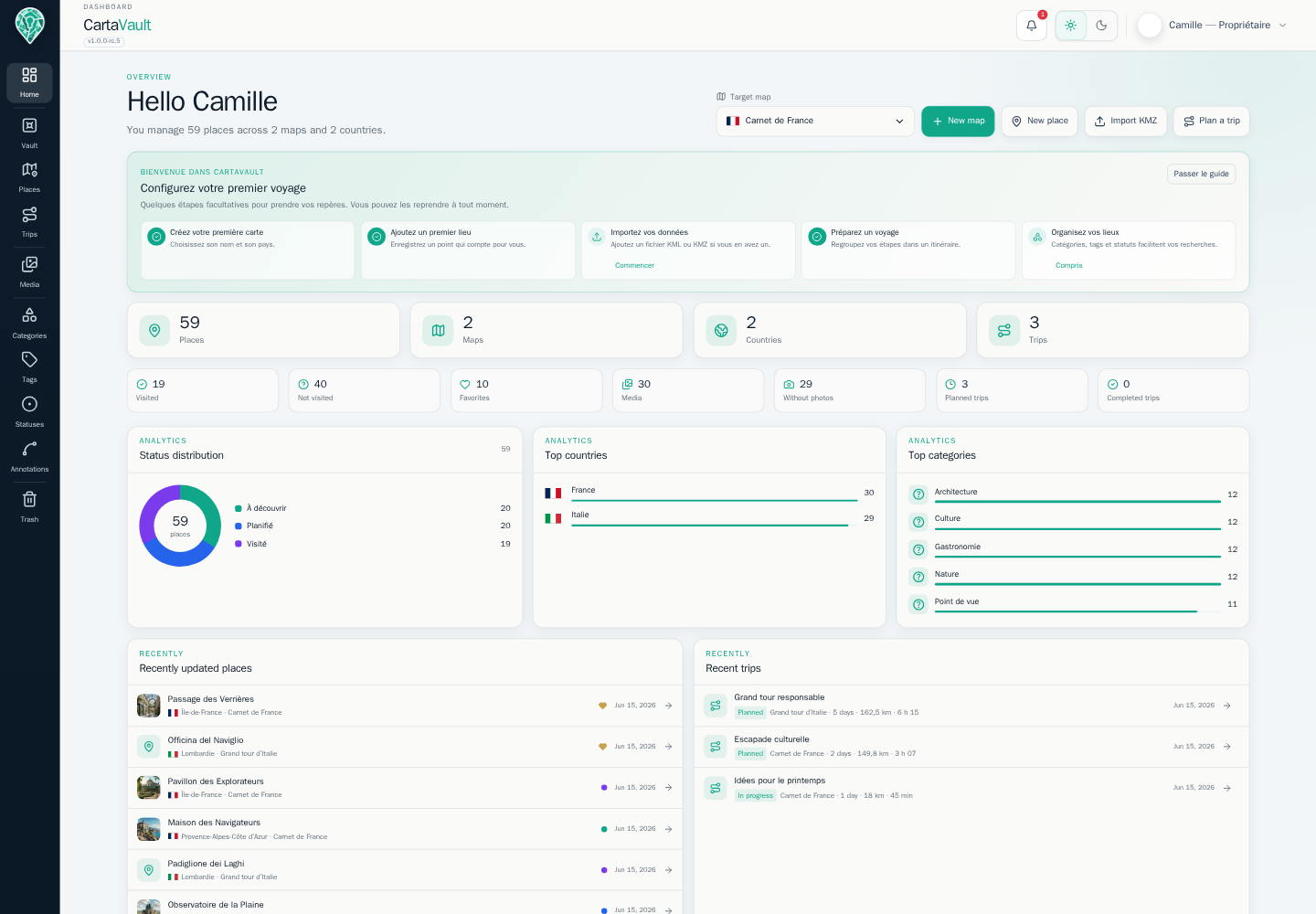
Use the dashboard — desktop screen
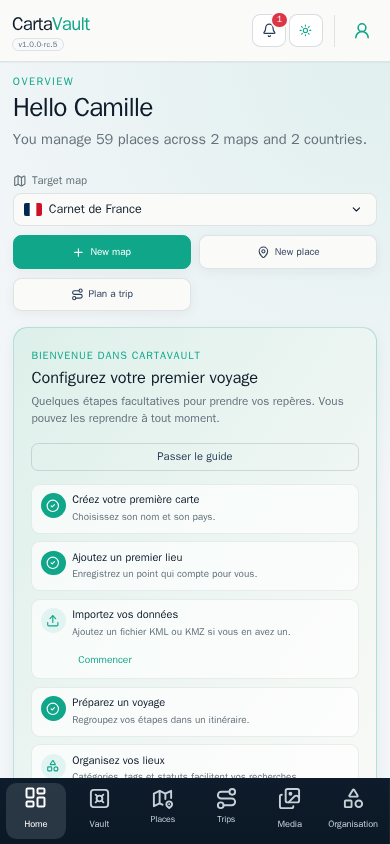
Use the dashboard — mobile screen
How do I use it?
Section titled “How do I use it?”- Select the target map used by quick actions.
- Review indicators, analytics and recent items.
- Open a map, place or trip from the relevant block.
Expected result
Section titled “Expected result”Counters are limited to maps the account can actually access.
How does it work?
Section titled “How does it work?”- Counters are limited to maps the account can actually access.
- New place, Import and Plan a trip use the selected target map.
- Instance administrators do not automatically gain access to private user maps.
Good to know
Section titled “Good to know”See also
Section titled “See also”Version CartaVault : master · ID : getting-started.dashboard