
Manage personal API keys
What is this feature for?
Section titled “What is this feature for?”Personal keys use a provider subscription without exposing the secret in maps or exports.
Before you start
Section titled “Before you start”| Where can I find it? | My account → API keys |
| Access | User |
Where can I find it?
Section titled “Where can I find it?”Follow this path in the interface : My account → API keys.
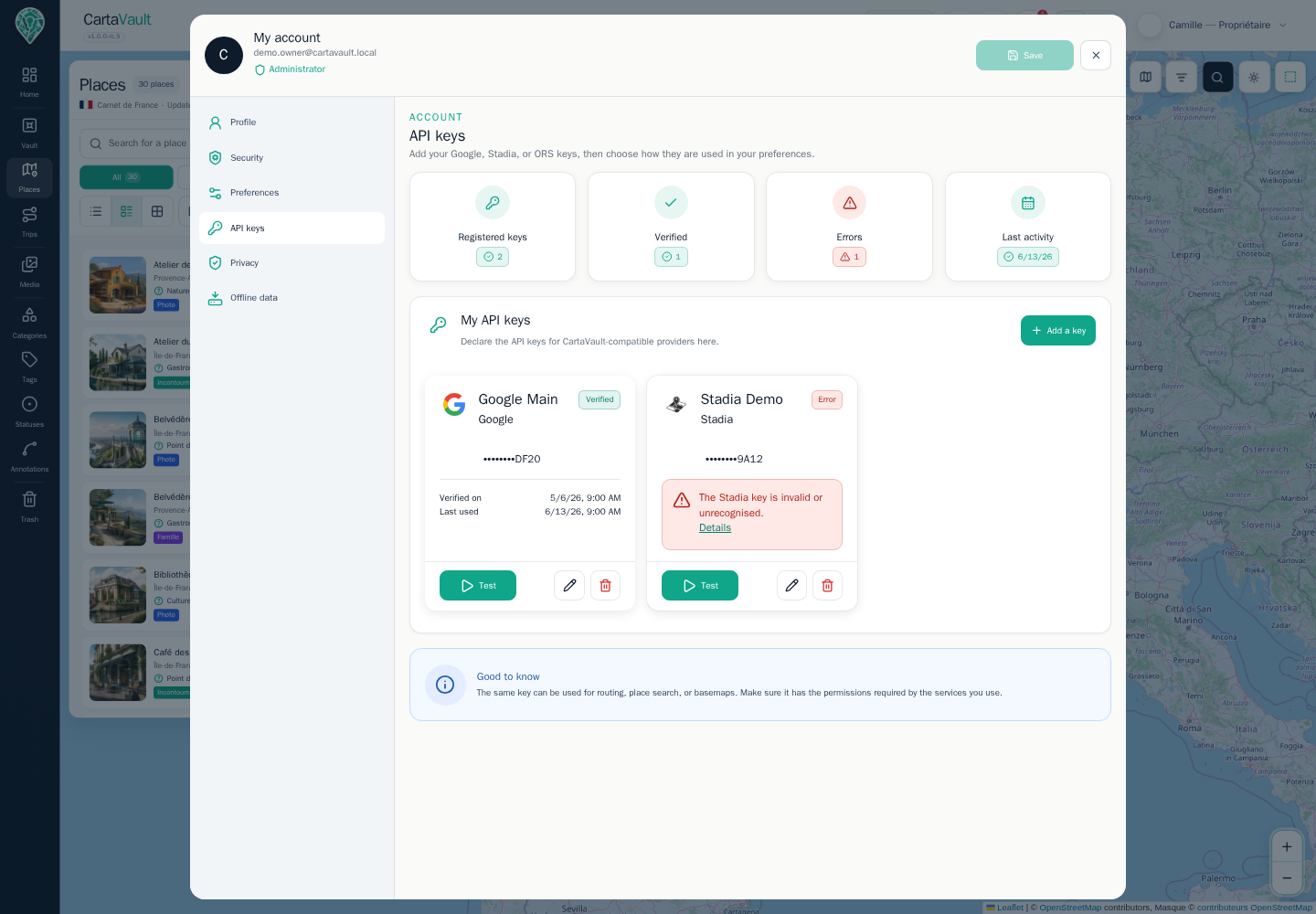
Manage personal API keys — desktop screen
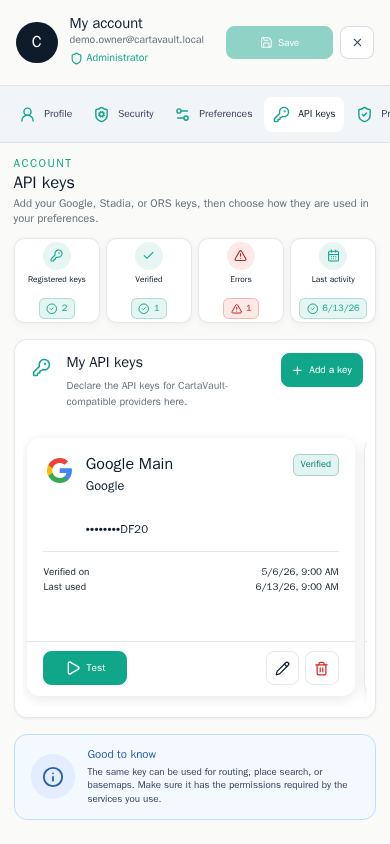
Manage personal API keys — mobile screen
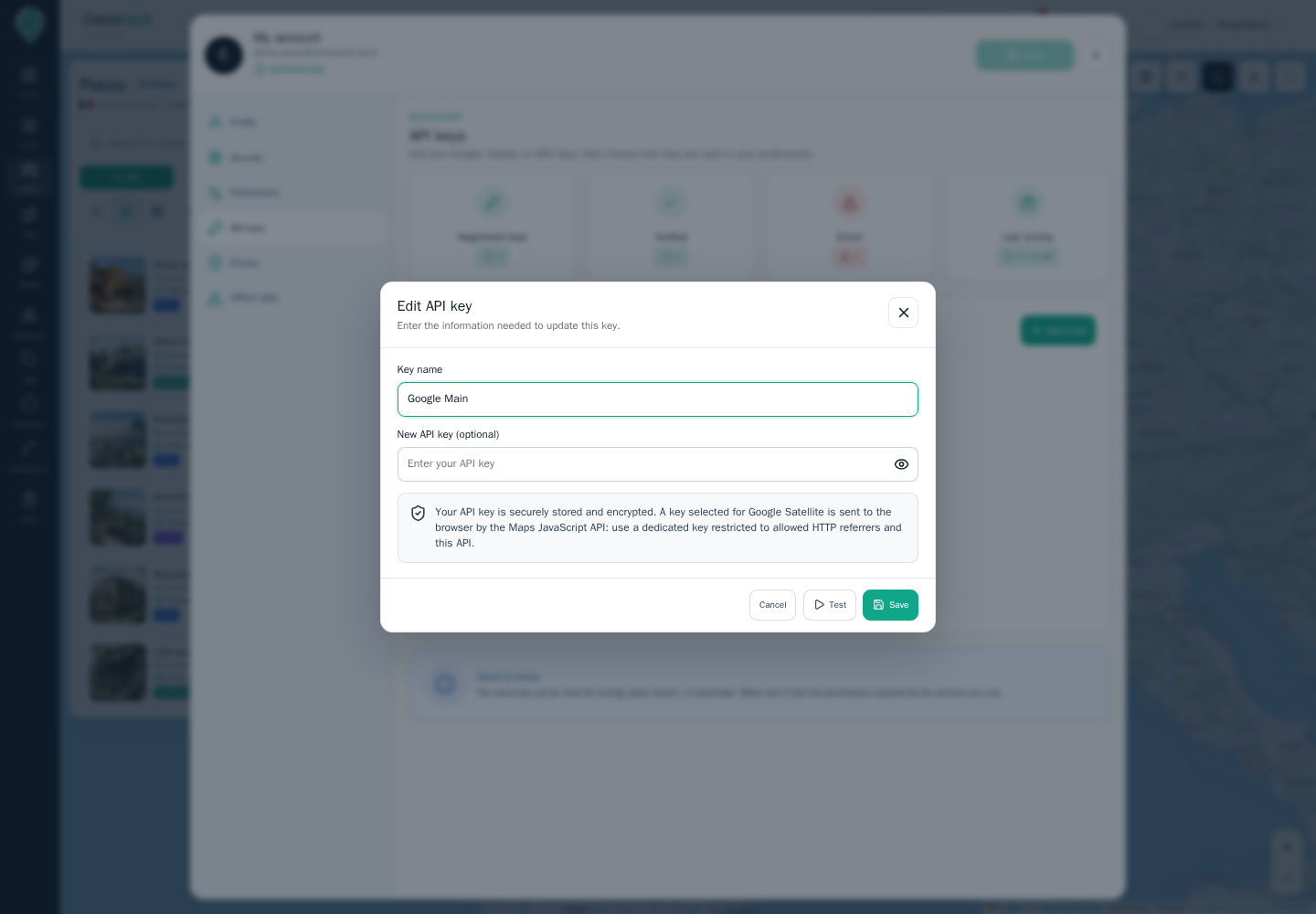
Manage personal API keys — desktop screen
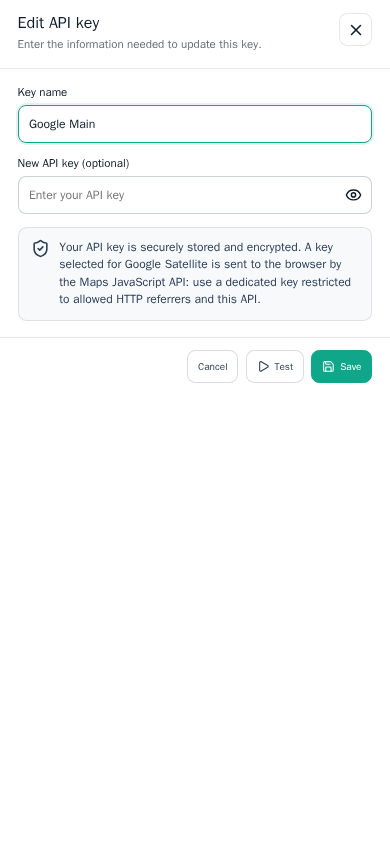
Manage personal API keys — mobile screen
How do I use it?
Section titled “How do I use it?”- Add a key, provider and recognizable name.
- Test and save it.
- Assign it to routing, search or basemap in Preferences.
Expected result
Section titled “Expected result”Secrets are encrypted and never shown in full again.
How does it work?
Section titled “How does it work?”- Secrets are encrypted and never shown in full again.
- One credential can serve multiple services when it has the required provider permissions.
- Errors show sanitized diagnostics and relevant actions enter account history.
Good to know
Section titled “Good to know”See also
Section titled “See also”Version CartaVault : master · ID : account.api-keys