
Import an organization profile
What is this feature for?
Section titled “What is this feature for?”Profiles speed up preparation of a new map and avoid manually recreating the same vocabulary.
Before you start
Section titled “Before you start”| Where can I find it? | Organization → Import action |
| Access | Map owner, Editor |
Where can I find it?
Section titled “Where can I find it?”Follow this path in the interface : Organization → Import action.
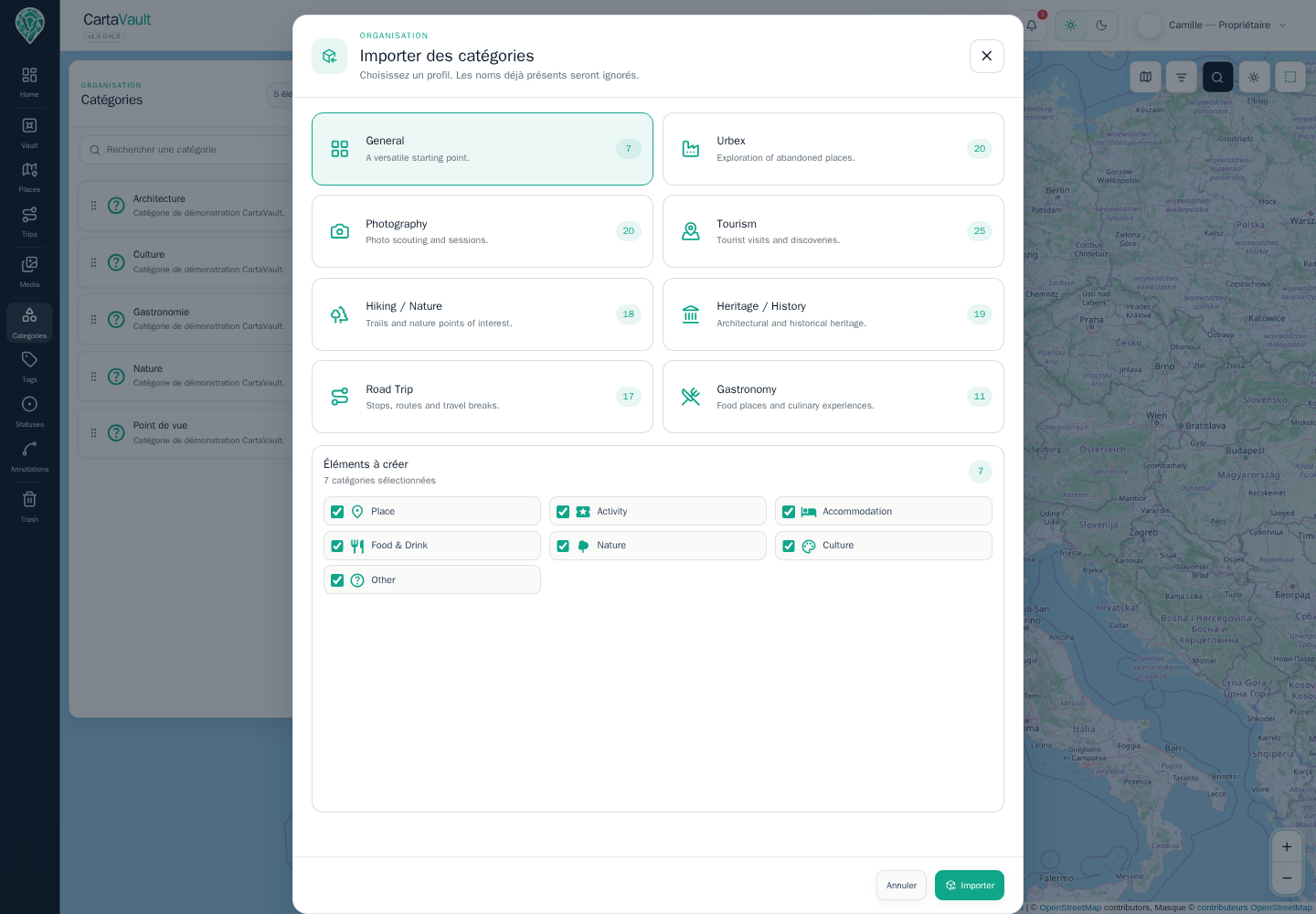
Import an organization profile — desktop screen
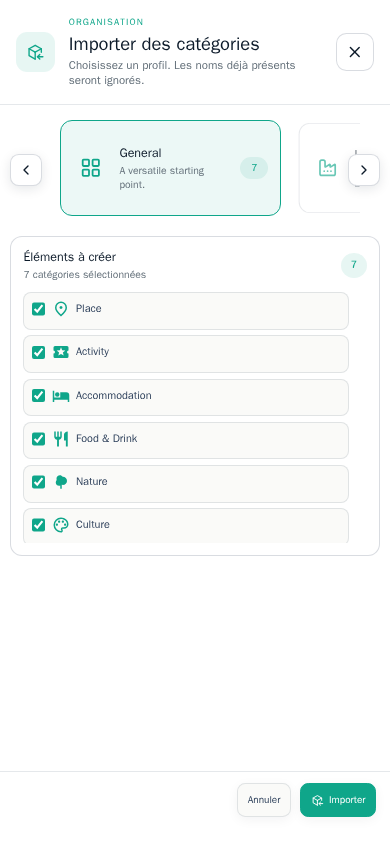
Import an organization profile — mobile screen
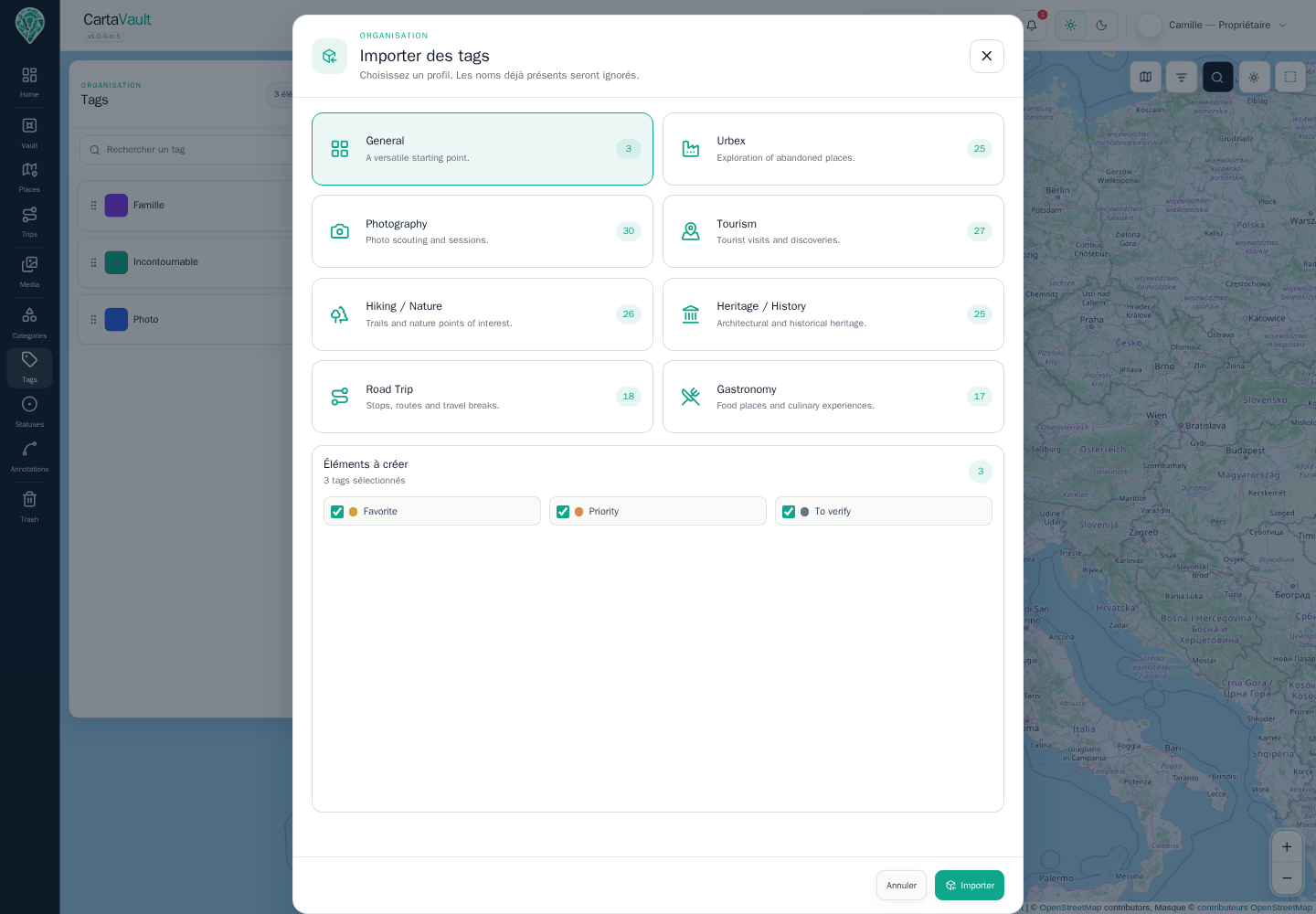
Import an organization profile — desktop screen
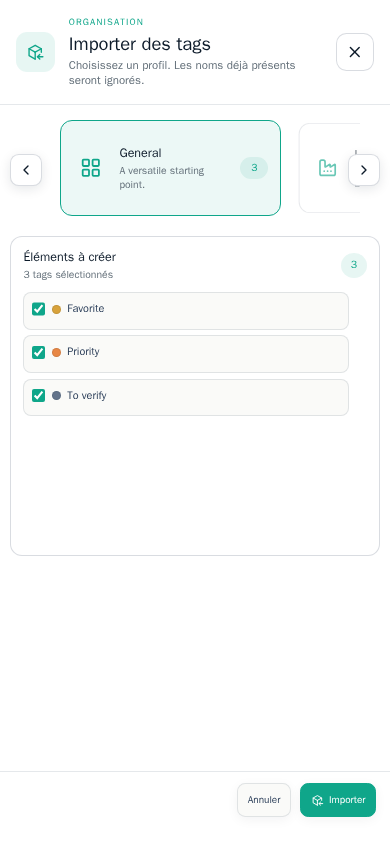
Import an organization profile — mobile screen
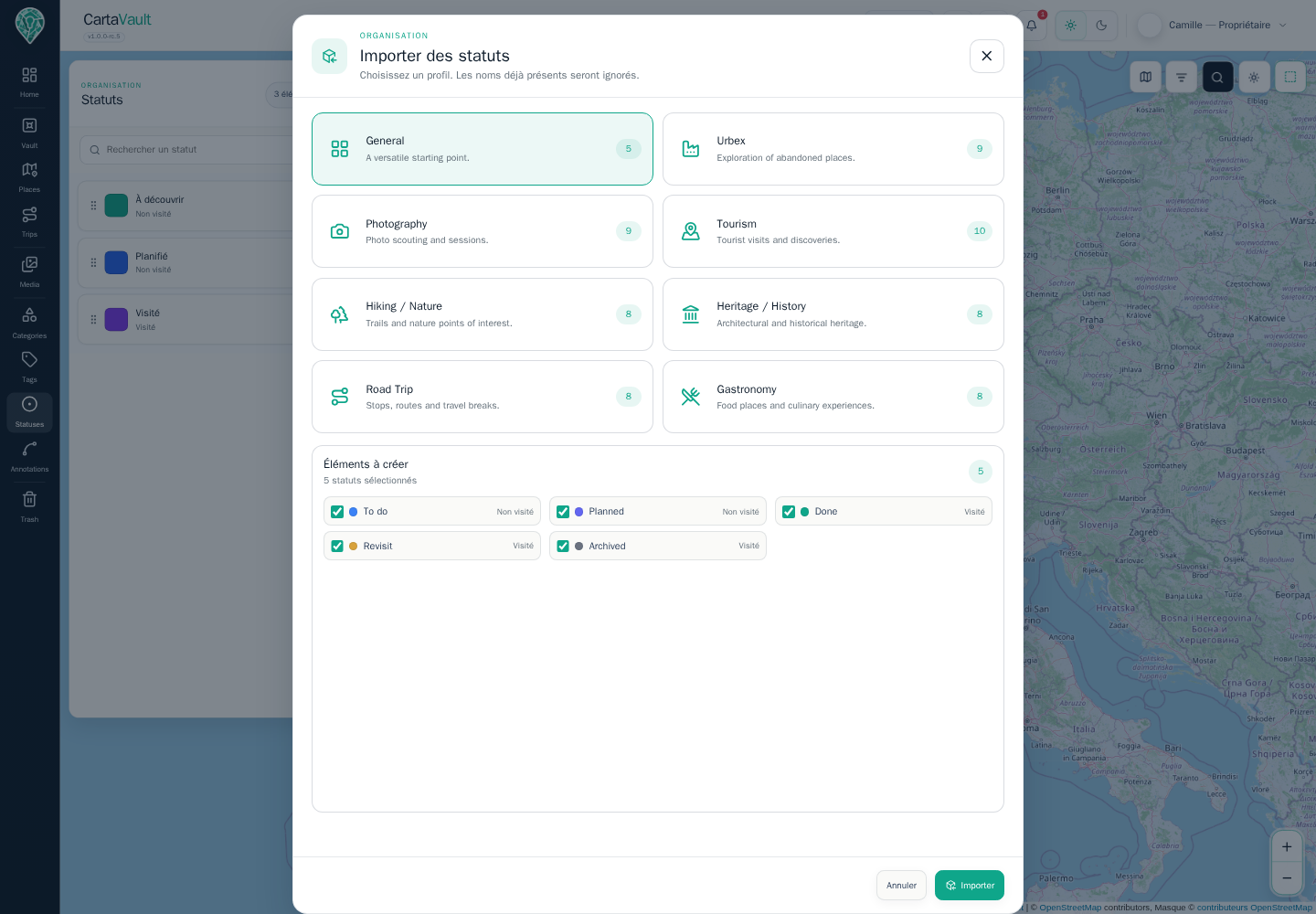
Import an organization profile — desktop screen
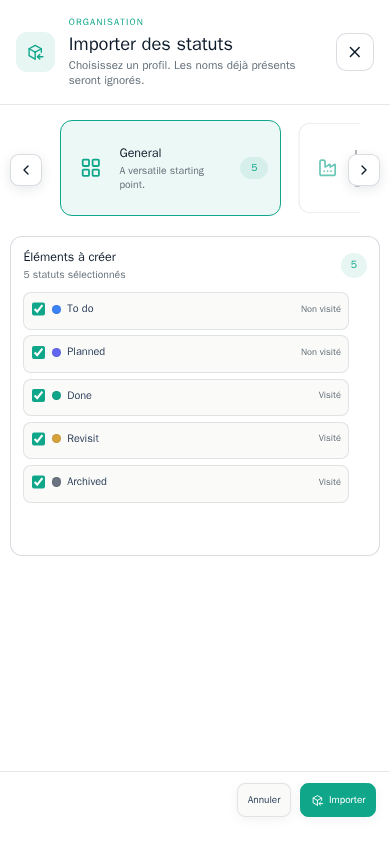
Import an organization profile — mobile screen
How do I use it?
Section titled “How do I use it?”- Open Import from the relevant section.
- Choose an available profile.
- Review selected items and import.
Expected result
Section titled “Expected result”Names already present are ignored to prevent duplicates.
How does it work?
Section titled “How does it work?”- Names already present are ignored to prevent duplicates.
- The selection lists exactly what will be created.
Good to know
Section titled “Good to know”See also
Section titled “See also”Version CartaVault : master · ID : organization.import-profiles