
Delete your account
What is this feature for?
Section titled “What is this feature for?”Deletion supports the right to leave an instance while preserving integrity of shared data that cannot safely cascade away.
Before you start
Section titled “Before you start”| Where can I find it? | My account → Security → Sensitive area |
| Access | User |
Where can I find it?
Section titled “Where can I find it?”Follow this path in the interface : My account → Security → Sensitive area.
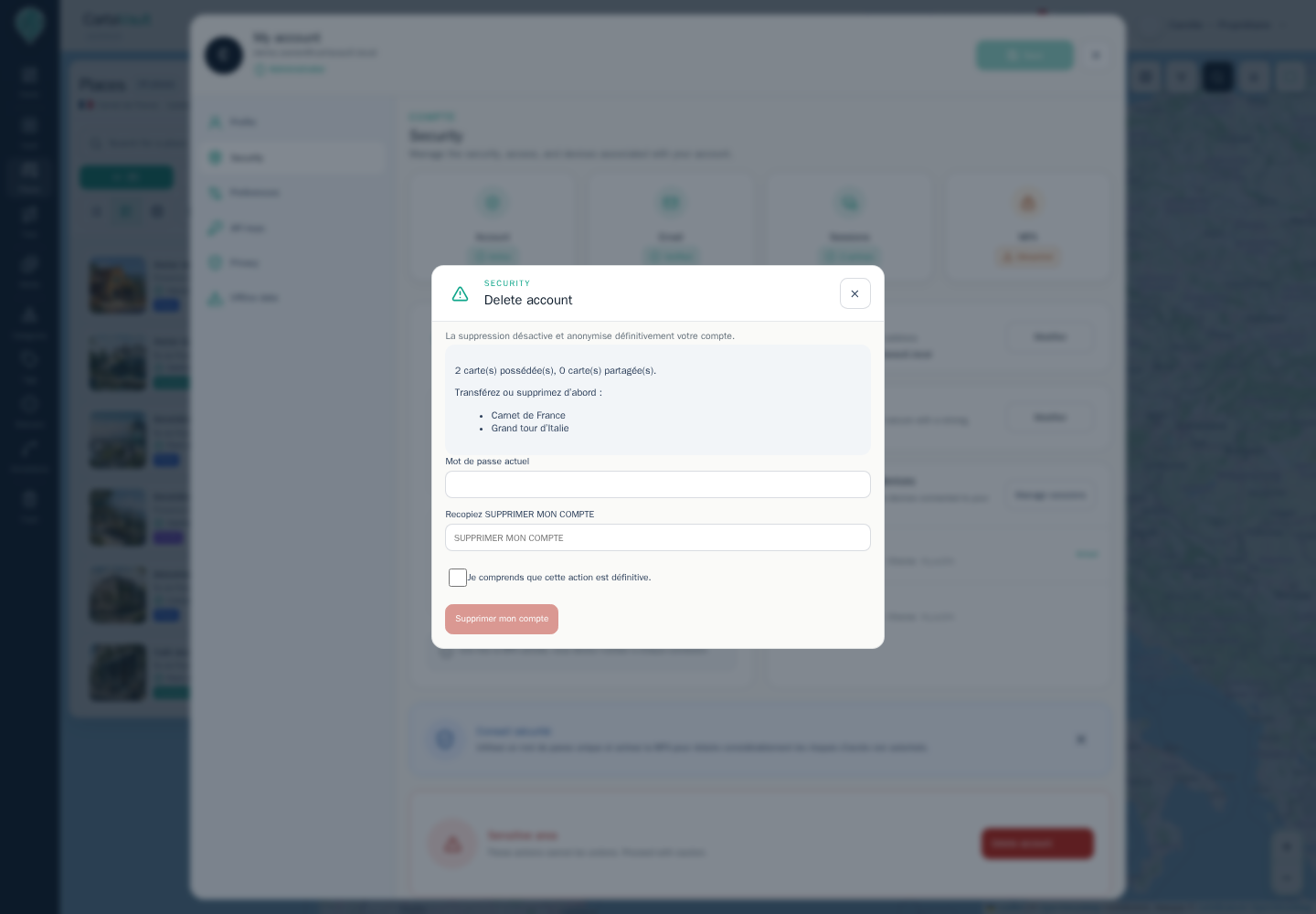
Delete your account — desktop screen
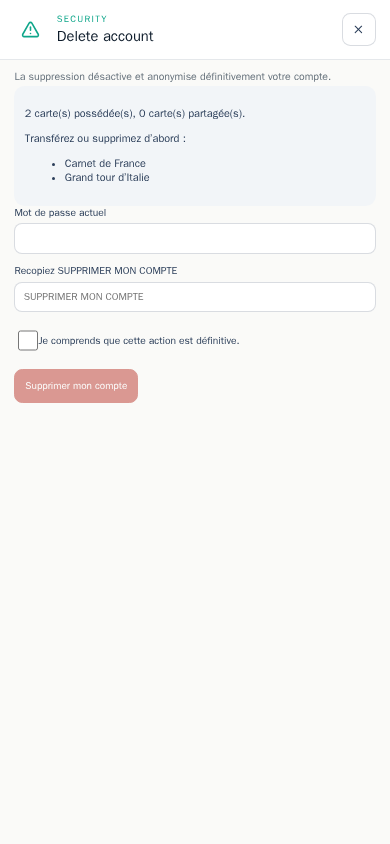
Delete your account — mobile screen
How do I use it?
Section titled “How do I use it?”- Handle or transfer maps still owned.
- Open Delete account and confirm identity.
- Read the consequences and confirm permanently.
Expected result
Section titled “Expected result”The last active administrator cannot delete their account.
How does it work?
Section titled “How does it work?”- The last active administrator cannot delete their account.
- Personal data is anonymized according to instance policy.
- Account sessions and secrets are invalidated.
Good to know
Section titled “Good to know”See also
Section titled “See also”Version CartaVault : master · ID : account.delete