
Prepare CartaVault Vector basemaps
What is this feature for?
Section titled “What is this feature for?”CartaVault Vector provides consistent instance-served cartography reusable offline without relying on third-party tile caching terms.
Before you start
Section titled “Before you start”| Where can I find it? | Administration → General → CartaVault basemap |
| Access | Administrator |
Where can I find it?
Section titled “Where can I find it?”Follow this path in the interface : Administration → General → CartaVault basemap.
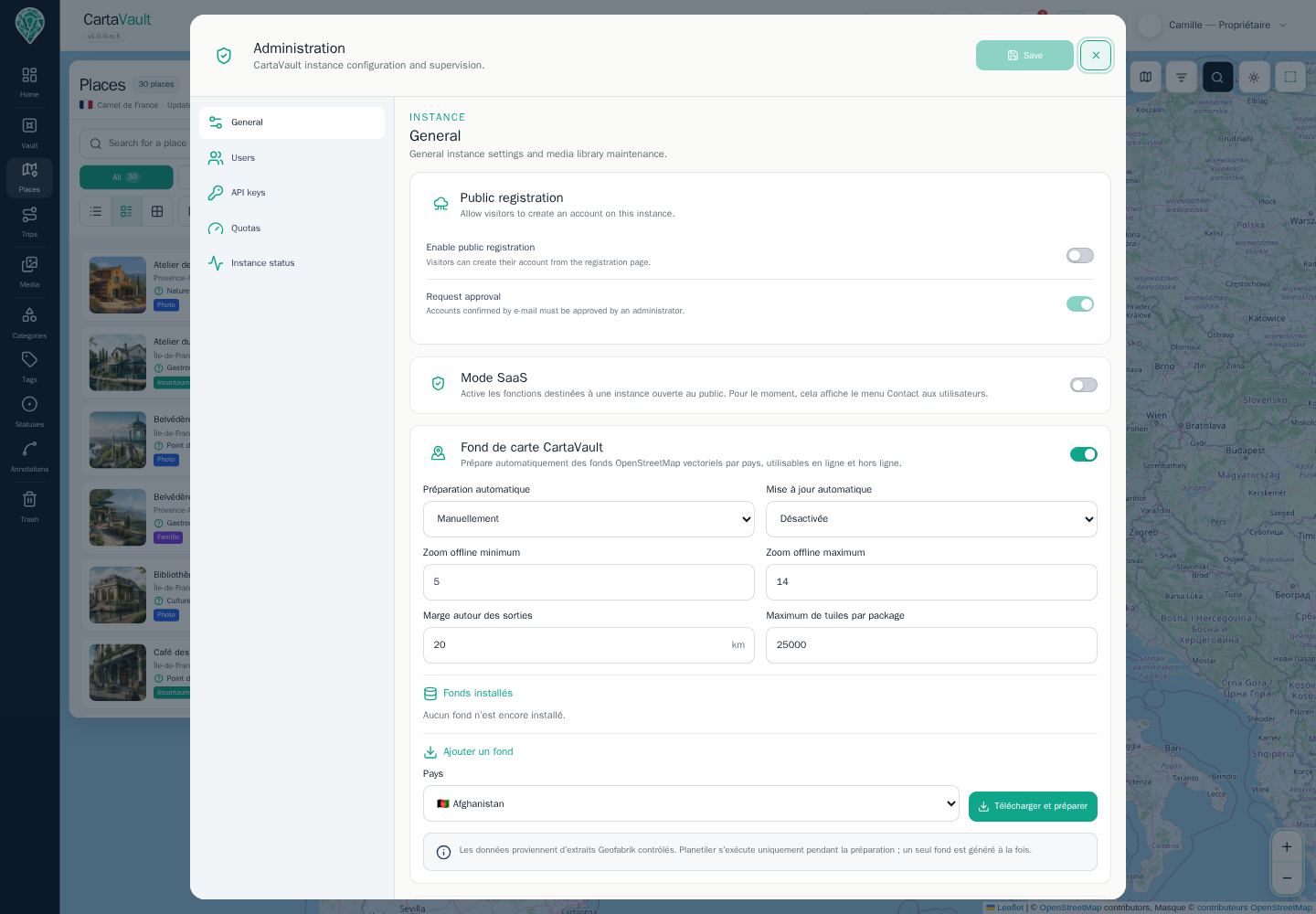
Prepare CartaVault Vector basemaps — desktop screen
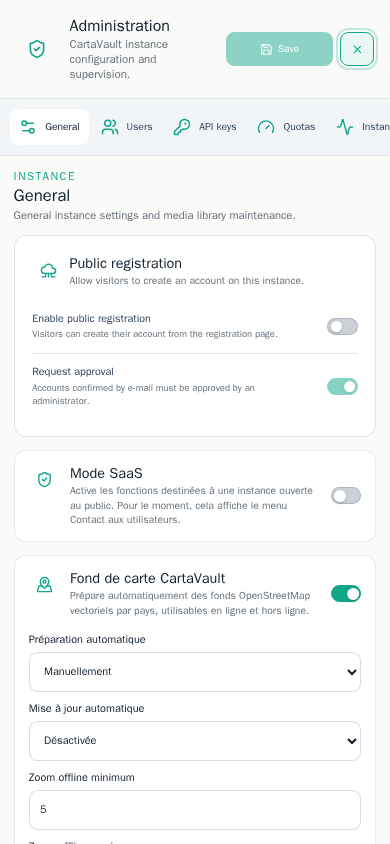
Prepare CartaVault Vector basemaps — mobile screen
How do I use it?
Section titled “How do I use it?”- Enable CartaVault Vector and choose a preparation strategy.
- Select a supported country and start Download and prepare.
- Follow phases and percentage; update, retry or delete the basemap.
Expected result
Section titled “Expected result”Geofabrik supplies the controlled extract and Planetiler runs only during generation.
How does it work?
Section titled “How does it work?”- Geofabrik supplies the controlled extract and Planetiler runs only during generation.
- One basemap is generated at a time and the task persists server-side.
- Users then download tiles from this prepared basemap; each device does not regenerate the source extract.
Good to know
Section titled “Good to know”See also
Section titled “See also”Version CartaVault : master · ID : admin.vector-basemaps