
Calculate and optimize routes
What is this feature for?
Section titled “What is this feature for?”Calculation exposes distance, duration and arrival time; optimization proposes a more efficient order without silently replacing the plan.
Before you start
Section titled “Before you start”| Where can I find it? | Trips → day → Route or Optimize |
| Access | Map owner, Editor |
Where can I find it?
Section titled “Where can I find it?”Follow this path in the interface : Trips → day → Route or Optimize.
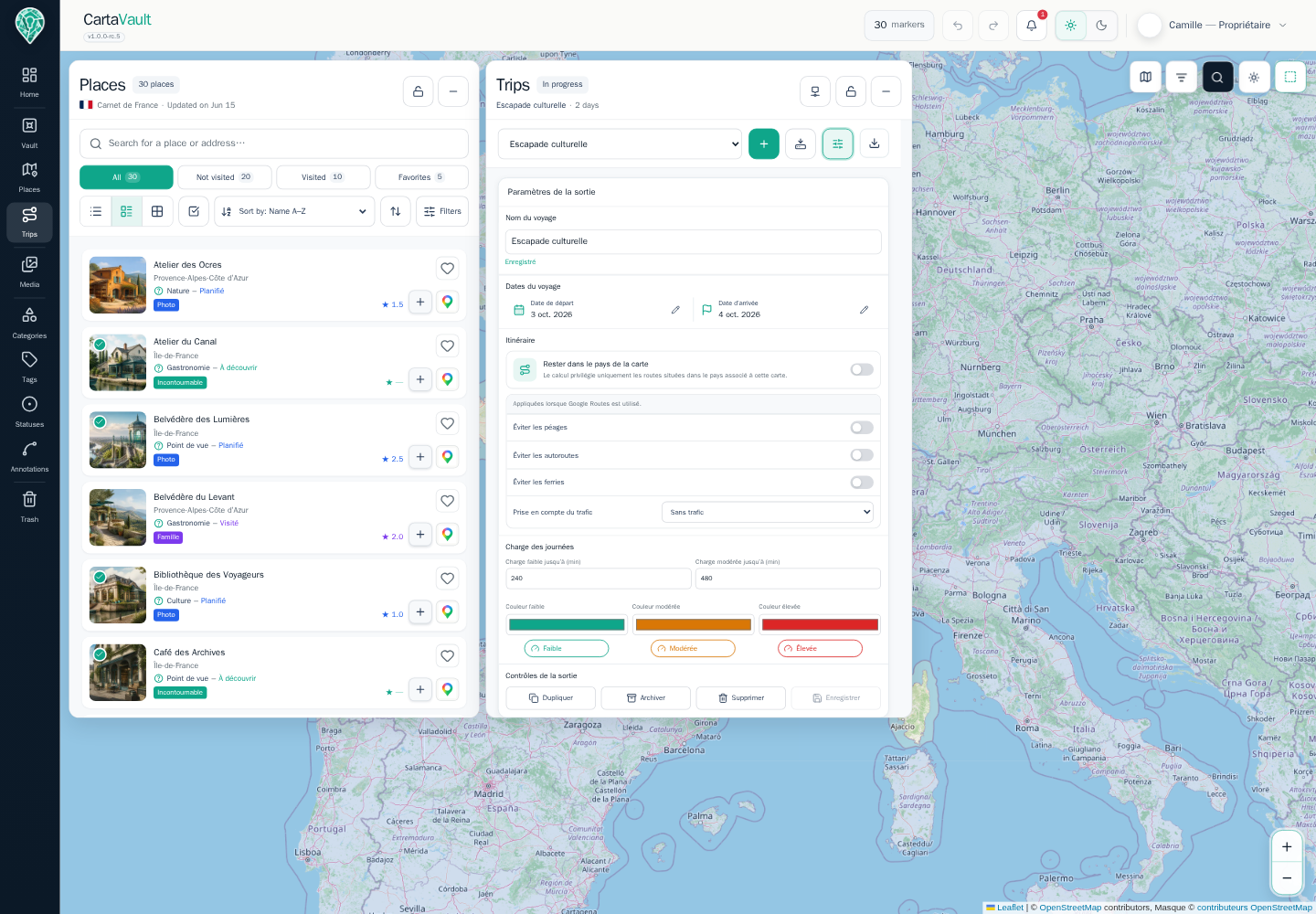
Calculate and optimize routes — desktop screen
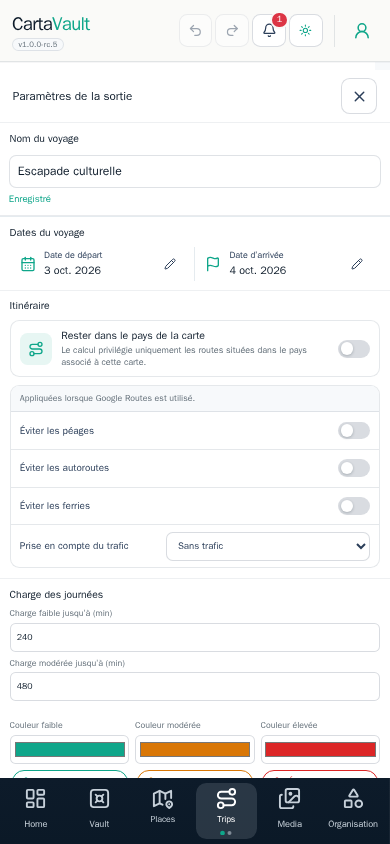
Calculate and optimize routes — mobile screen
How do I use it?
Section titled “How do I use it?”- Check that the day contains the required locations.
- Calculate one day or the complete trip.
- Preview an optimization proposal and accept or cancel it.
Expected result
Section titled “Expected result”OSRM remains the no-key engine; Google Routes and ORS depend on configured keys and preferences.
How does it work?
Section titled “How does it work?”- OSRM remains the no-key engine; Google Routes and ORS depend on configured keys and preferences.
- Changing a stop makes the route stale.
- Optimization applies only after confirmation.
Good to know
Section titled “Good to know”See also
Section titled “See also”Version CartaVault : master · ID : trips.routing