
Change your email address
What is this feature for?
Section titled “What is this feature for?”Email is used for sign-in, recovery and important notifications, so changing it must verify identity.
Before you start
Section titled “Before you start”| Where can I find it? | My account → Security → Email address → Change |
| Access | User |
Where can I find it?
Section titled “Where can I find it?”Follow this path in the interface : My account → Security → Email address → Change.
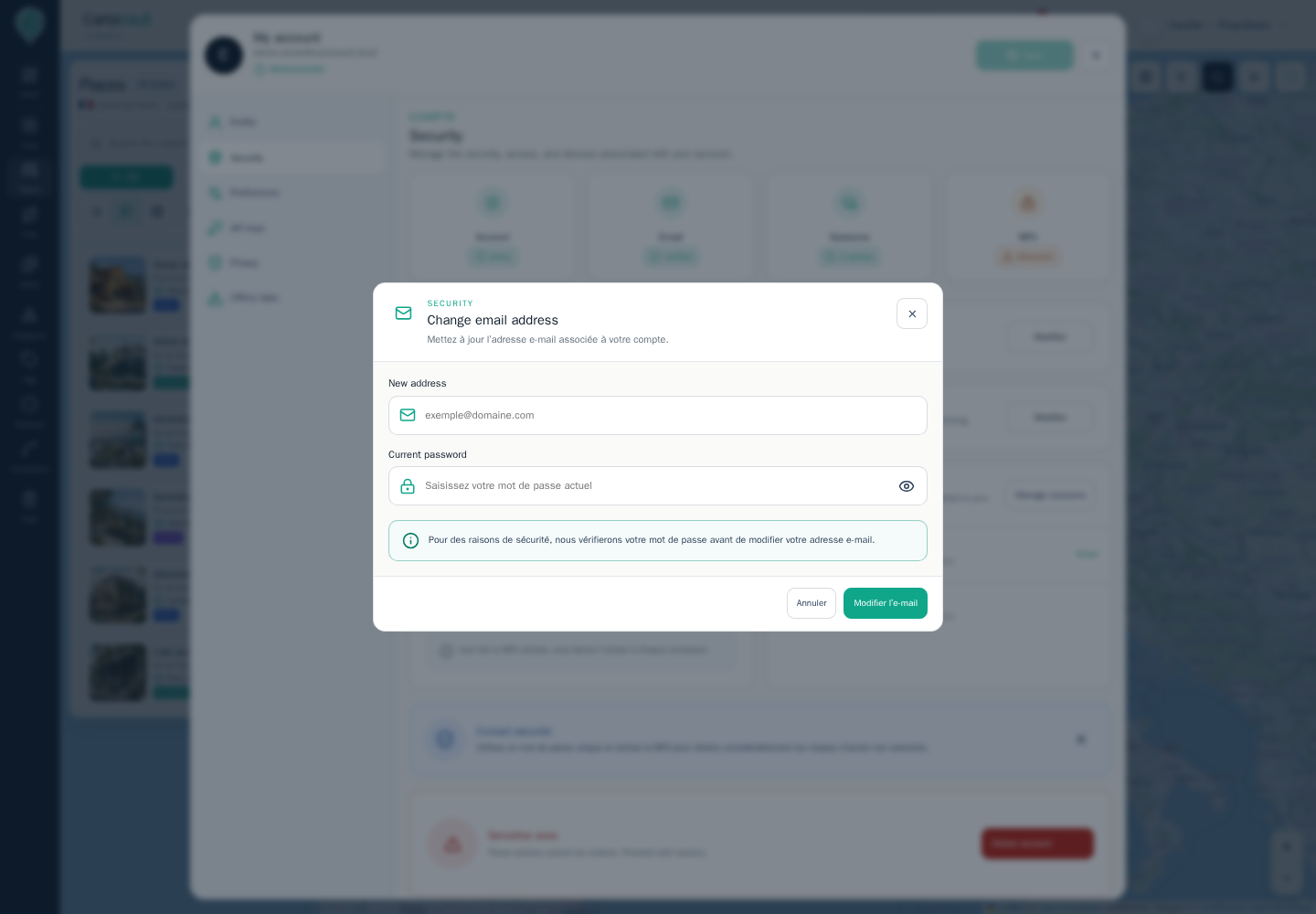
Change your email address — desktop screen
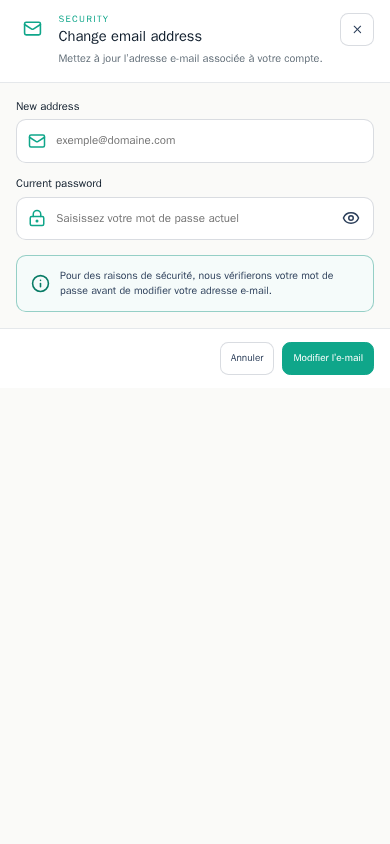
Change your email address — mobile screen
How do I use it?
Section titled “How do I use it?”- Enter the new address.
- Enter the current password.
- Confirm and complete the sent verification when email delivery is configured.
Expected result
Section titled “Expected result”The server validates format and uniqueness.
How does it work?
Section titled “How does it work?”- The server validates format and uniqueness.
- The current password is checked before the change.
- Relevant security events are recorded without secrets.
Good to know
Section titled “Good to know”See also
Section titled “See also”Version CartaVault : master · ID : account.email