
Manage sessions and devices
What is this feature for?
Section titled “What is this feature for?”The session list helps detect an unexpected device and cut access without immediately changing all account data.
Before you start
Section titled “Before you start”| Where can I find it? | My account → Security → Manage sessions |
| Access | User |
Where can I find it?
Section titled “Where can I find it?”Follow this path in the interface : My account → Security → Manage sessions.
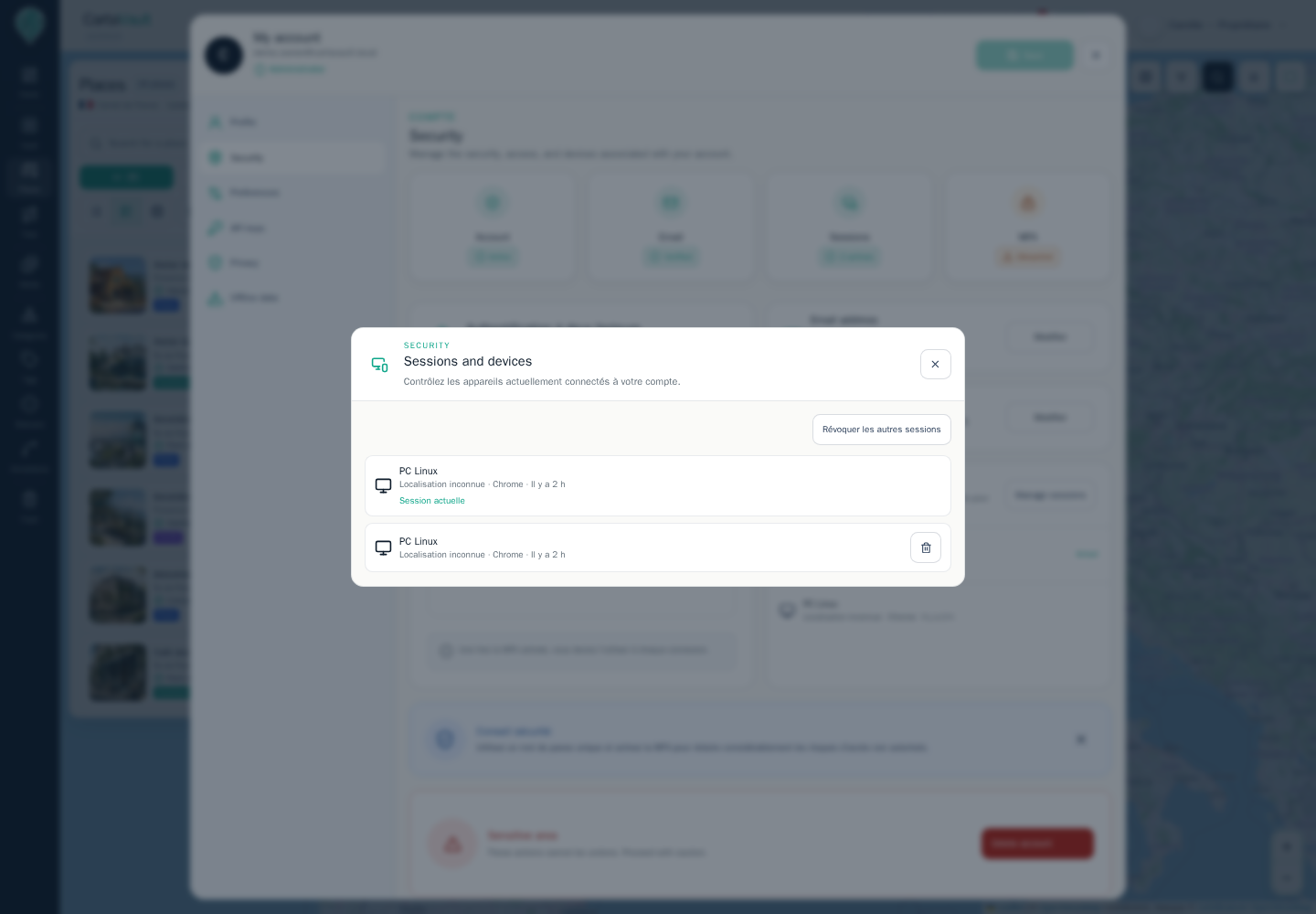
Manage sessions and devices — desktop screen
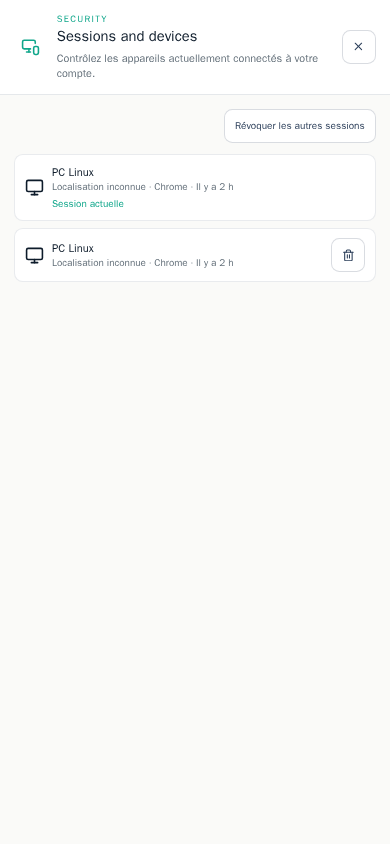
Manage sessions and devices — mobile screen
How do I use it?
Section titled “How do I use it?”- Identify the current device using the Current label.
- Review device, browser, available location and last activity.
- Revoke one session or every other session.
Expected result
Section titled “Expected result”Browser identification depends on the user agent and may remain generic.
How does it work?
Section titled “How does it work?”- Browser identification depends on the user agent and may remain generic.
- Location appears only when available without exposing precise position.
- A revoked session must sign in again on its next protected request.
Good to know
Section titled “Good to know”See also
Section titled “See also”Version CartaVault : master · ID : account.sessions