
Manage instance providers and keys
What is this feature for?
Section titled “What is this feature for?”An instance key offers a common service without requiring every user to own a key, while demanding cost and error supervision.
Before you start
Section titled “Before you start”| Where can I find it? | Administration → API keys |
| Access | Administrator |
Where can I find it?
Section titled “Where can I find it?”Follow this path in the interface : Administration → API keys.
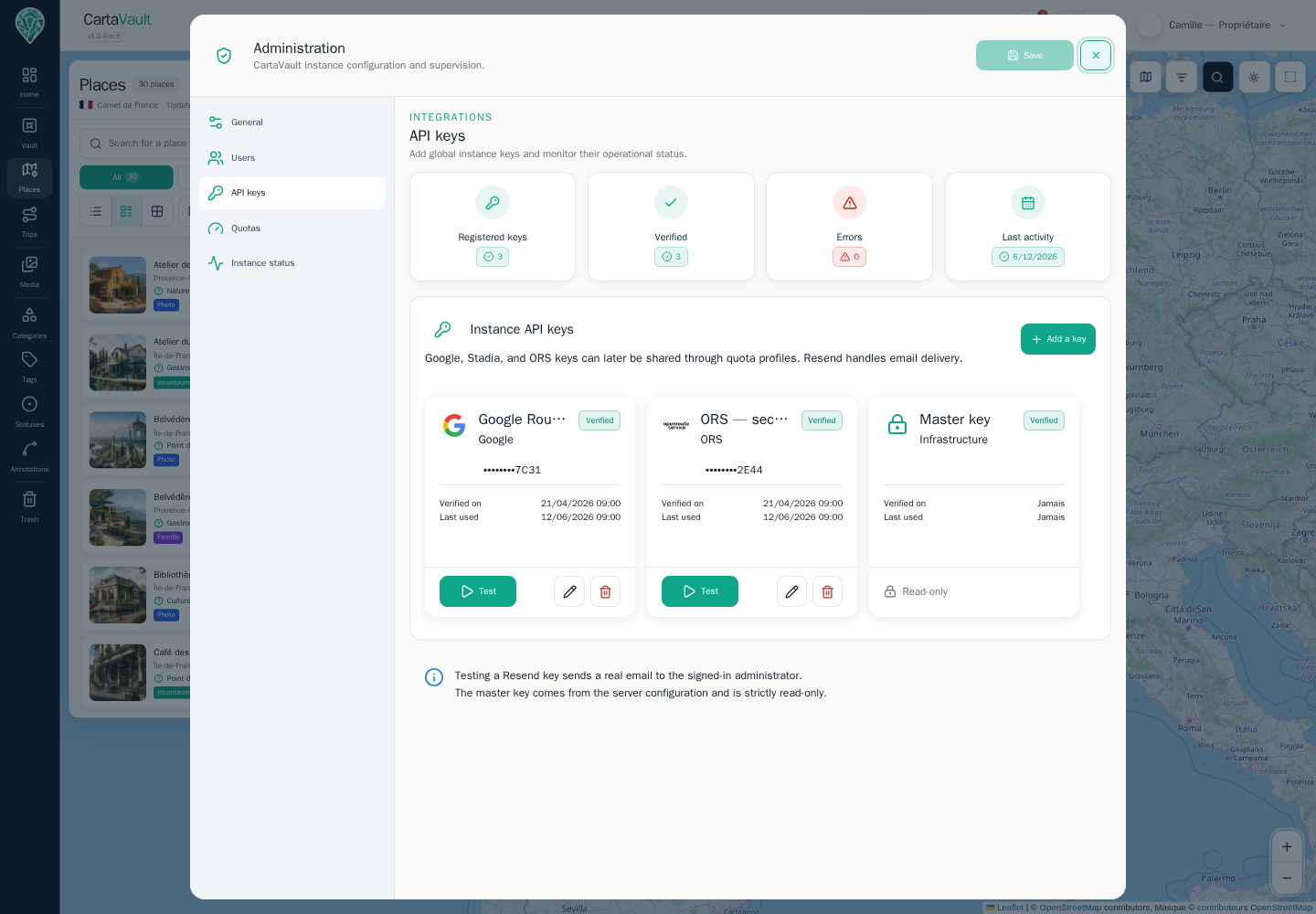
Manage instance providers and keys — desktop screen
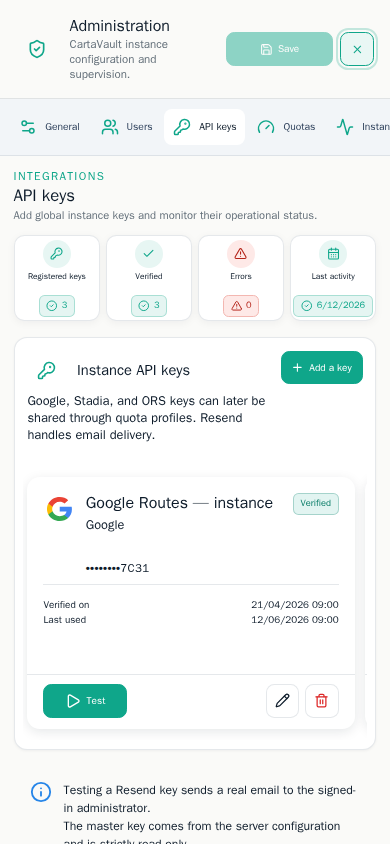
Manage instance providers and keys — mobile screen
How do I use it?
Section titled “How do I use it?”- Add or edit an instance credential.
- Test it without revealing the secret.
- Configure compatible services and thresholds.
Expected result
Section titled “Expected result”Secrets are encrypted and masked after saving.
How does it work?
Section titled “How does it work?”- Secrets are encrypted and masked after saving.
- Sanitized diagnostics expose provider, status and useful error information.
- A personal key may remain preferred according to account settings.
Good to know
Section titled “Good to know”See also
Section titled “See also”Version CartaVault : master · ID : admin.api-keys