
Manage map members
What is this feature for?
Section titled “What is this feature for?”Member management shares a project without making its content public.
Before you start
Section titled “Before you start”| Where can I find it? | Vault → map menu → Members |
| Access | Map owner |
Where can I find it?
Section titled “Where can I find it?”Follow this path in the interface : Vault → map menu → Members.
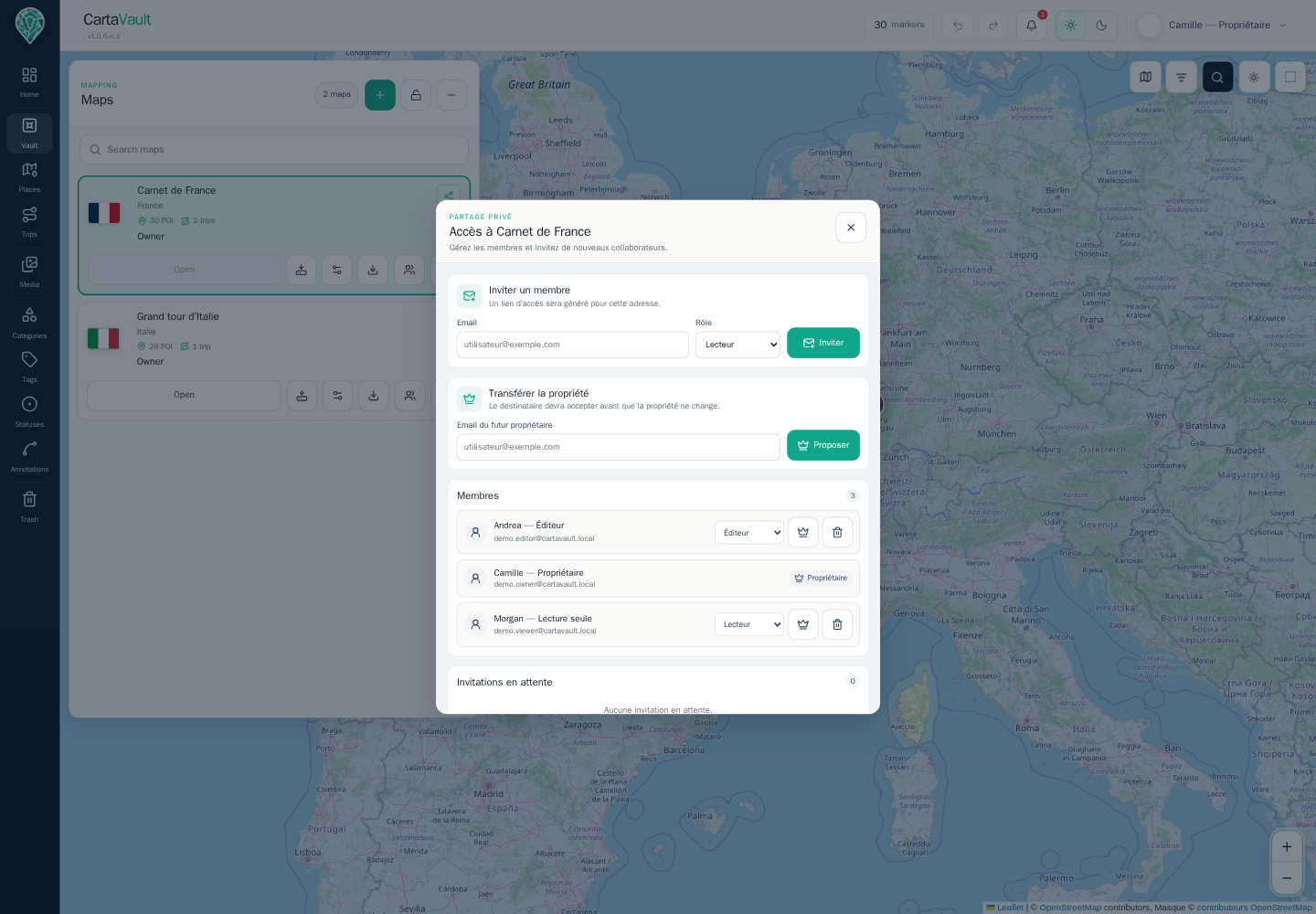
Manage map members — desktop screen
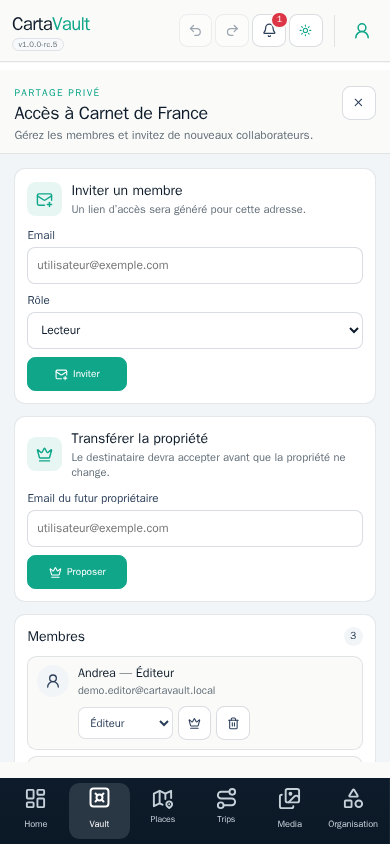
Manage map members — mobile screen
How do I use it?
Section titled “How do I use it?”- Invite the collaborator’s email address.
- Select Viewer or Editor.
- Track invitations, adjust roles or revoke access.
Expected result
Section titled “Expected result”An invitation remains pending until accepted.
How does it work?
Section titled “How does it work?”- An invitation remains pending until accepted.
- Revocation removes access at the next server authorization check.
- Transfer replaces the owner after confirmation.
Good to know
Section titled “Good to know”See also
Section titled “See also”Version CartaVault : master · ID : maps.members