
Install and update CartaVault
What is this feature for?
Section titled “What is this feature for?”The unified image limits the standard deployment to CartaVault and PostgreSQL/PostGIS while keeping migrations and frontend on the same version.
Before you start
Section titled “Before you start”| Where can I find it? | Docker server → official Compose → setup wizard |
| Access | instance-operator |
Where can I find it?
Section titled “Where can I find it?”Follow this path in the interface : Docker server → official Compose → setup wizard.
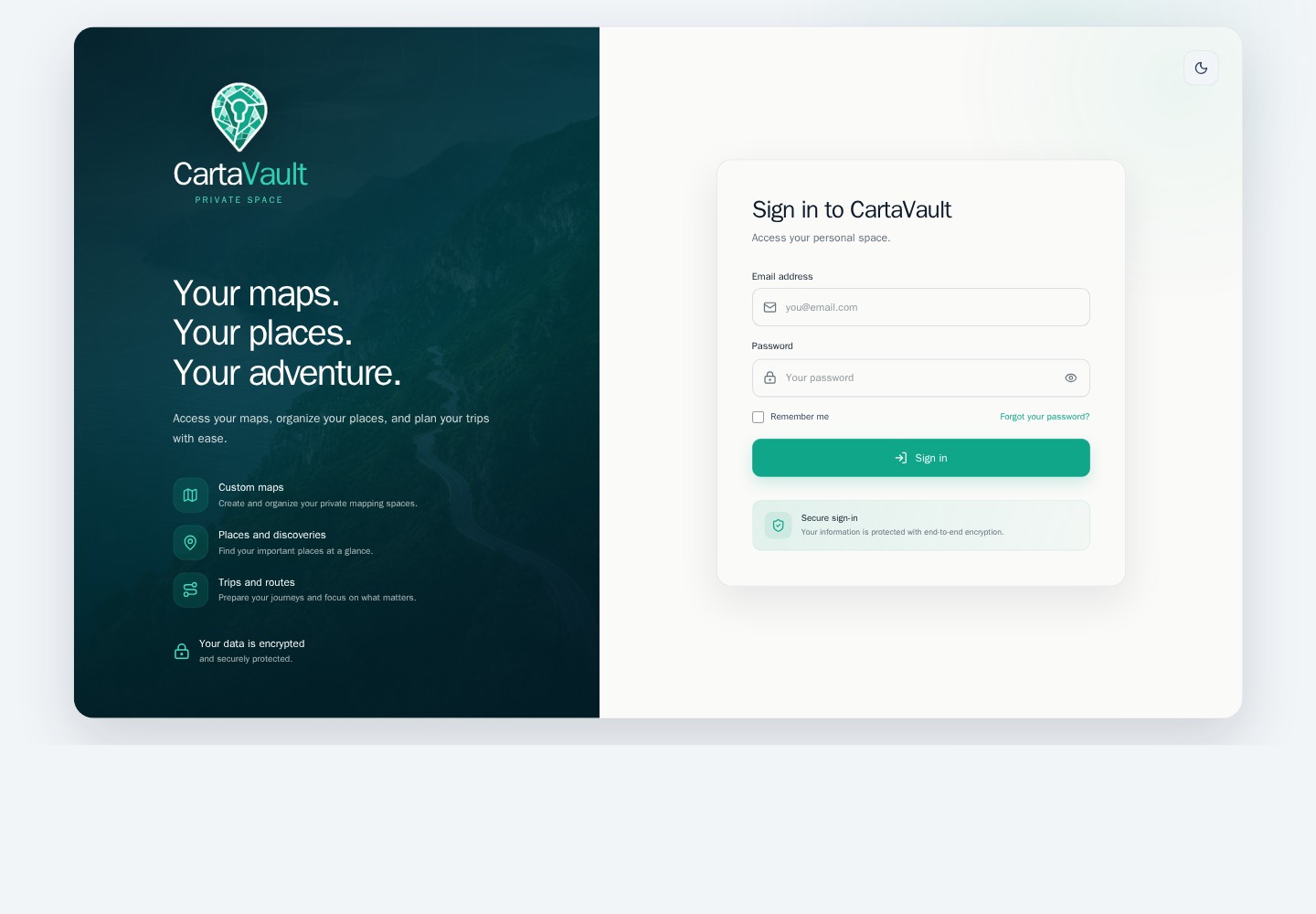
Install and update CartaVault — desktop screen
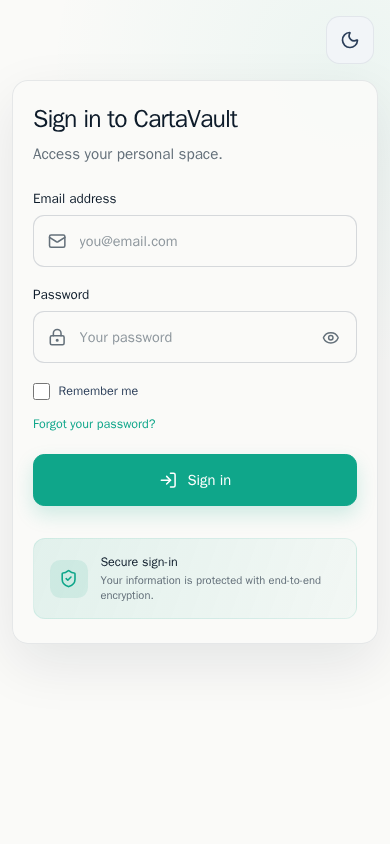
Install and update CartaVault — mobile screen
How do I use it?
Section titled “How do I use it?”- Configure variables and persistent volumes.
- Start PostGIS and CartaVault, then open setup.
- Create the first administrator and verify instance status.
Expected result
Section titled “Expected result”Migrations apply during startup before readiness.
How does it work?
Section titled “How does it work?”- Migrations apply during startup before readiness.
- The container runs unprivileged with a read-only application filesystem.
- Embedded documentation matches the image build.
Good to know
Section titled “Good to know”See also
Section titled “See also”Version CartaVault : master · ID : deployment.install