
Use CartaVault without a network
What is this feature for?
Section titled “What is this feature for?”Application precaching reopens the interface and menus, while private packages supply selected maps and trips.
Before you start
Section titled “Before you start”| Where can I find it? | Installed application or HTTPS-served instance |
| Access | User |
Where can I find it?
Section titled “Where can I find it?”Follow this path in the interface : Installed application or HTTPS-served instance.
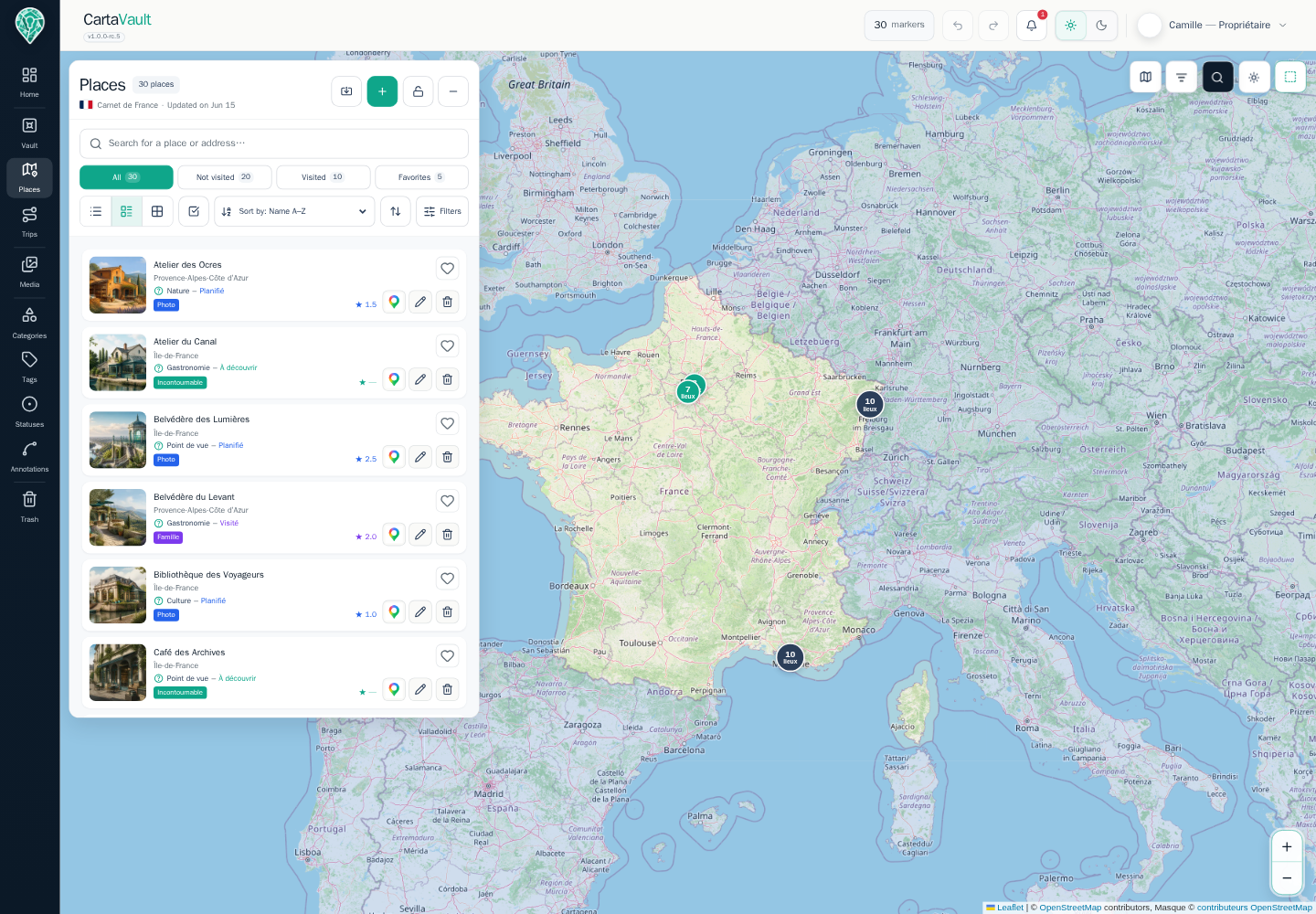
Use CartaVault without a network — desktop screen
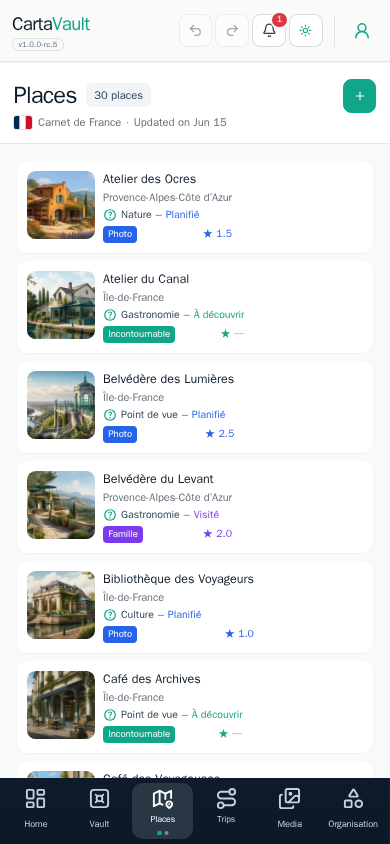
Use CartaVault without a network — mobile screen
How do I use it?
Section titled “How do I use it?”- Open CartaVault online at least once after each update.
- Prepare the required maps or trips.
- Test offline startup before departure.
Expected result
Section titled “Expected result”The service worker caches the exact application build.
How does it work?
Section titled “How does it work?”- The service worker caches the exact application build.
- Private data is separated by account in IndexedDB.
- The browser may purge storage according to its policy; CartaVault displays an estimate.
Good to know
Section titled “Good to know”See also
Section titled “See also”Version CartaVault : master · ID : offline.pwa-shell