
Create or edit a place
What is this feature for?
Section titled “What is this feature for?”The record centralizes durable information needed to find, visit, document and reuse a place in a trip.
Before you start
Section titled “Before you start”| Where can I find it? | Places → New place, or a place record → Edit |
| Access | Map owner, Editor |
Where can I find it?
Section titled “Where can I find it?”Follow this path in the interface : Places → New place, or a place record → Edit.
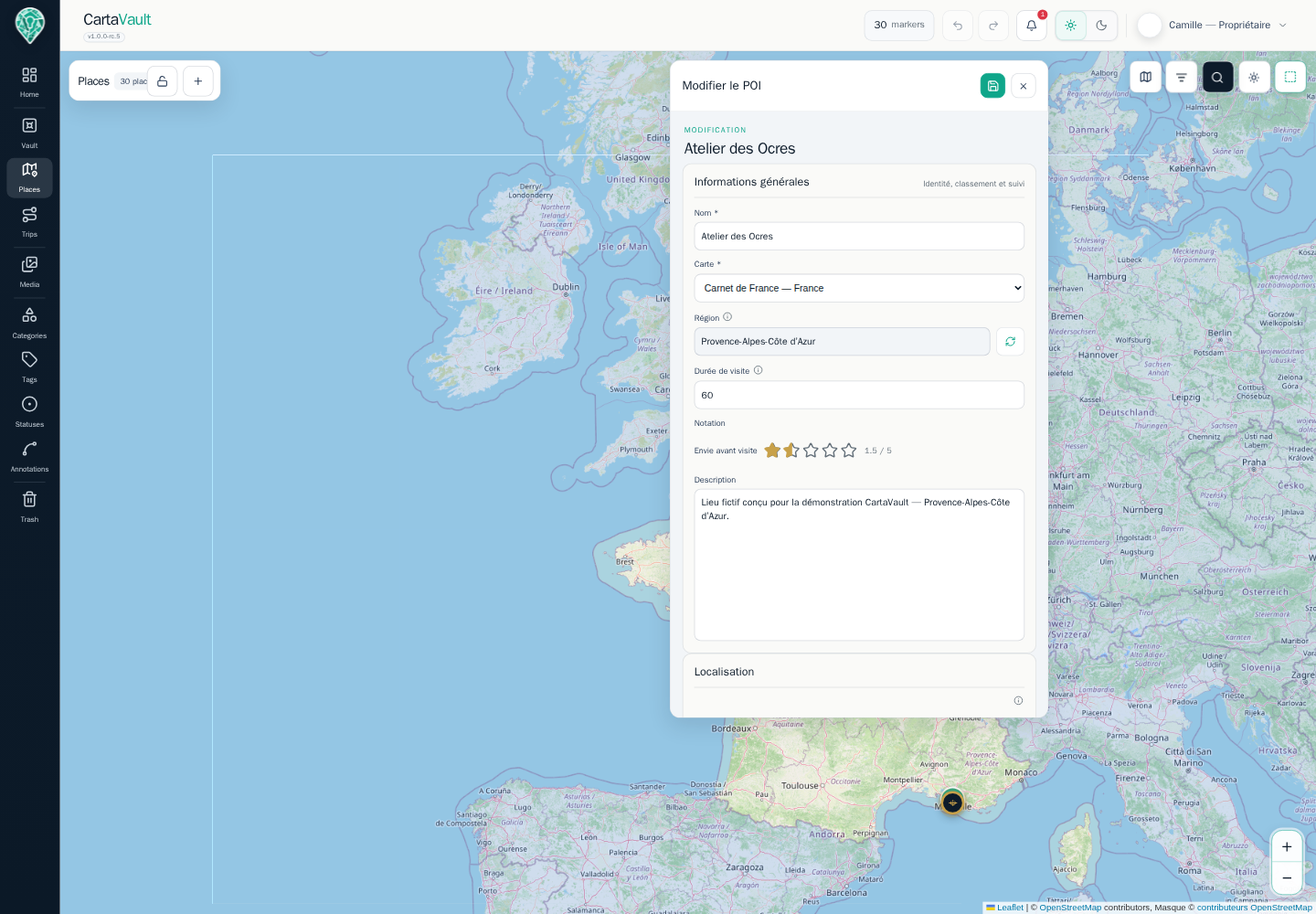
Create or edit a place — desktop screen
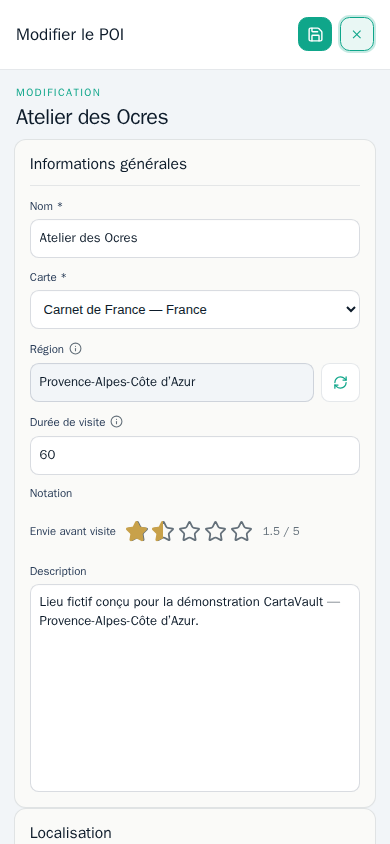
Create or edit a place — mobile screen
How do I use it?
Section titled “How do I use it?”- Place the marker or enter coordinates.
- Fill in the useful identity, details and organization fields.
- Add links and media, then save.
Expected result
Section titled “Expected result”CartaVault warns when a point lies outside the map country while allowing intentional exceptions.
How does it work?
Section titled “How does it work?”- CartaVault warns when a point lies outside the map country while allowing intentional exceptions.
- Visible fields depend on map settings.
- Closing with unsaved changes opens a confirmation.
Good to know
Section titled “Good to know”See also
Section titled “See also”- Browse and search places
- Manage place photos
- Organize with categories, tags and statuses
- Draw a place plan
Version CartaVault : master · ID : places.edit