
Prepare a map offline
What is this feature for?
Section titled “What is this feature for?”Offline preparation keeps essential map information in the browser for areas without connectivity.
Before you start
Section titled “Before you start”| Where can I find it? | Vault → map menu → Make available offline |
| Access | User, Viewer |
Where can I find it?
Section titled “Where can I find it?”Follow this path in the interface : Vault → map menu → Make available offline.
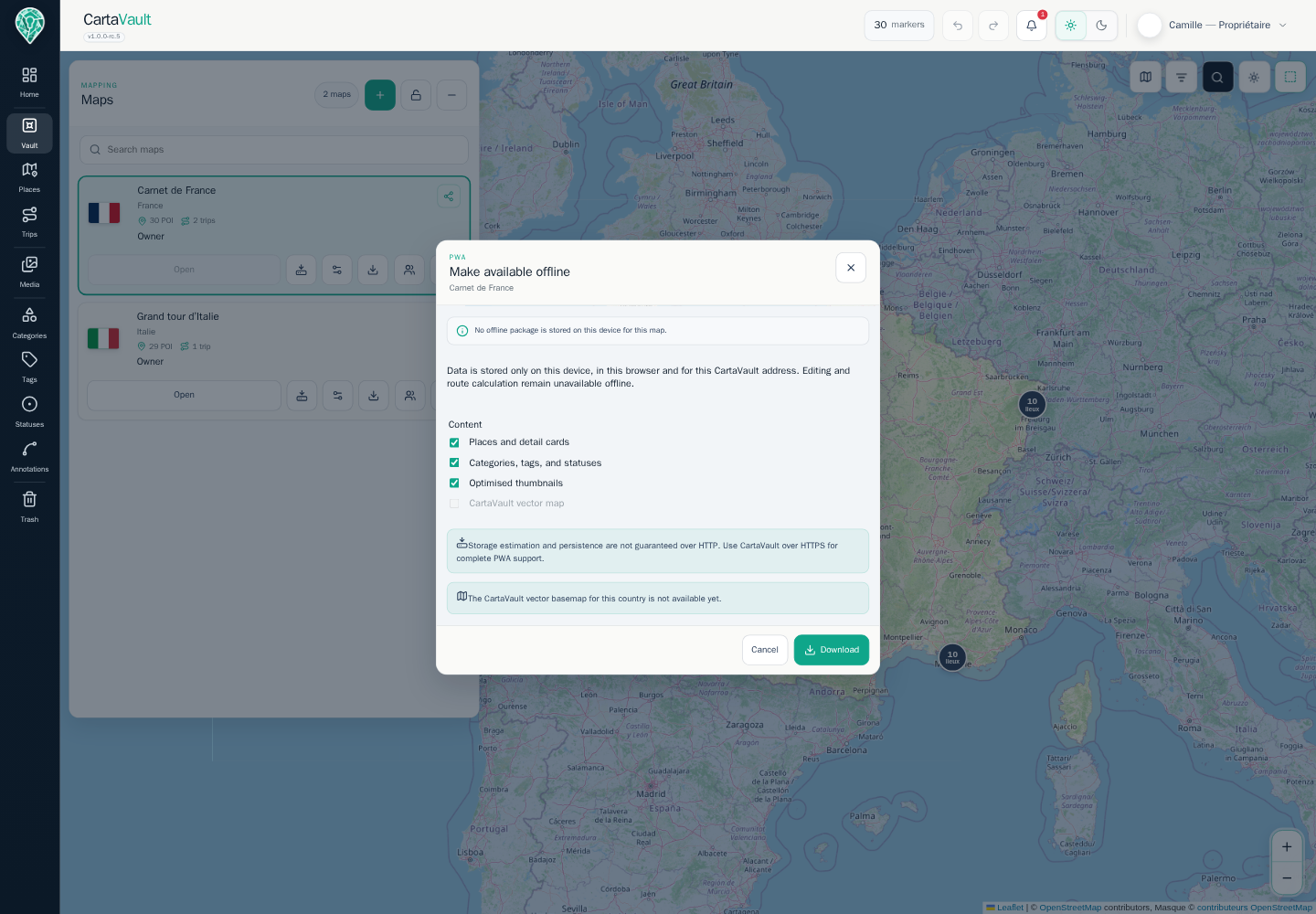
Prepare a map offline — desktop screen
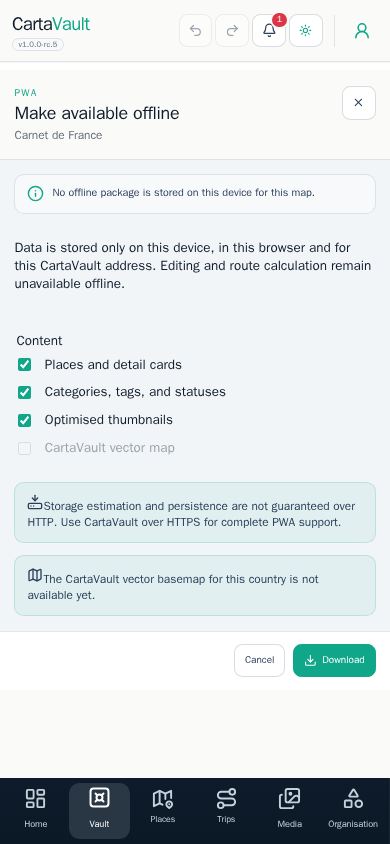
Prepare a map offline — mobile screen
How do I use it?
Section titled “How do I use it?”- Open the map offline action.
- Review content and CartaVault Vector availability.
- Download, then verify the package in My account.
Expected result
Section titled “Expected result”The package keeps POIs, categories, tags, statuses, annotations and selected thumbnails.
How does it work?
Section titled “How does it work?”- The package keeps POIs, categories, tags, statuses, annotations and selected thumbnails.
- When the administrator prepared the country, vector tiles are served by the instance and then stored locally.
- The usual online basemap provider remains unchanged.
Good to know
Section titled “Good to know”See also
Section titled “See also”Version CartaVault : master · ID : offline.maps