
Understand account security
What is this feature for?
Section titled “What is this feature for?”The panel groups protections and active devices to reveal weak configuration or unexpected access.
Before you start
Section titled “Before you start”| Where can I find it? | User menu → Options → Security |
| Access | User |
Where can I find it?
Section titled “Where can I find it?”Follow this path in the interface : User menu → Options → Security.
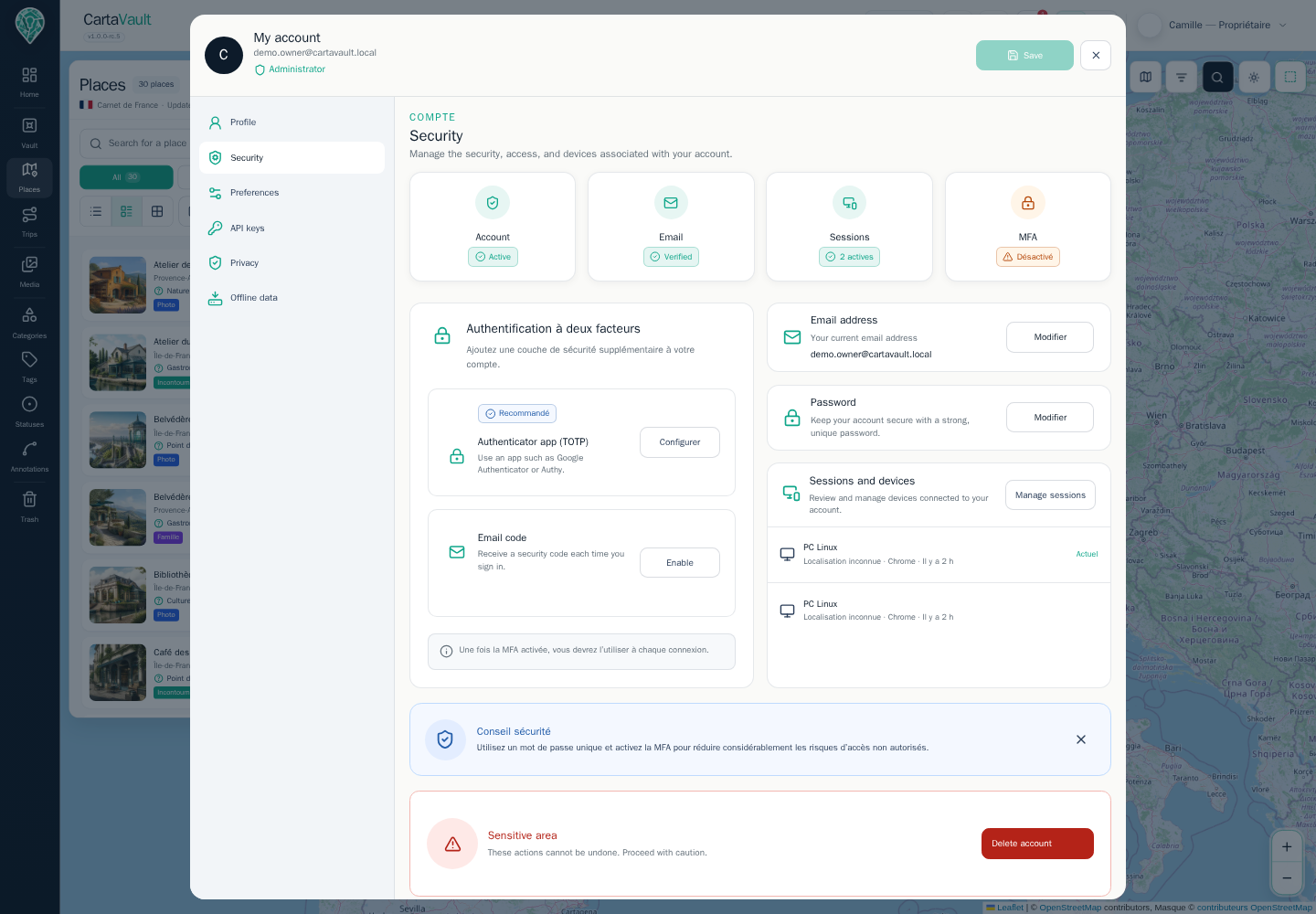
Understand account security — desktop screen
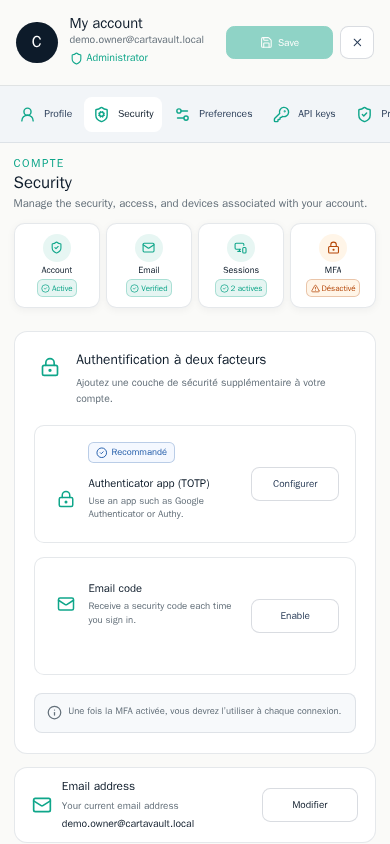
Understand account security — mobile screen
How do I use it?
Section titled “How do I use it?”- Review the four summary indicators.
- Choose an MFA method when needed.
- Inspect sessions and use each sensitive action in its dedicated dialog.
Expected result
Section titled “Expected result”Only one MFA method is active: TOTP replaces email codes.
How does it work?
Section titled “How does it work?”- Only one MFA method is active: TOTP replaces email codes.
- MFA status is strengthened with TOTP and active with email.
- Sensitive operations require the password or an active factor again.
Good to know
Section titled “Good to know”See also
Section titled “See also”- Change your email address
- Change your password
- Configure TOTP authentication
- Enable email MFA codes
- Manage sessions and devices
Version CartaVault : master · ID : account.security