
Browse and search places
What is this feature for?
Section titled “What is this feature for?”A map may contain hundreds of places. Search, views and filters reduce the list while preserving geographic context.
Before you start
Section titled “Before you start”| Where can I find it? | Places |
| Access | User, Viewer |
Where can I find it?
Section titled “Where can I find it?”Follow this path in the interface : Places.
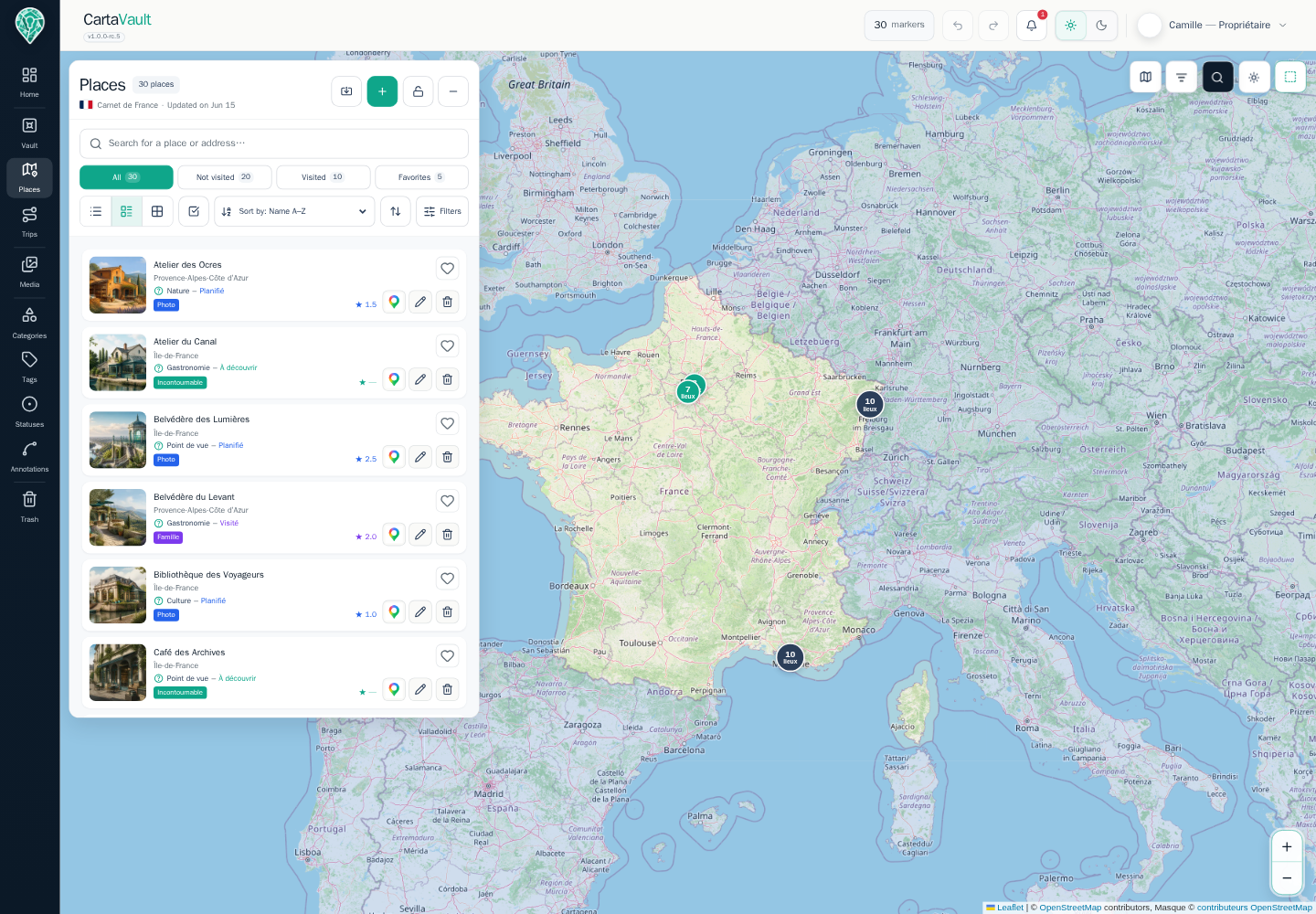
Browse and search places — desktop screen
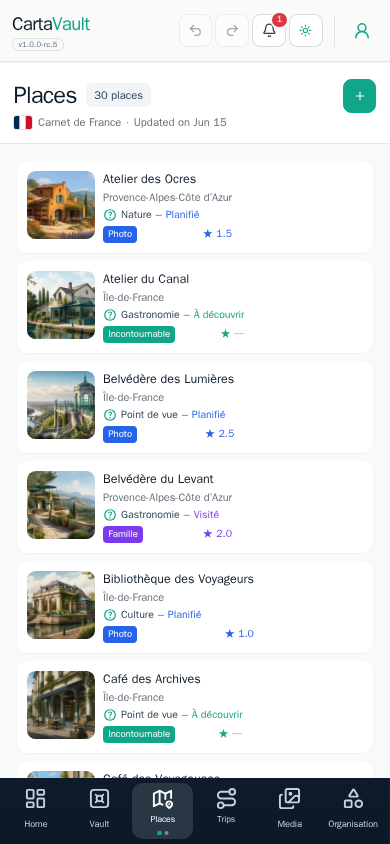
Browse and search places — mobile screen
How do I use it?
Section titled “How do I use it?”- Enter a name or address, or open advanced filters.
- Choose compact, enriched or gallery display and a sort order.
- Select a result to open its record on the map.
Expected result
Section titled “Expected result”Quick filters, categories, tags, statuses, favorites and ratings combine.
How does it work?
Section titled “How does it work?”- Quick filters, categories, tags, statuses, favorites and ratings combine.
- Loading is progressive to keep navigation smooth.
- Geographic search can recenter the map without automatically creating a place.
Good to know
Section titled “Good to know”See also
Section titled “See also”Version CartaVault : master · ID : places.browse