
Manage your profile
What is this feature for?
Section titled “What is this feature for?”Profile controls the identity shown in collaboration while keeping avatars separate from place photos.
Before you start
Section titled “Before you start”| Where can I find it? | User menu → Options → Profile |
| Access | User |
Where can I find it?
Section titled “Where can I find it?”Follow this path in the interface : User menu → Options → Profile.
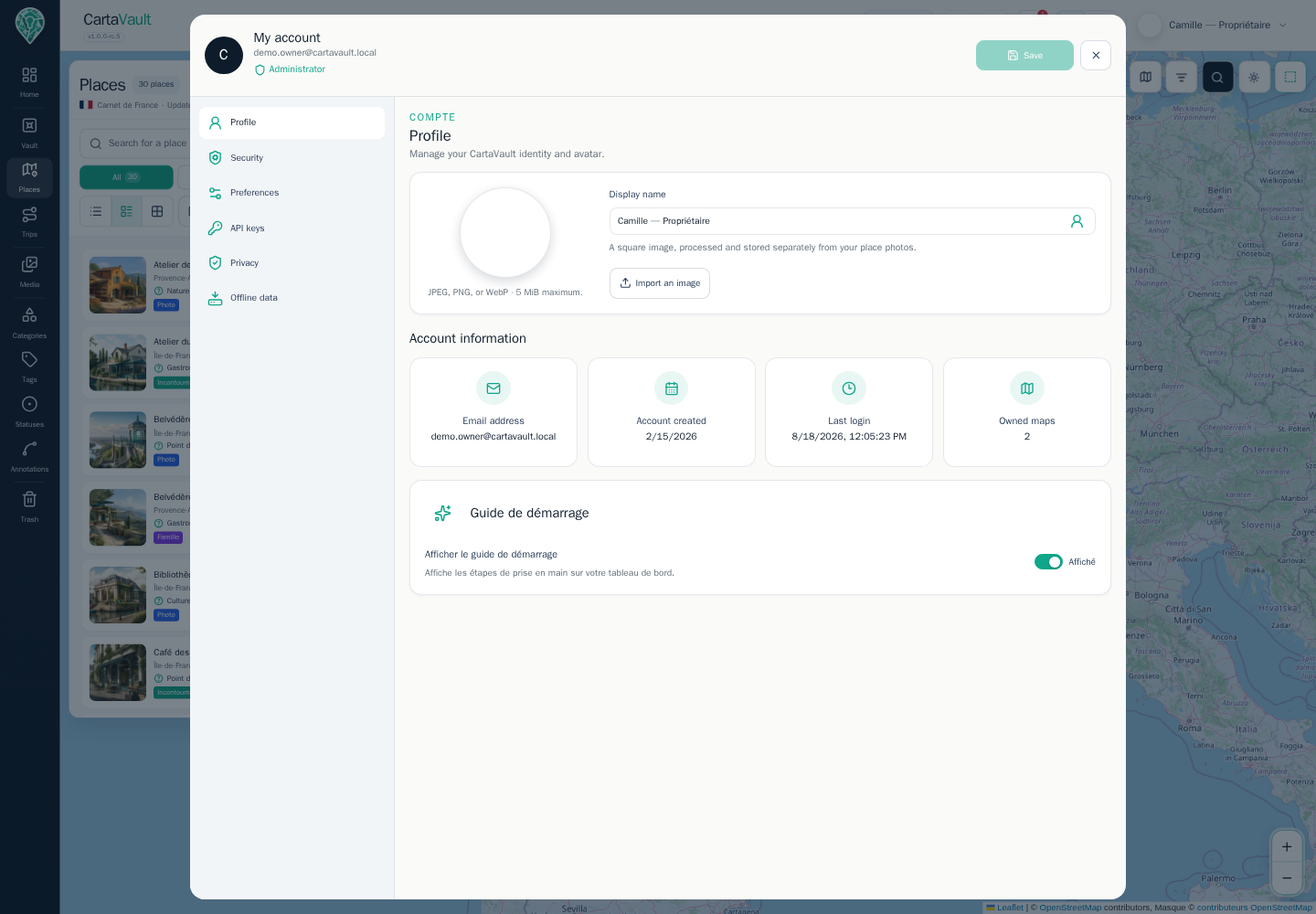
Manage your profile — desktop screen
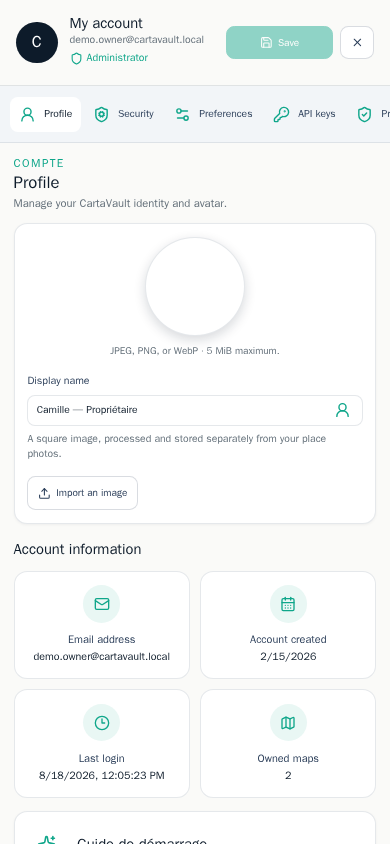
Manage your profile — mobile screen
How do I use it?
Section titled “How do I use it?”- Change the display name.
- Upload or remove the avatar.
- Choose whether to show the getting-started guide and click Save.
Expected result
Section titled “Expected result”The avatar is cropped and stored separately.
How does it work?
Section titled “How does it work?”- The avatar is cropped and stored separately.
- Account information is read-only.
- Changes apply only after Save.
Good to know
Section titled “Good to know”See also
Section titled “See also”Version CartaVault : master · ID : account.profile