
Choose place fields
What is this feature for?
Section titled “What is this feature for?”Not every map requires the same level of detail. Hiding fields simplifies forms without deleting values already stored.
Before you start
Section titled “Before you start”| Where can I find it? | Vault → map menu → POI fields |
| Access | Map owner, Editor |
Where can I find it?
Section titled “Where can I find it?”Follow this path in the interface : Vault → map menu → POI fields.
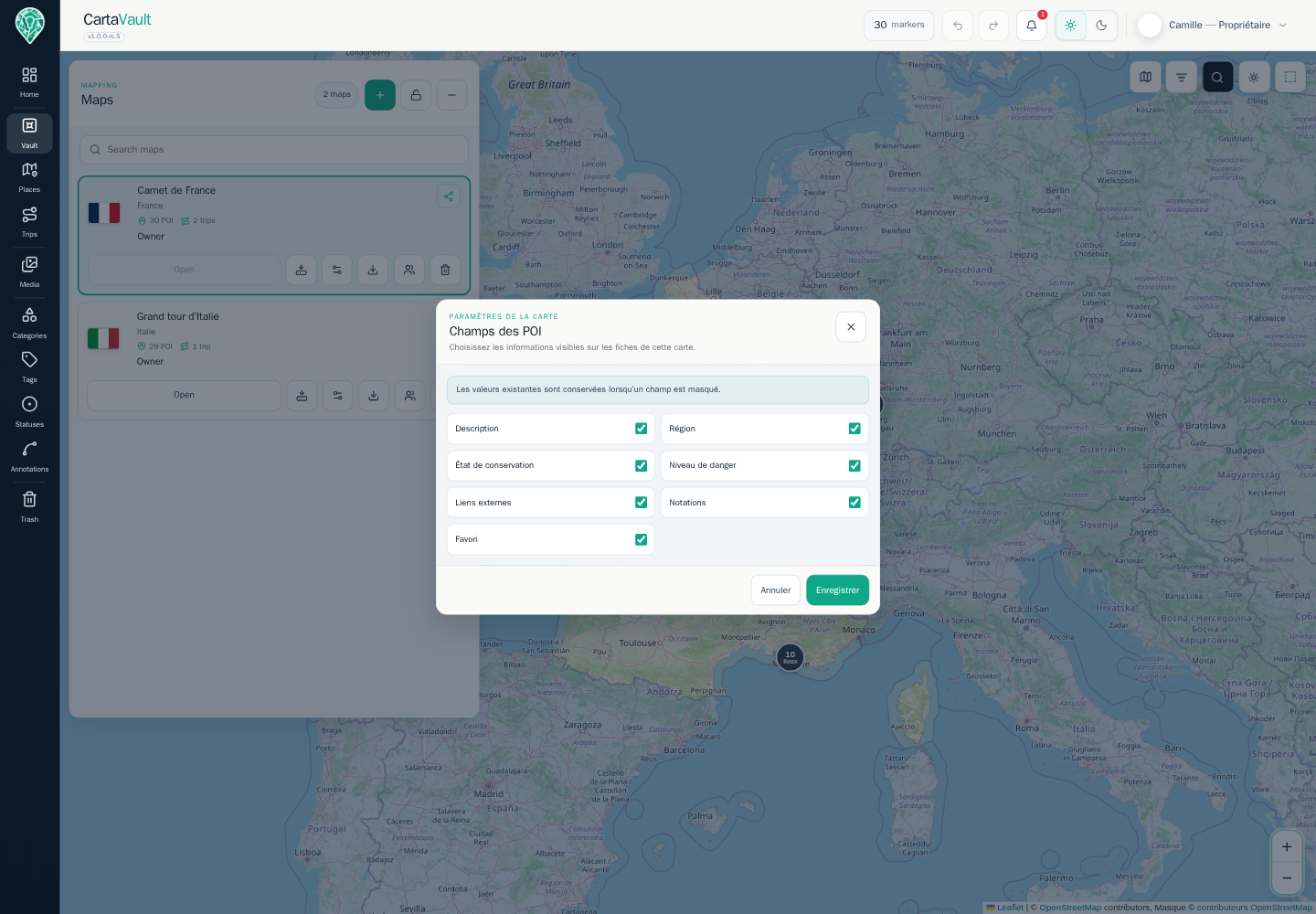
Choose place fields — desktop screen
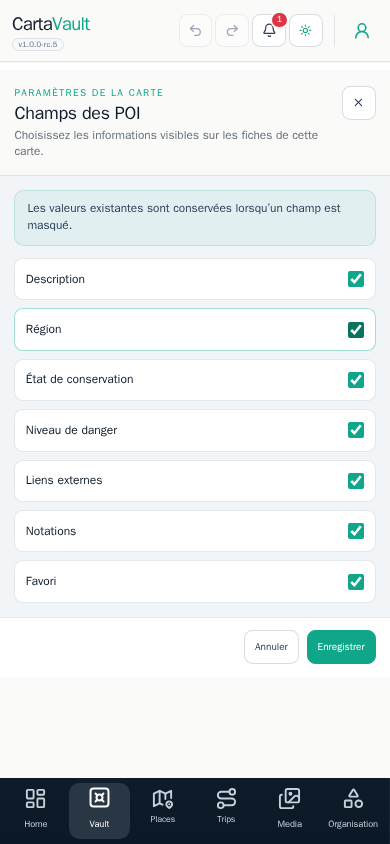
Choose place fields — mobile screen
How do I use it?
Section titled “How do I use it?”- Open field settings.
- Enable or hide the required information.
- Save the configuration.
Expected result
Section titled “Expected result”Existing values remain stored while a field is hidden.
How does it work?
Section titled “How does it work?”- Existing values remain stored while a field is hidden.
- Re-enabling a field reveals its value again.
Good to know
Section titled “Good to know”See also
Section titled “See also”Version CartaVault : master · ID : maps.settings