
Manage offline data
What is this feature for?
Section titled “What is this feature for?”The panel reveals what actually occupies browser storage and avoids blindly downloading a map that is already prepared.
Before you start
Section titled “Before you start”| Where can I find it? | My account → Offline data |
| Access | User |
Where can I find it?
Section titled “Where can I find it?”Follow this path in the interface : My account → Offline data.
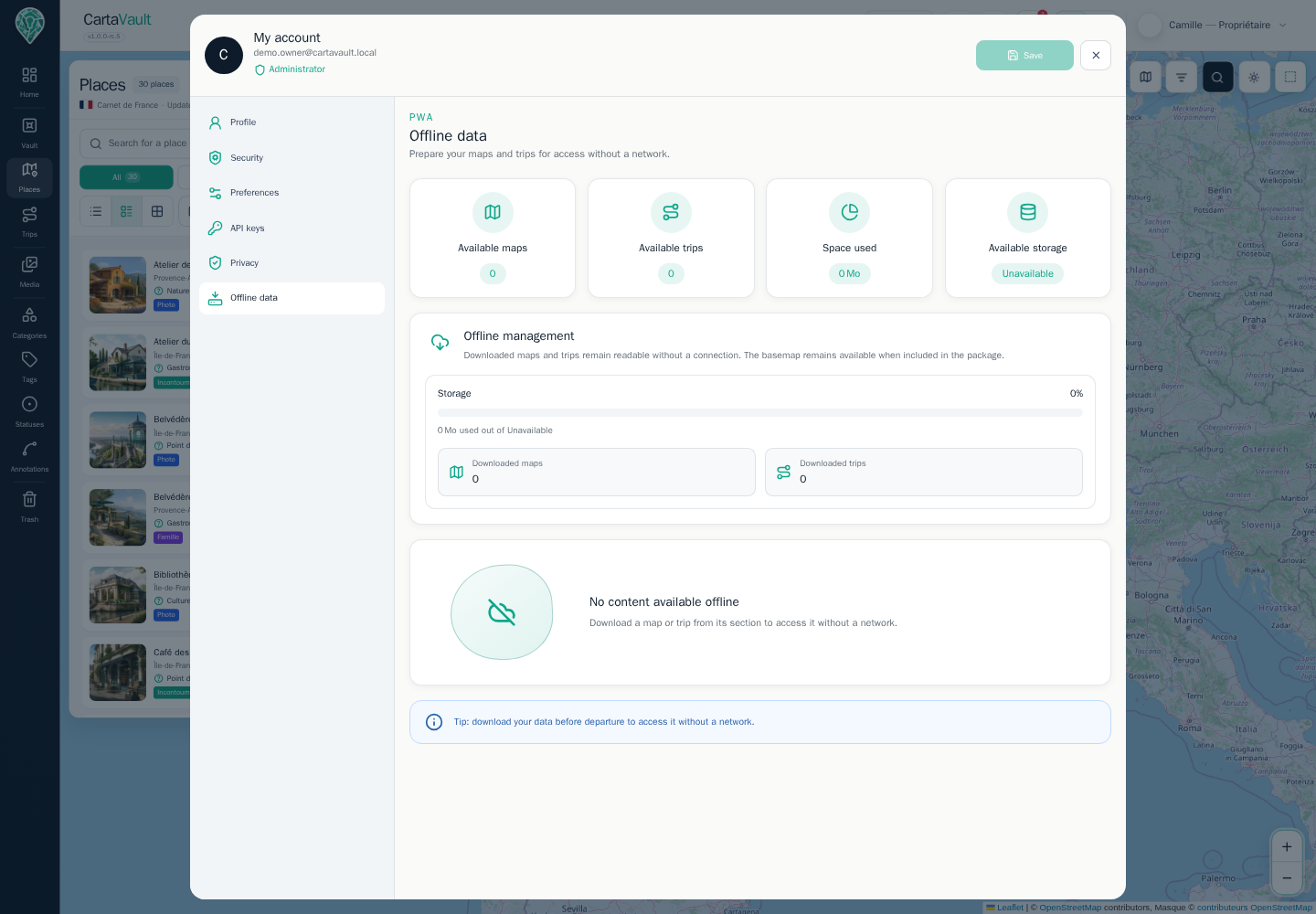
Manage offline data — desktop screen
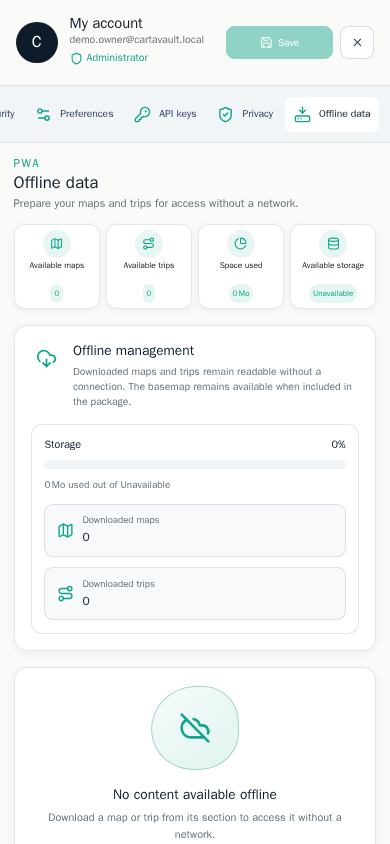
Manage offline data — mobile screen
How do I use it?
Section titled “How do I use it?”- Review counters and used space.
- Expand a package to inspect POIs, organization, thumbnails, annotations and tiles.
- Update or delete the package.
Expected result
Section titled “Expected result”Packages are isolated by account and device.
How does it work?
Section titled “How does it work?”- Packages are isolated by account and device.
- A different CartaVault Vector version is marked as an available update.
- Deletion releases data and tiles no longer shared by another package.
Good to know
Section titled “Good to know”See also
Section titled “See also”Version CartaVault : master · ID : account.offline-data