
Manage privacy and personal export
What is this feature for?
Section titled “What is this feature for?”The panel explains instance processing and provides direct access to available rights without mixing them with visual preferences.
Before you start
Section titled “Before you start”| Where can I find it? | My account → Privacy |
| Access | User |
Where can I find it?
Section titled “Where can I find it?”Follow this path in the interface : My account → Privacy.
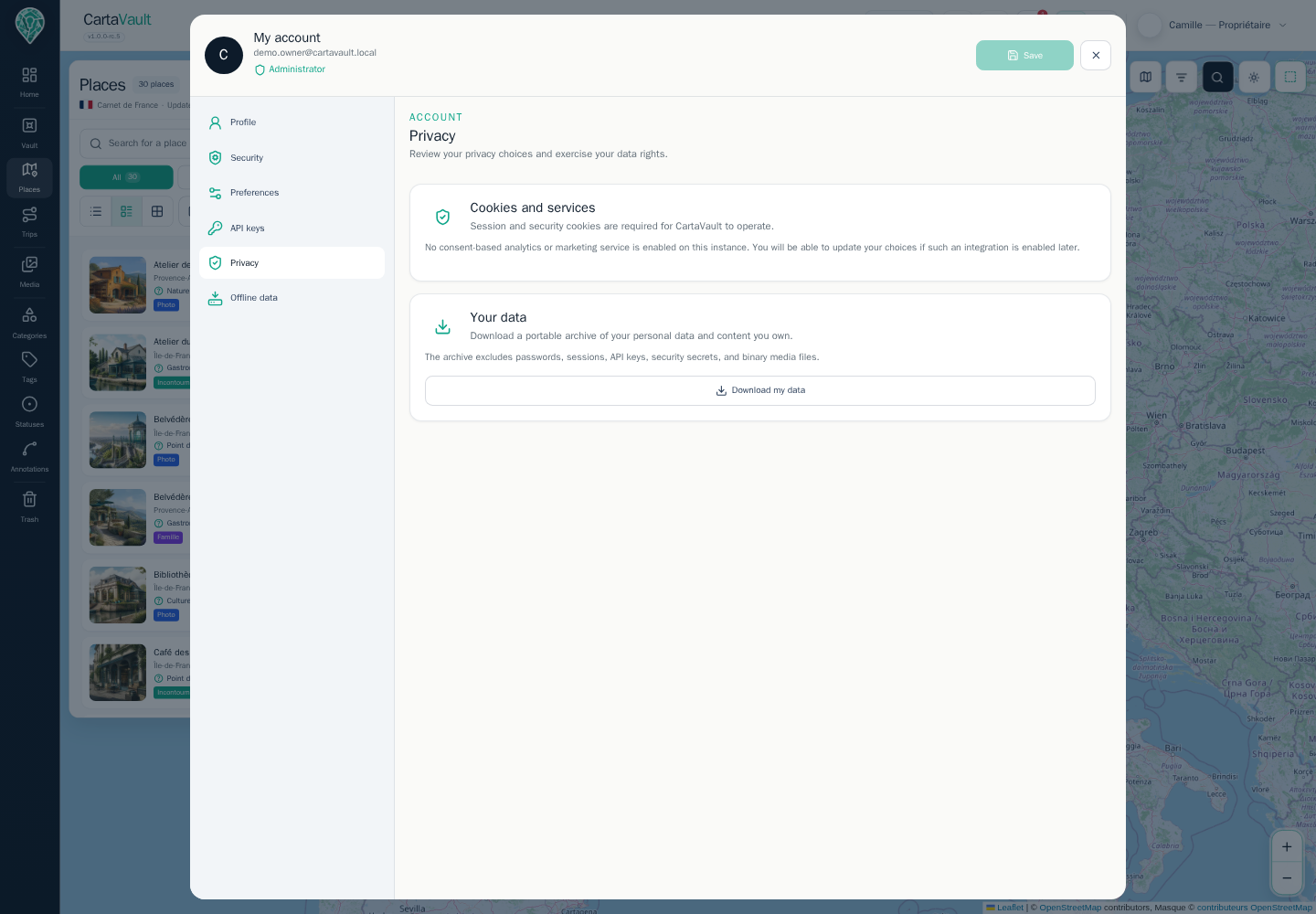
Manage privacy and personal export — desktop screen
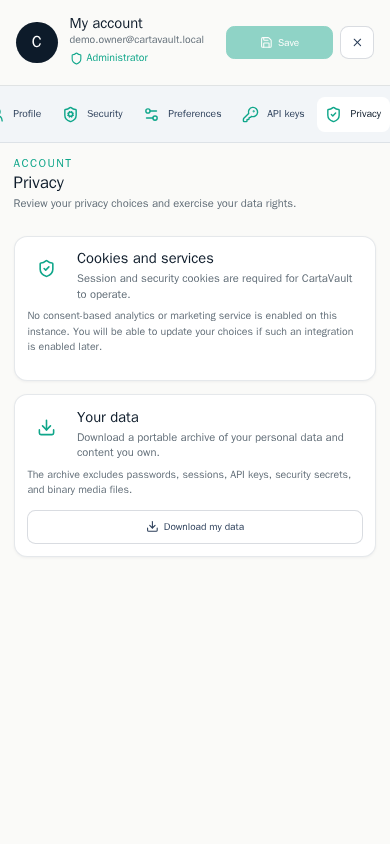
Manage privacy and personal export — mobile screen
How do I use it?
Section titled “How do I use it?”- Review published legal and policy information.
- Change optional choices when a consent banner is enabled.
- Download a portable personal-data archive when needed.
Expected result
Section titled “Expected result”Session and security cookies remain necessary.
How does it work?
Section titled “How does it work?”- Session and security cookies remain necessary.
- The archive excludes passwords, sessions, API keys, secrets and media binaries.
- Options depend on the administrator-selected policy.
Good to know
Section titled “Good to know”See also
Section titled “See also”Version CartaVault : master · ID : account.privacy