
Create and organize a trip
What is this feature for?
Section titled “What is this feature for?”Trips turn documented places into a travel program without duplicating their records.
Before you start
Section titled “Before you start”| Where can I find it? | Trips |
| Access | Map owner, Editor |
Where can I find it?
Section titled “Where can I find it?”Follow this path in the interface : Trips.
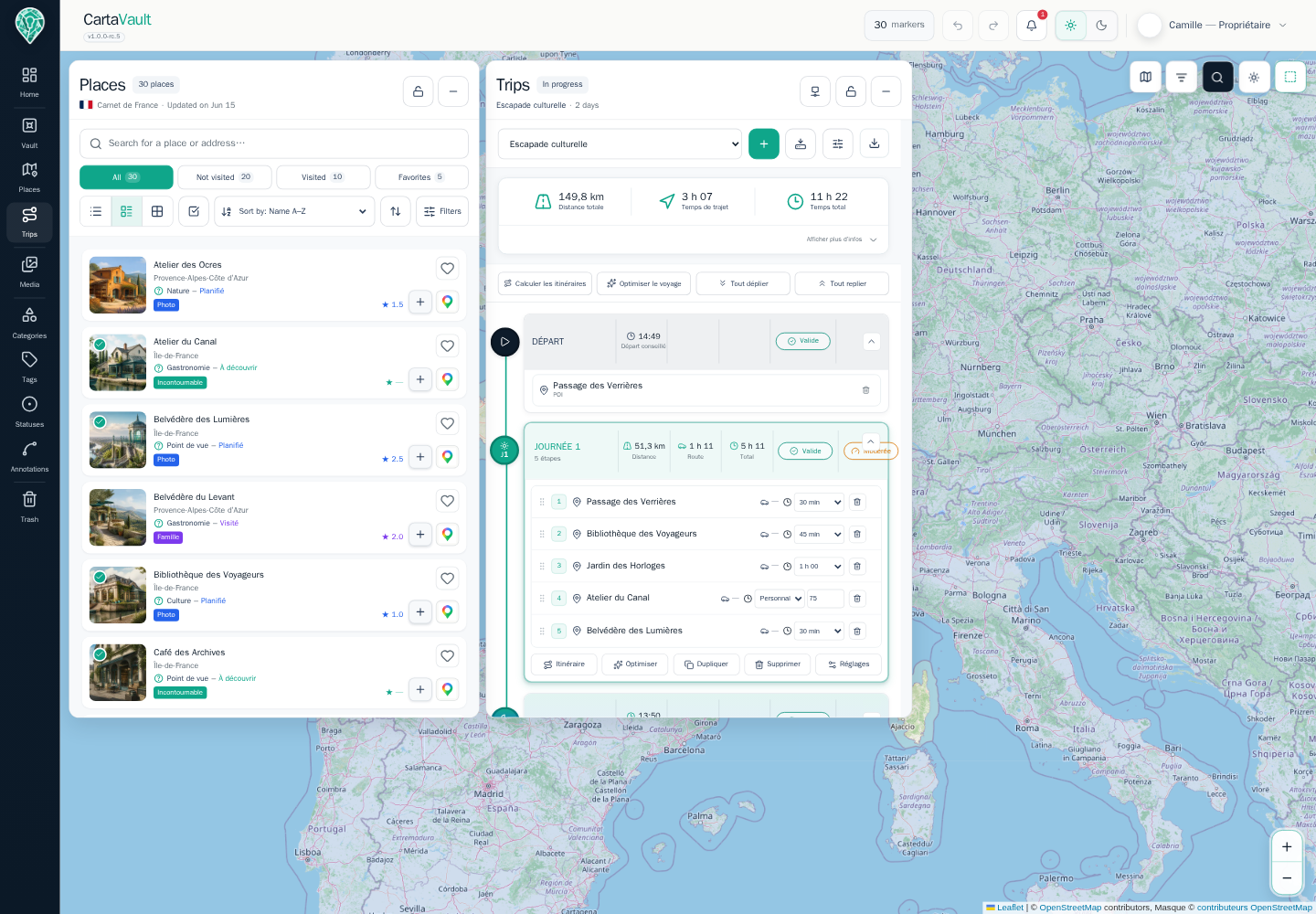
Create and organize a trip — desktop screen
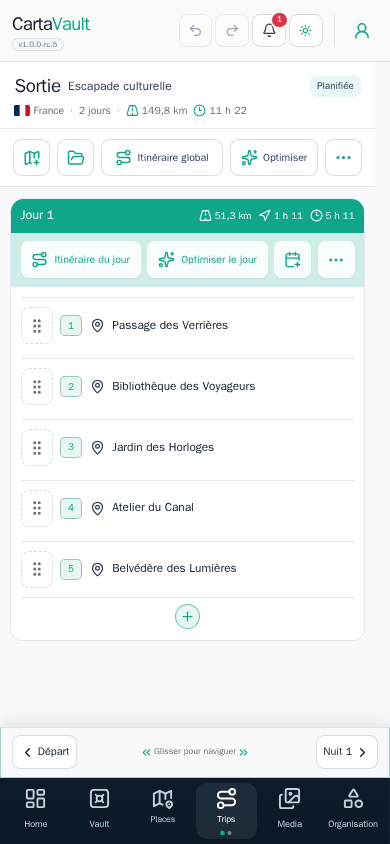
Create and organize a trip — mobile screen
How do I use it?
Section titled “How do I use it?”- Create or select a trip.
- Set departure, arrival, dates and days.
- Add stops, nights and durations, then save.
Expected result
Section titled “Expected result”A stop can reference a POI or a free location.
How does it work?
Section titled “How does it work?”- A stop can reference a POI or a free location.
- An occurrence duration may differ from the place record.
- On mobile, dialogs replace drag-and-drop for selecting and moving items.
Good to know
Section titled “Good to know”See also
Section titled “See also”Version CartaVault : master · ID : trips.planning