
Configure annotation templates
What is this feature for?
Section titled “What is this feature for?”A template keeps parking, access, hazard and landmark representations consistent across every place in a map.
Before you start
Section titled “Before you start”| Where can I find it? | Organization → Annotations |
| Access | Map owner, Editor |
Where can I find it?
Section titled “Where can I find it?”Follow this path in the interface : Organization → Annotations.
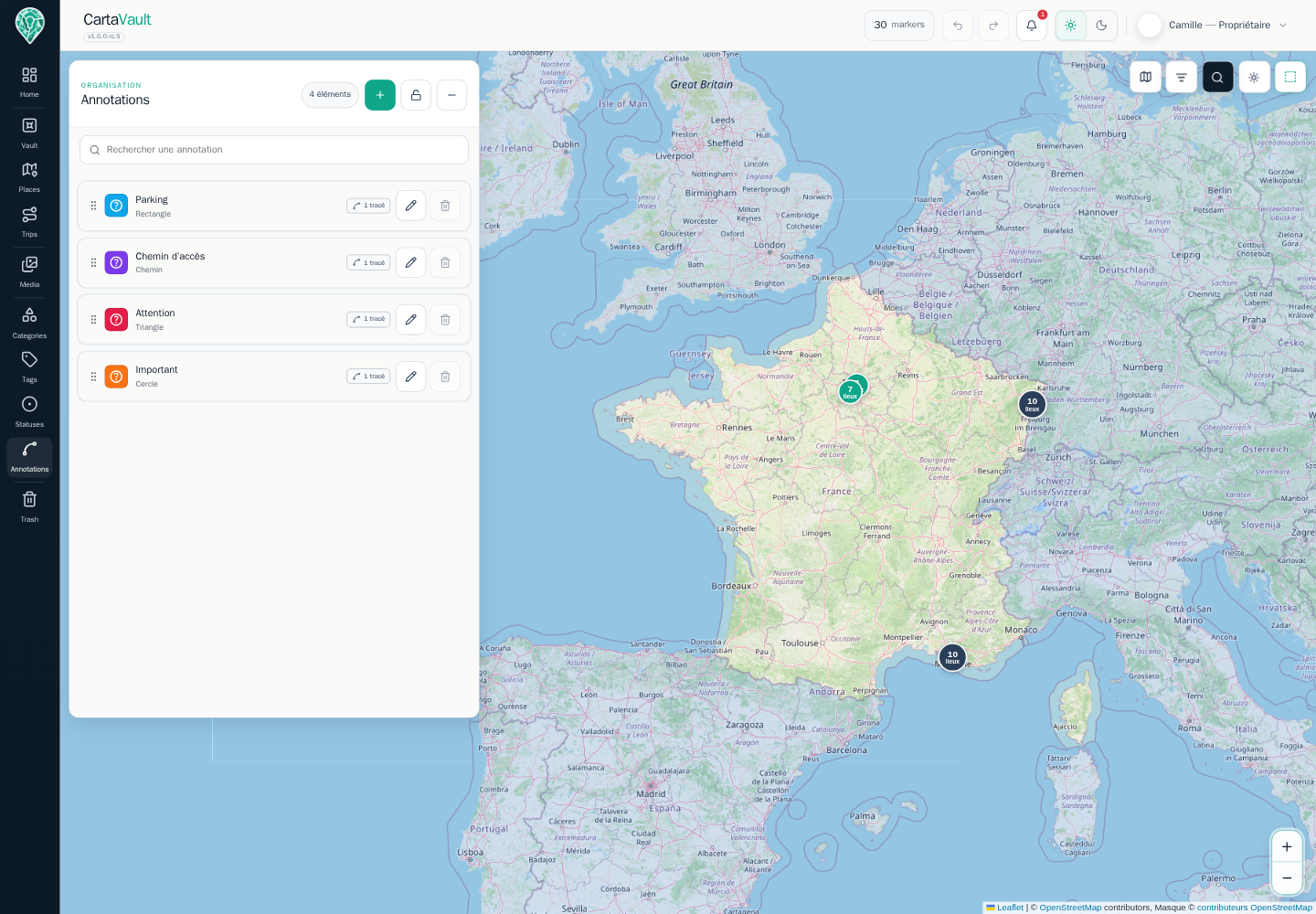
Configure annotation templates — desktop screen
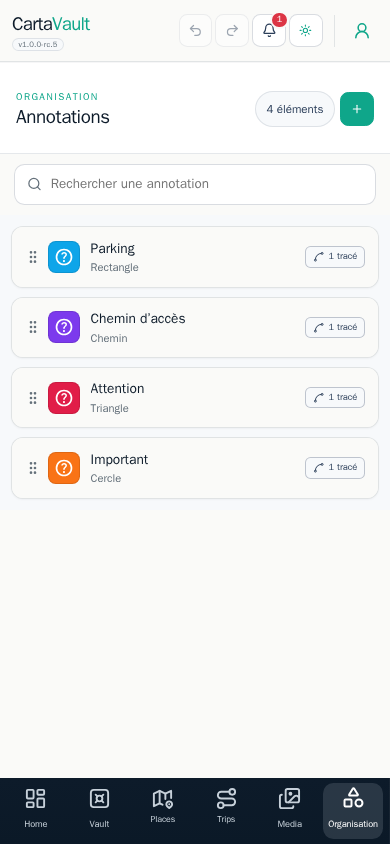
Configure annotation templates — mobile screen
How do I use it?
Section titled “How do I use it?”- Create and name a template.
- Choose its shape, icon and color.
- Reorder or disable templates as needed.
Expected result
Section titled “Expected result”The shape of an in-use template can no longer be changed.
How does it work?
Section titled “How does it work?”- The shape of an in-use template can no longer be changed.
- Name, icon and color changes propagate to linked annotations.
Good to know
Section titled “Good to know”See also
Section titled “See also”Version CartaVault : master · ID : organization.annotation-templates