
Configure media and instance logs
What is this feature for?
Section titled “What is this feature for?”Administrators need to control disk usage and keep useful diagnostics without retaining technical data indefinitely.
Before you start
Section titled “Before you start”| Where can I find it? | Administration → General → Media library and Instance logs |
| Access | Administrator |
Where can I find it?
Section titled “Where can I find it?”Follow this path in the interface : Administration → General → Media library and Instance logs.
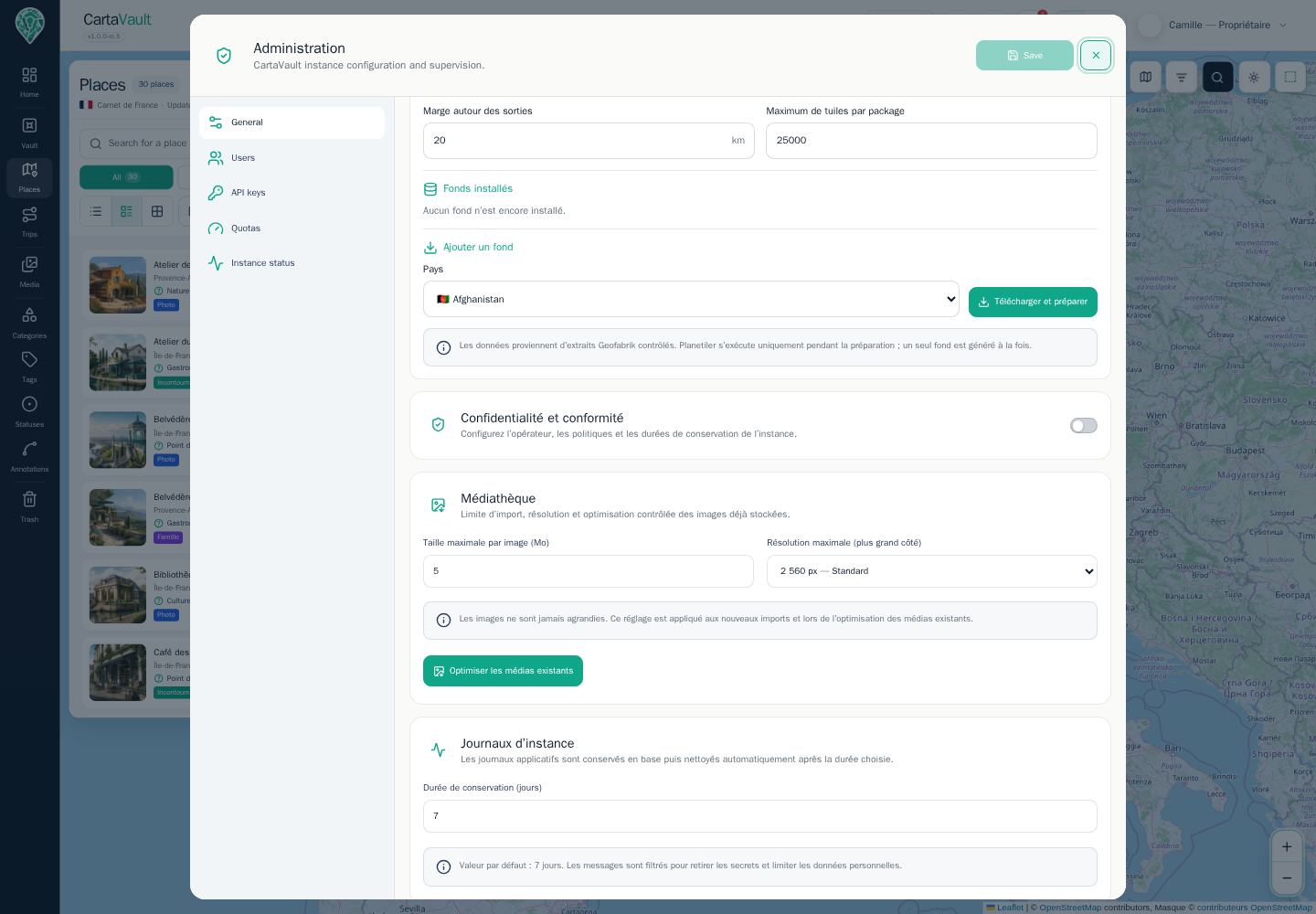
Configure media and instance logs — desktop screen
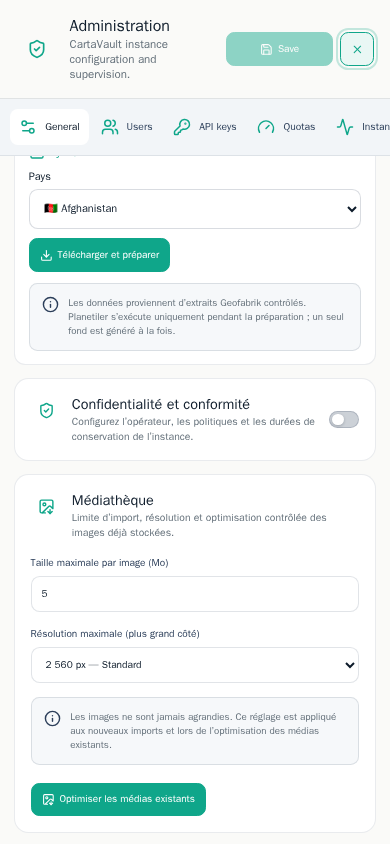
Configure media and instance logs — mobile screen
How do I use it?
Section titled “How do I use it?”- Set maximum size and resolution for new uploads.
- Run existing-media optimization when needed.
- Choose log retention and save.
Expected result
Section titled “Expected result”Images are never enlarged.
How does it work?
Section titled “How does it work?”- Images are never enlarged.
- Optimization is tracked as a task and preserves already compliant files.
- Messages are filtered to remove secrets and unnecessary personal data.
Good to know
Section titled “Good to know”See also
Section titled “See also”Version CartaVault : master · ID : admin.media-logs