
Configure transactional email
What is this feature for?
Section titled “What is this feature for?”Security and collaboration workflows need to notify users and verify addresses without manual intervention.
Before you start
Section titled “Before you start”| Where can I find it? | Deployment variables for SMTP, or Administration → API keys for Resend |
| Access | instance-operator, Administrator |
Where can I find it?
Section titled “Where can I find it?”Follow this path in the interface : Deployment variables for SMTP, or Administration → API keys for Resend.
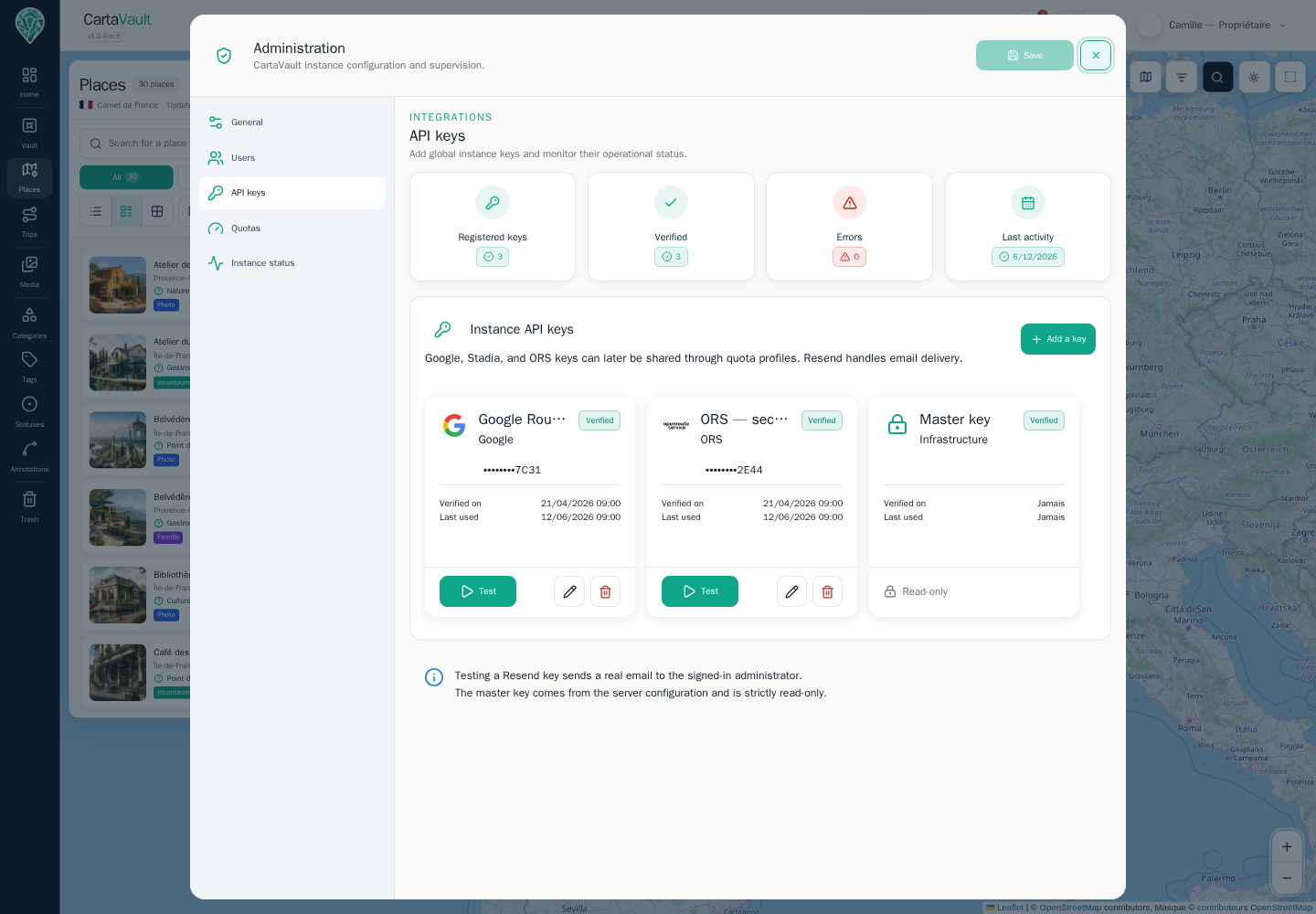
Configure transactional email — desktop screen
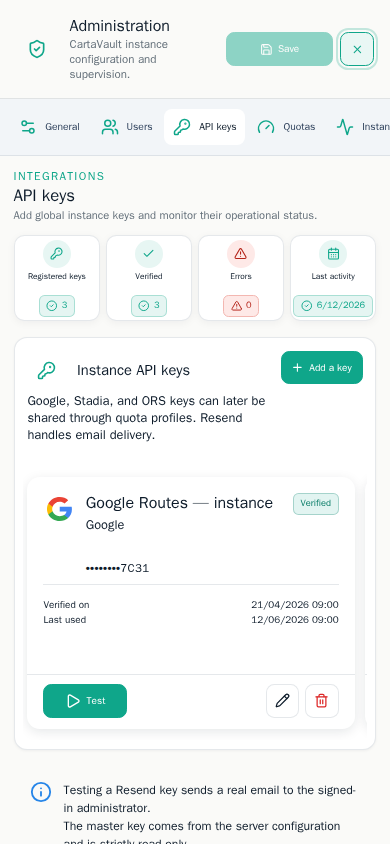
Configure transactional email — mobile screen
How do I use it?
Section titled “How do I use it?”- Choose SMTP, Resend or no transport.
- Configure sender and secret outside source code.
- Test verification, recovery and MFA flows.
Expected result
Section titled “Expected result”Delivery uses branded FR/EN templates.
How does it work?
Section titled “How does it work?”- Delivery uses branded FR/EN templates.
- Codes and secrets are never written to logs.
- Failures retry according to transport policy.
Good to know
Section titled “Good to know”See also
Section titled “See also”Version CartaVault : master · ID : deployment.email