
Configure quota profiles
What is this feature for?
Section titled “What is this feature for?”Profiles distribute storage and capacity fairly on a shared instance while keeping rules understandable.
Before you start
Section titled “Before you start”| Where can I find it? | Administration → Quotas |
| Access | Administrator |
Where can I find it?
Section titled “Where can I find it?”Follow this path in the interface : Administration → Quotas.
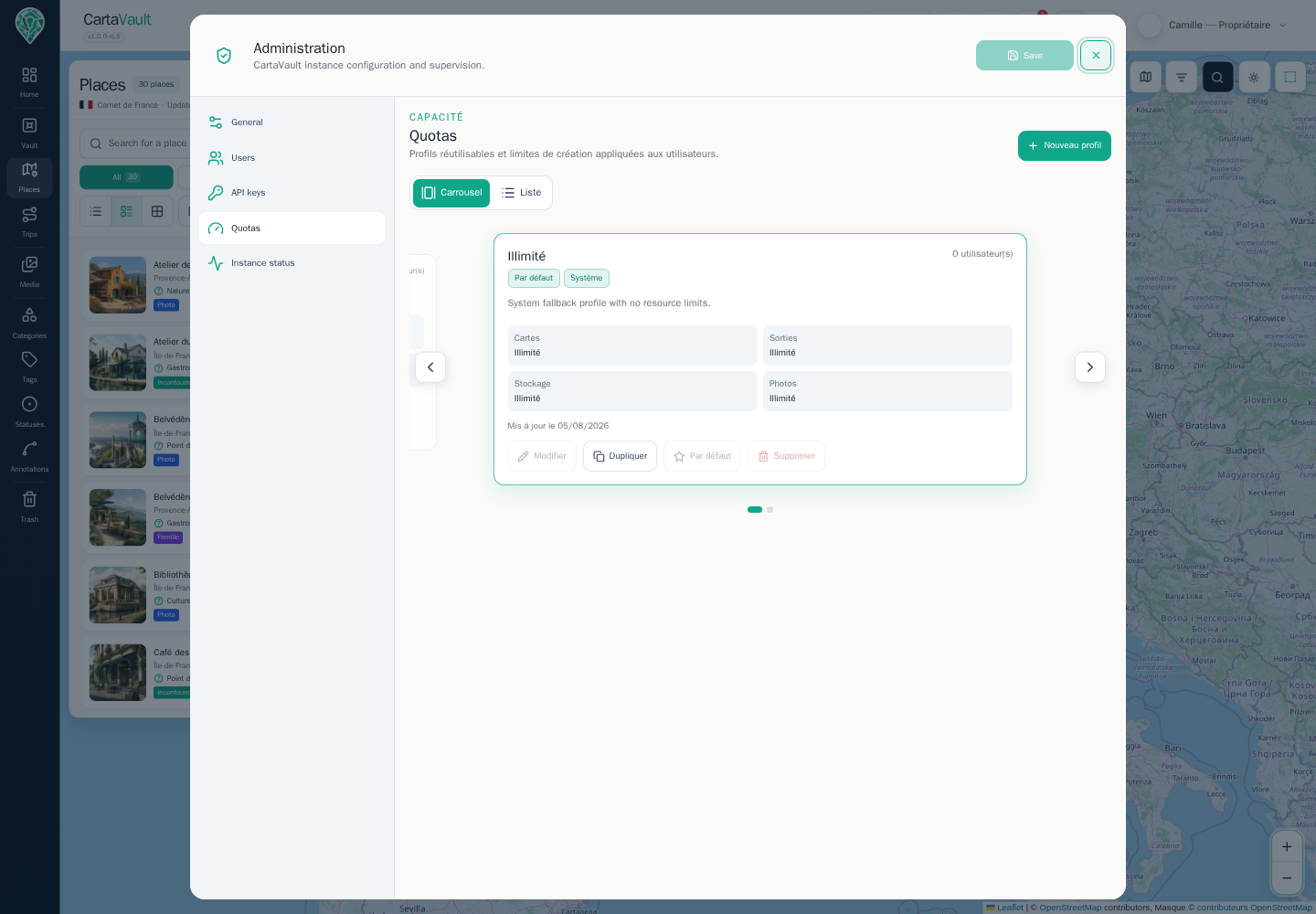
Configure quota profiles — desktop screen
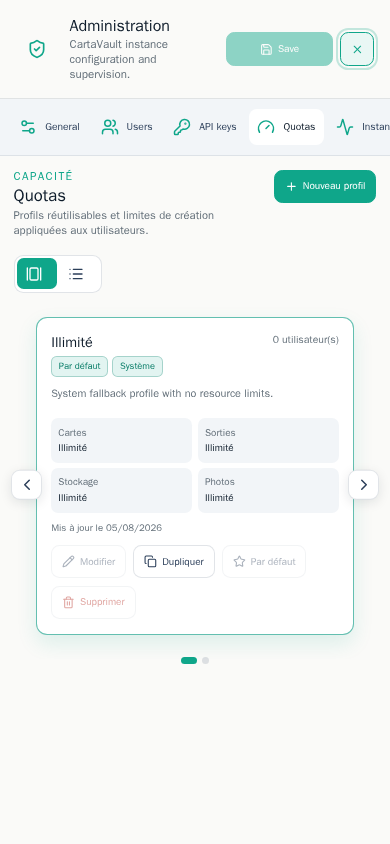
Configure quota profiles — mobile screen
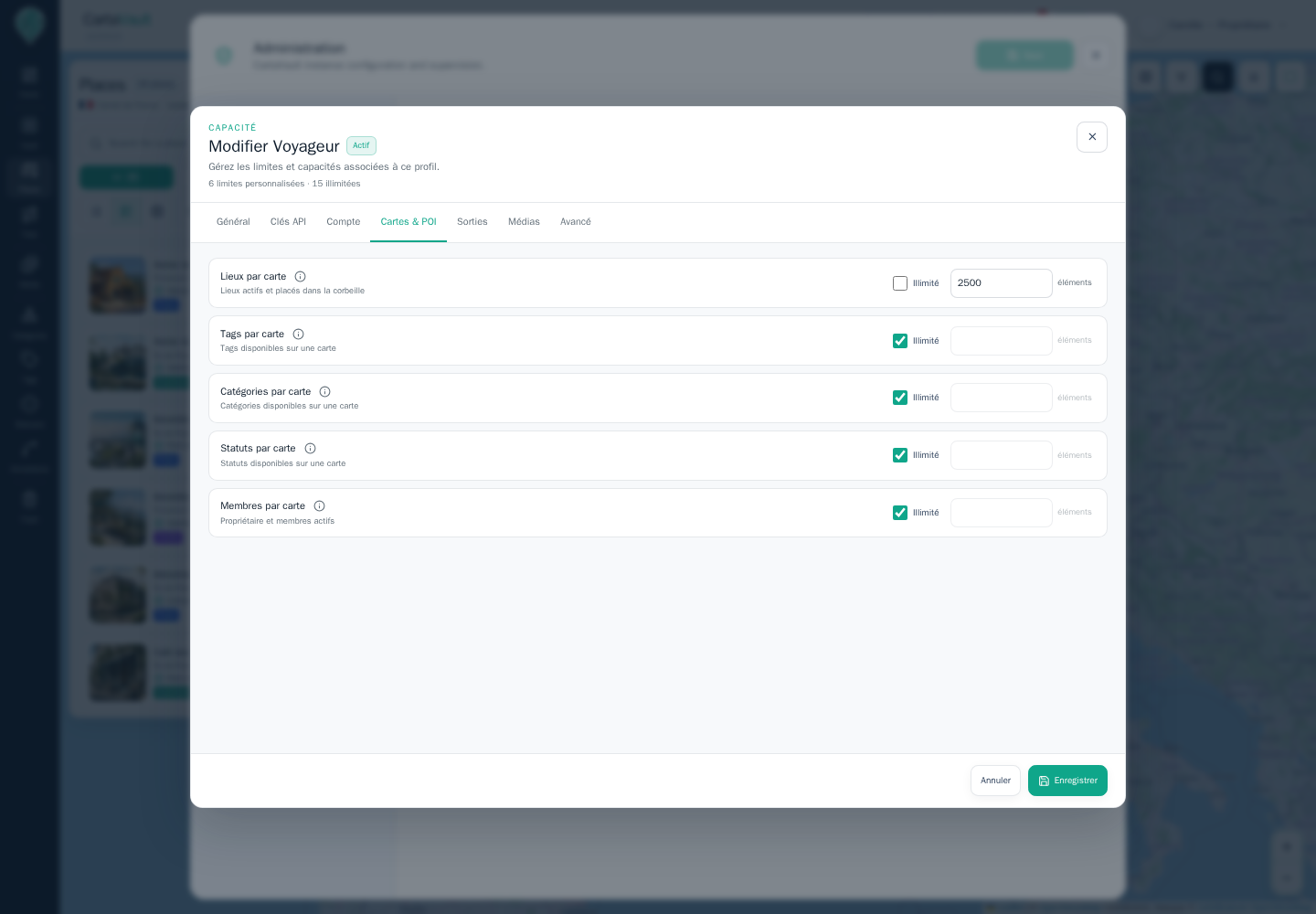
Configure quota profiles — desktop screen
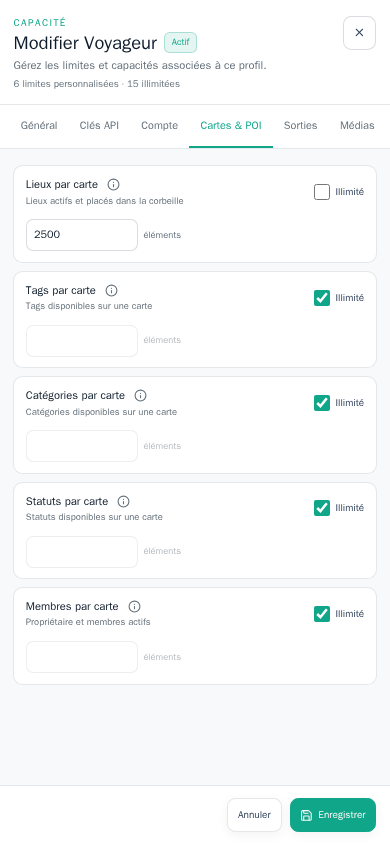
Configure quota profiles — mobile screen
How do I use it?
Section titled “How do I use it?”- Create or duplicate a profile.
- Set limits and associated services, then save.
- Assign it from Users or make it the default.
Expected result
Section titled “Expected result”Unlimited differs from zero; zero blocks new creation.
How does it work?
Section titled “How does it work?”- Unlimited differs from zero; zero blocks new creation.
- Over-limit data remains but new affected operations are blocked.
- The unlimited system profile and assigned profiles are protected from inconsistent deletion.
Good to know
Section titled “Good to know”See also
Section titled “See also”Version CartaVault : master · ID : admin.quotas