
Administer users
What is this feature for?
Section titled “What is this feature for?”Central management handles registrations, incidents and limits without exposing the account’s private maps.
Before you start
Section titled “Before you start”| Where can I find it? | Administration → Users |
| Access | Administrator |
Where can I find it?
Section titled “Where can I find it?”Follow this path in the interface : Administration → Users.
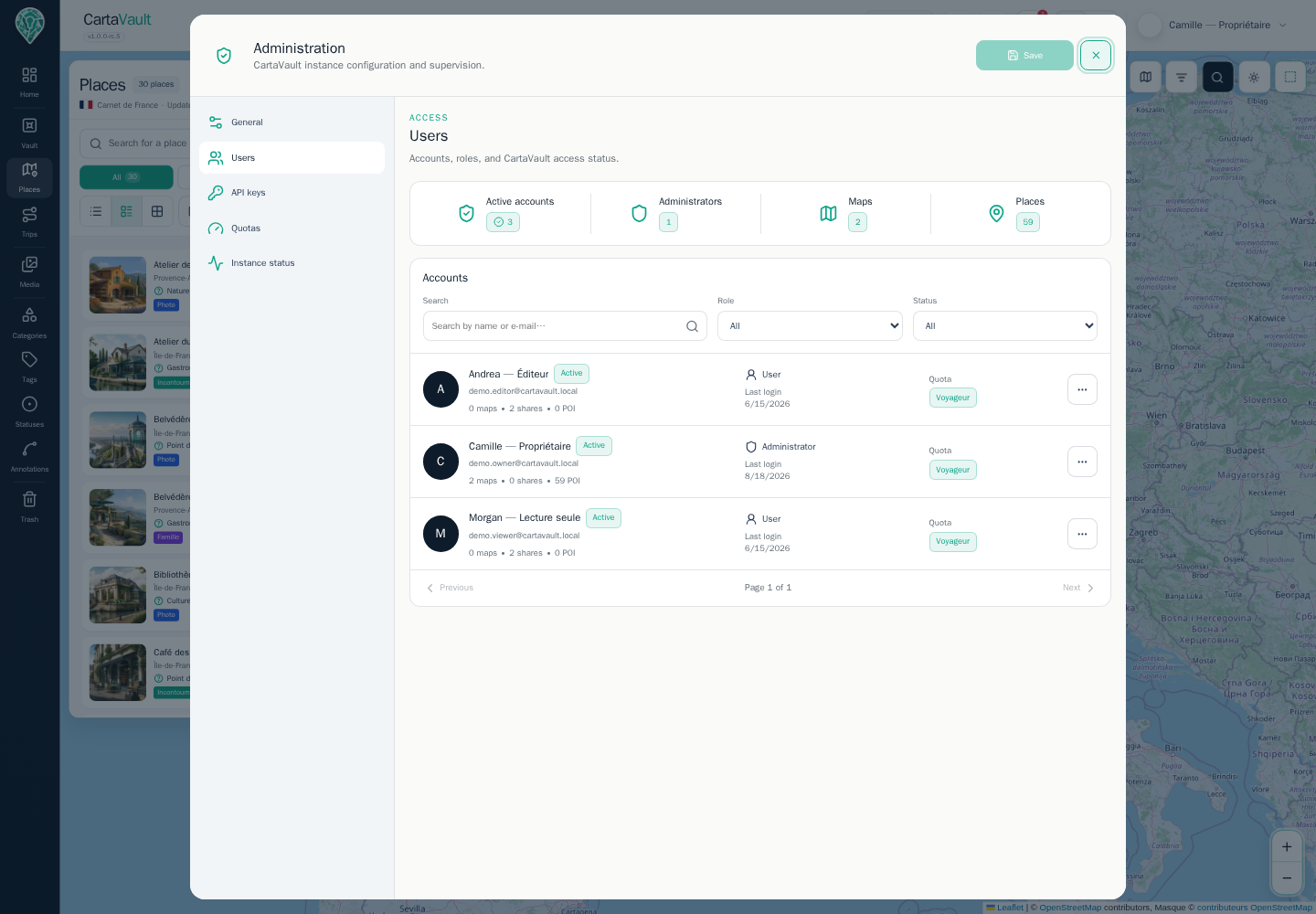
Administer users — desktop screen
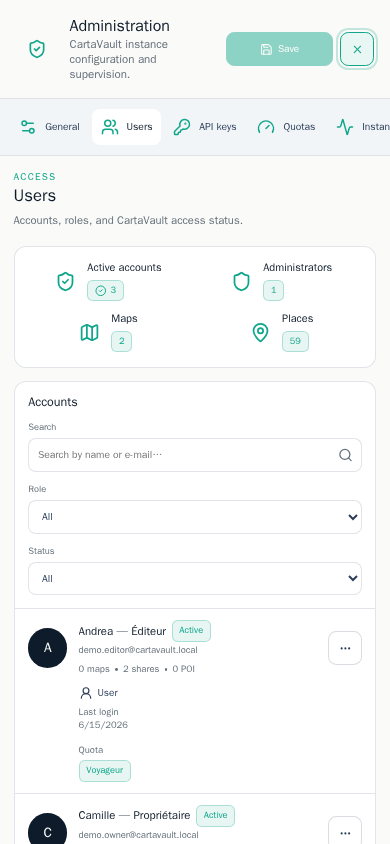
Administer users — mobile screen
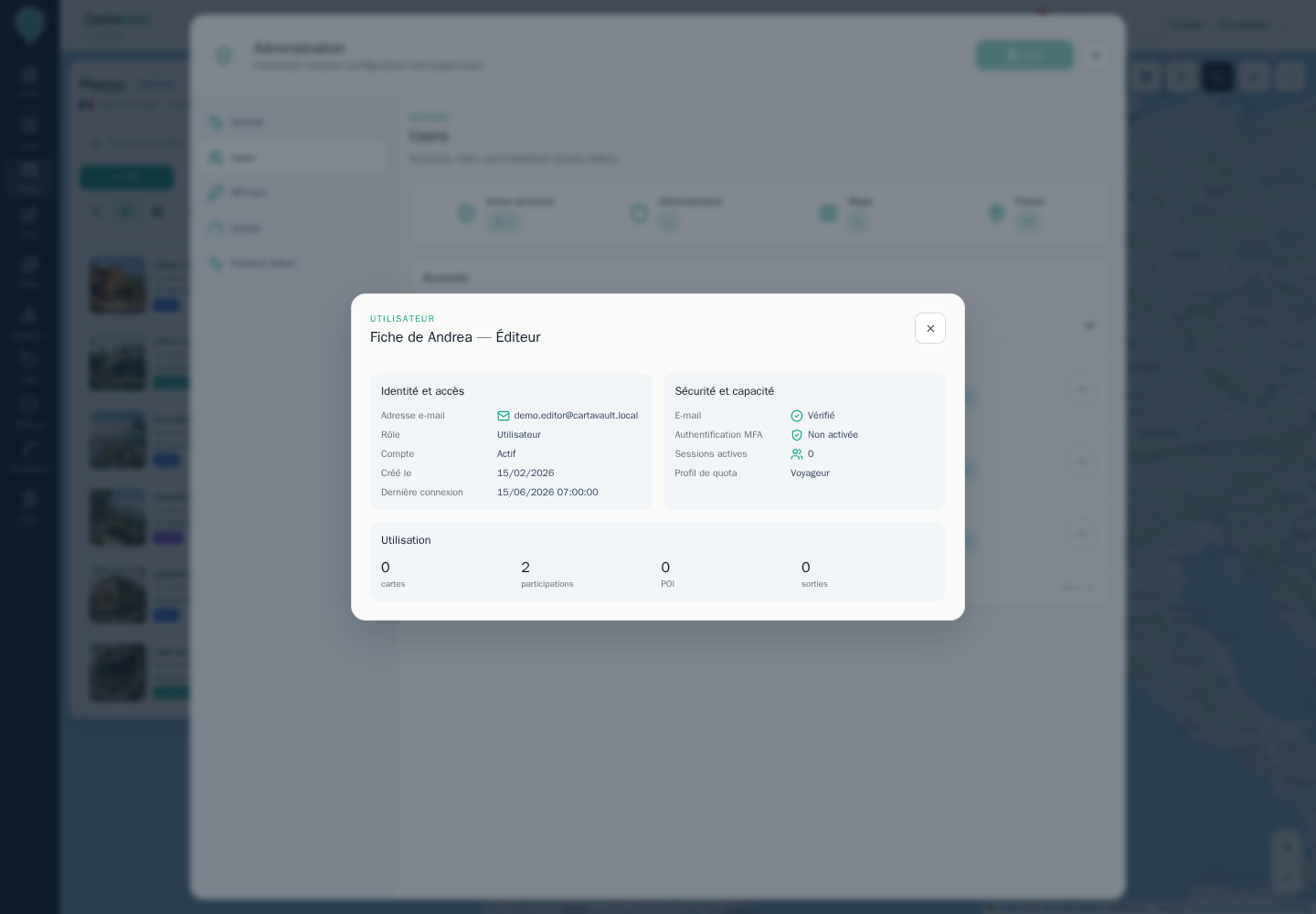
Administer users — desktop screen
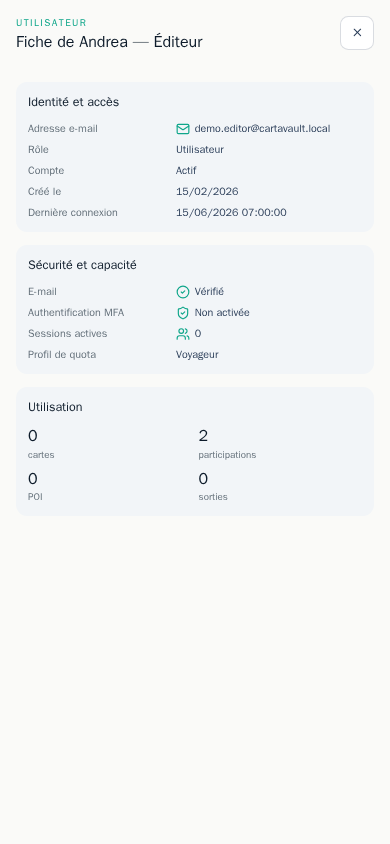
Administer users — mobile screen
How do I use it?
Section titled “How do I use it?”- Search or filter the account.
- Open its menu to review details or activity.
- Confirm any role, state or quota-profile change.
Expected result
Section titled “Expected result”The context menu closes when clicking elsewhere.
How does it work?
Section titled “How does it work?”- The context menu closes when clicking elsewhere.
- User actions open as full-screen dialogs on mobile.
- The last active administrator is protected from demotion or deactivation.
Good to know
Section titled “Good to know”See also
Section titled “See also”Version CartaVault : master · ID : admin.users