
Instance administration
Administration access
Section titled “Administration access”Only global administrators can open the console. This role manages the platform but does not automatically grant access to users’ private maps.
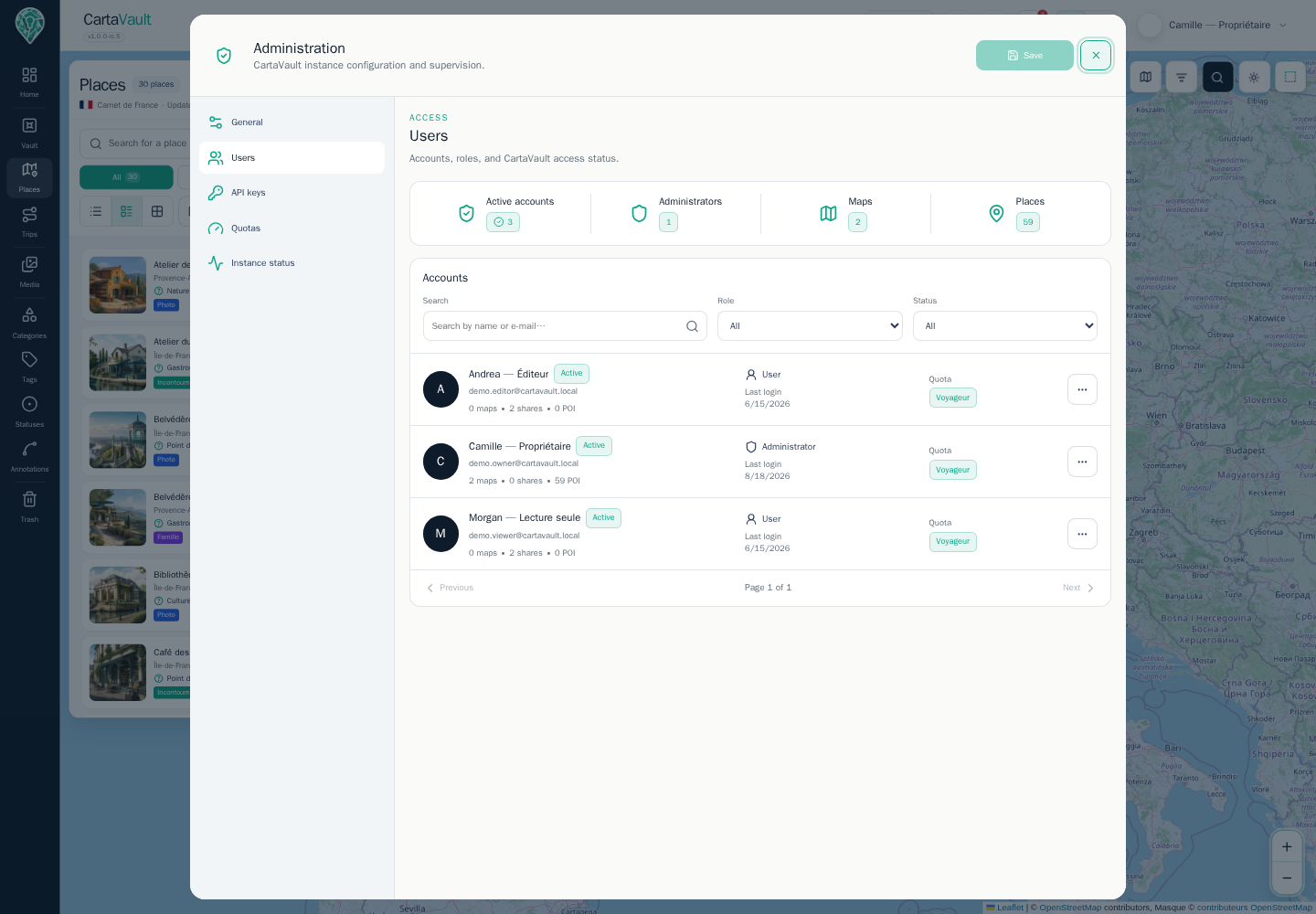
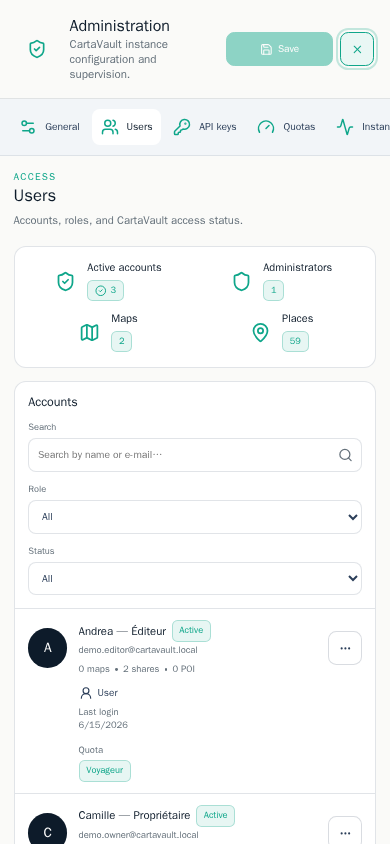
The list displays the avatar when available, identity, role, account state, quotas, and available activity information. Search or filter accounts before acting.
An administrator can activate or disable an account, change its role, assign a quota profile, and perform supported security actions. The last active administrator cannot be demoted, disabled, or deleted.
Public registration
Section titled “Public registration”Public registration controls whether the form is available. When enabled, the flow verifies the email address and, under the current policy, requests administrator approval.
Pending requests appear in notifications and the console. Review name, address, and quota profile before approval. Rejection does not create an active account.
Quota profiles
Section titled “Quota profiles”A profile limits maps, places, members, single-photo size, and photo storage. It can also share instance keys for specific purposes such as search, routing, or basemaps. Unlimited values are distinct from zero: zero blocks new writes, while unlimited sets no cap.
Create, duplicate, edit, set as default, or archive profiles. A profile assigned to users cannot be deleted without reassignment. The system unlimited profile is protected.
Transactional email
Section titled “Transactional email”CartaVault supports Resend and generic SMTP. The console stores, verifies, or removes the global Resend key. It is encrypted and never returned in clear text.
Events include address verification, registration requests, password reset, map invitations and transfers, and email or password change alerts.
SMTP transport is configured through environment variables. See Deployment and operations.
Instance health
Section titled “Instance health”Diagnostics expose, without secrets:
- CartaVault, PostgreSQL/PostGIS, and Alembic versions;
- database and storage health;
- free disk space;
- routing and email state;
- encryption-key presence;
- user, map, place, and photo counts.
Refresh reruns short-timeout checks. One unavailable external service does not hide other component results.
Notifications and audit
Section titled “Notifications and audit”New registration requests and invitations appear in the notification center. Detailed POI changes are available from each record’s history. Important security events are recorded server-side without passwords, tokens, or API keys.
Safeguards
Section titled “Safeguards”- use named administrator accounts;
- revoke sessions after an incident;
- never paste secrets into issues or shared logs;
- back up before upgrades or bulk administration;
- keep administration behind HTTPS and a correctly configured proxy.