
Importer un profil d’organisation
À quoi sert cette fonction ?
Section titled “À quoi sert cette fonction ?”Les profils accélèrent la préparation d’une nouvelle carte tout en évitant de recréer manuellement le même vocabulaire.
Avant de commencer
Section titled “Avant de commencer”| Où la trouver ? | Organisation → action Importer |
| Accès | Propriétaire de carte, Éditeur |
Où la trouver ?
Section titled “Où la trouver ?”Suivez ce chemin dans l’interface : Organisation → action Importer.
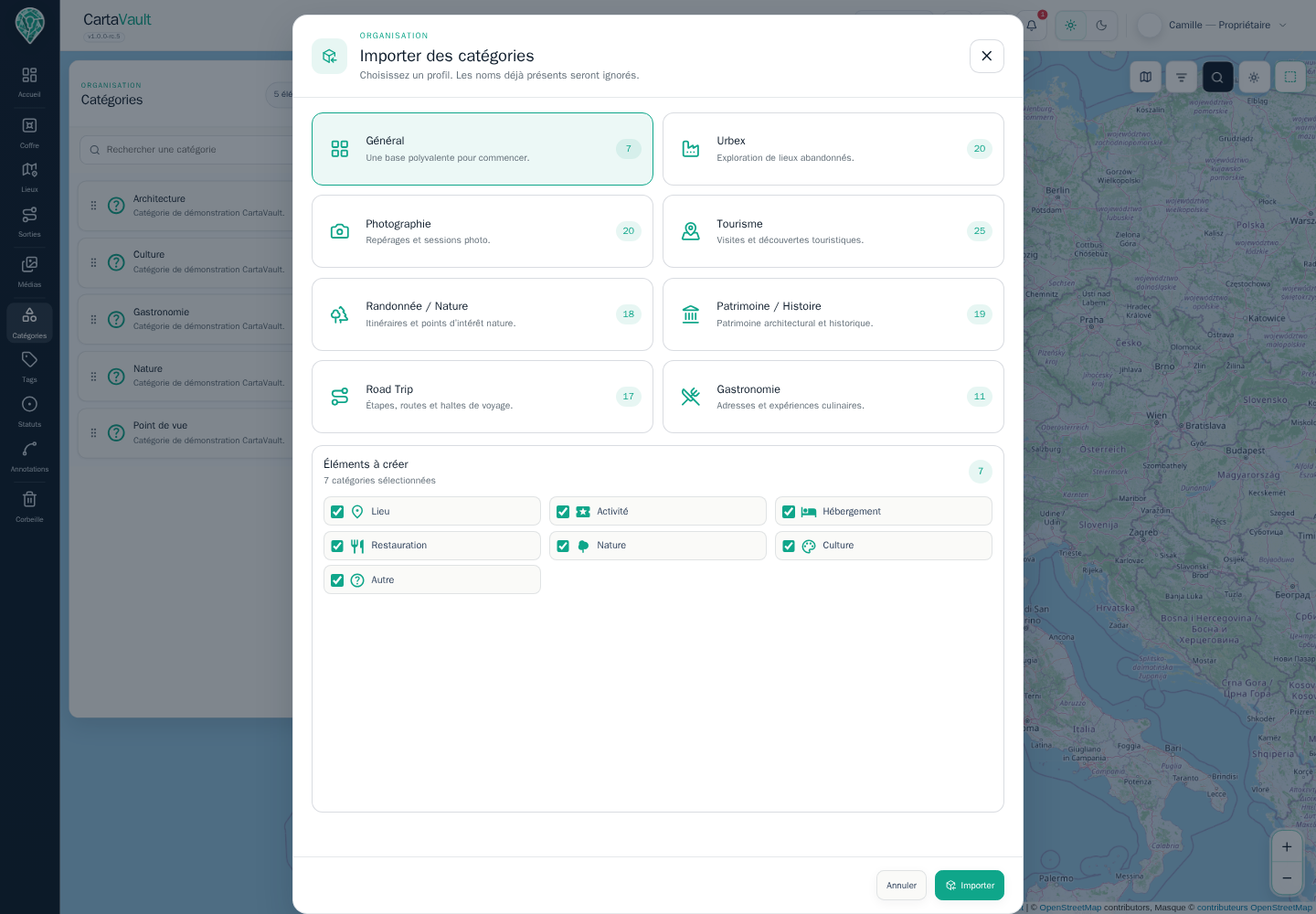
Importer un profil d’organisation — écran desktop
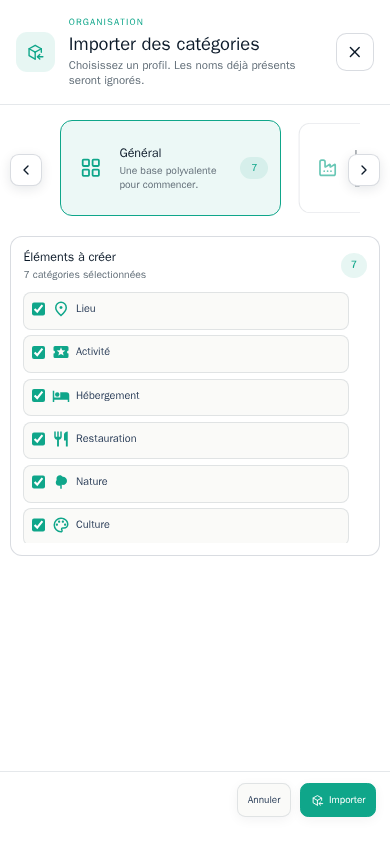
Importer un profil d’organisation — écran mobile
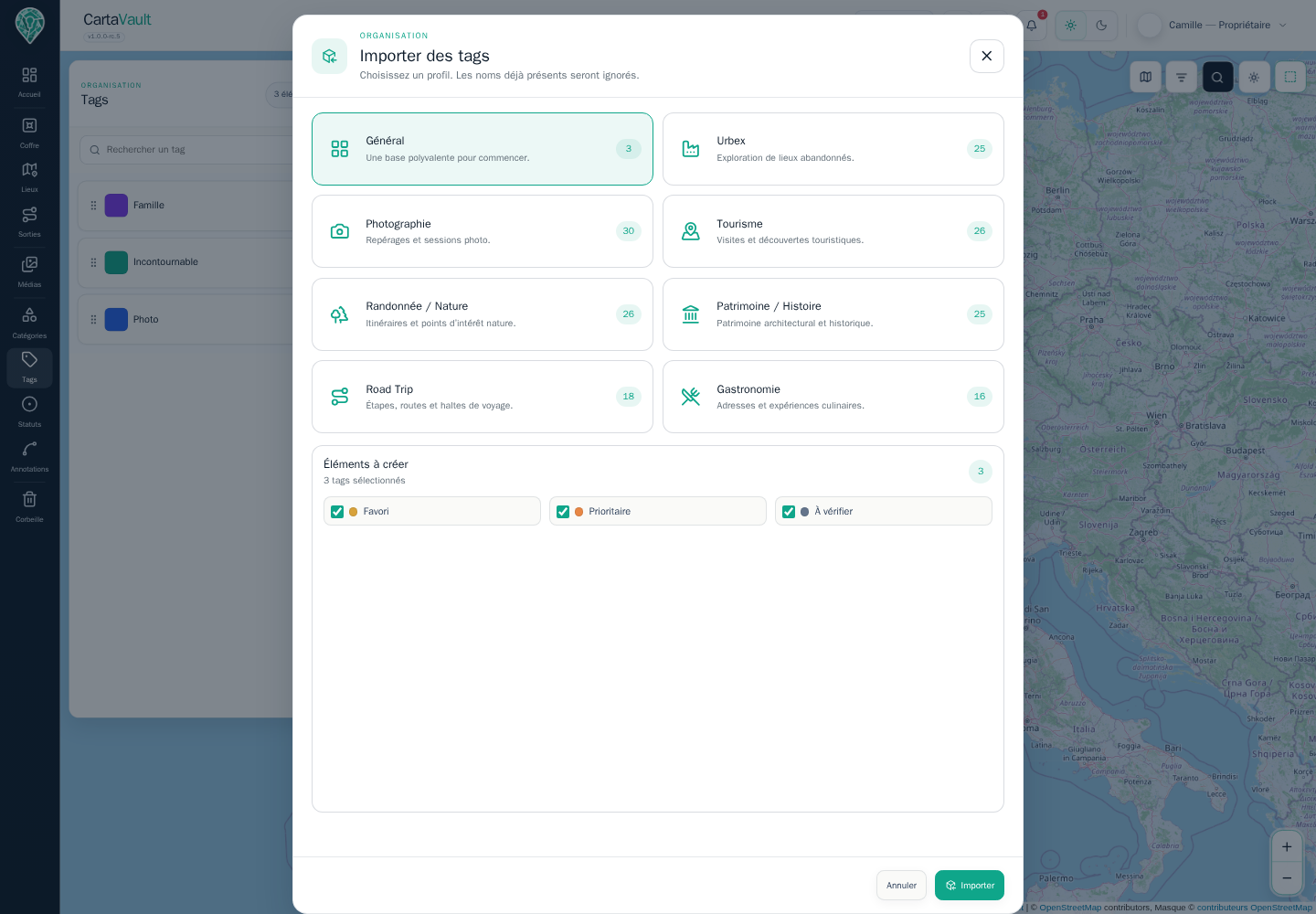
Importer un profil d’organisation — écran desktop
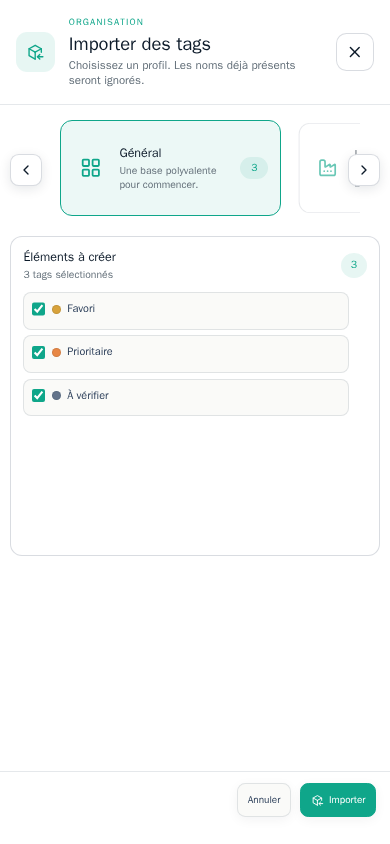
Importer un profil d’organisation — écran mobile
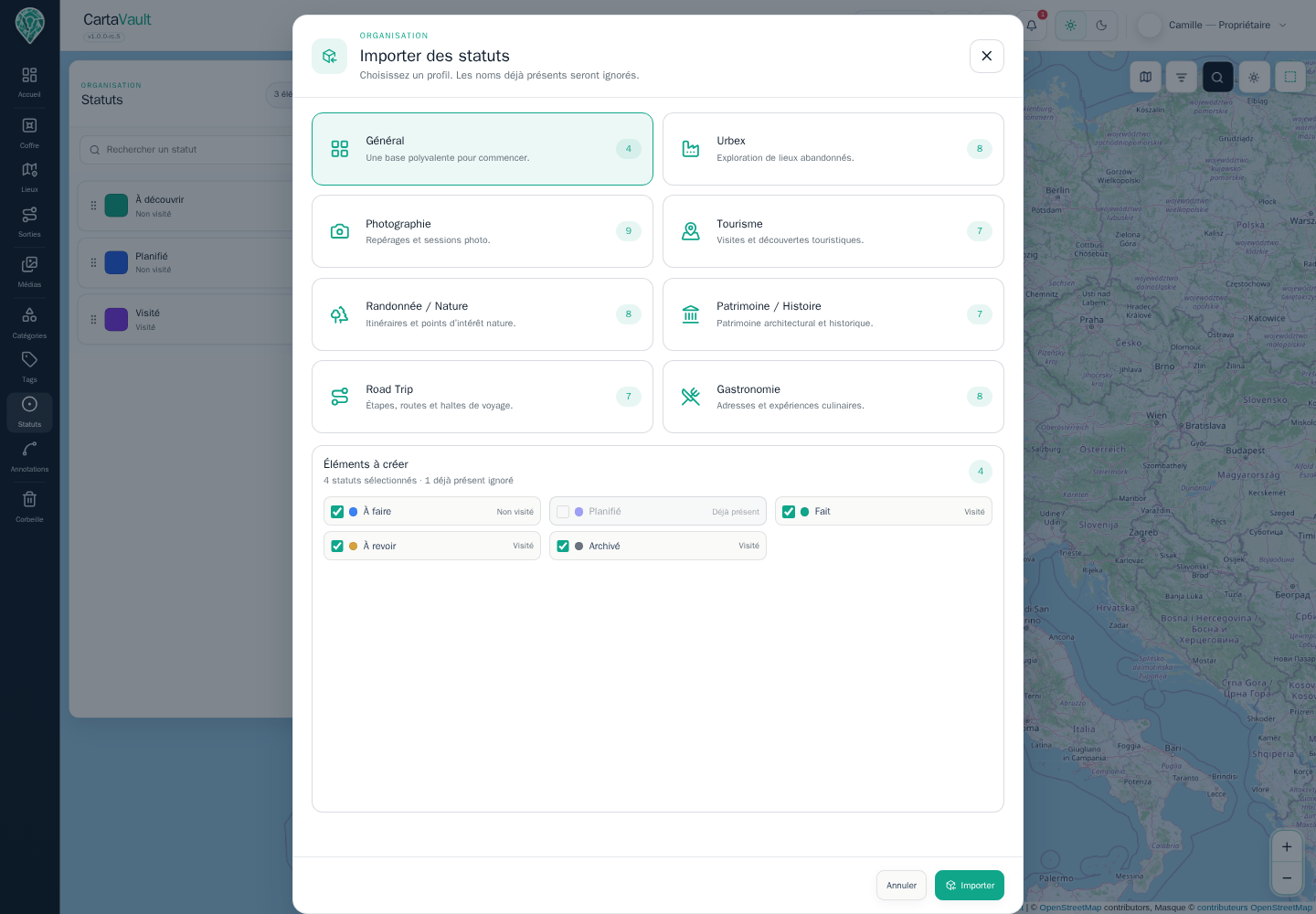
Importer un profil d’organisation — écran desktop
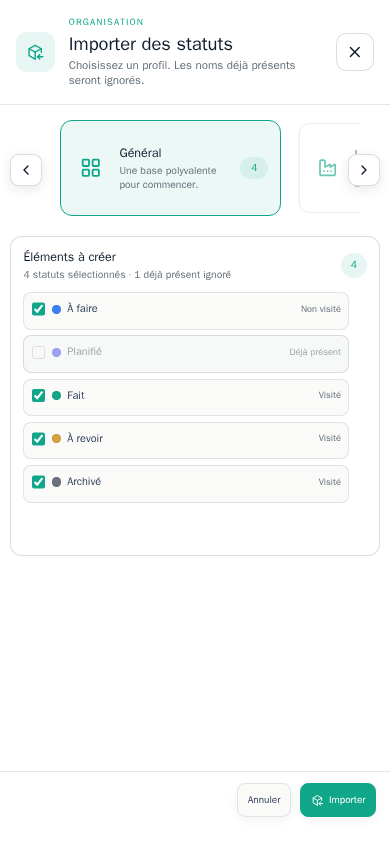
Importer un profil d’organisation — écran mobile
Comment l’utiliser ?
Section titled “Comment l’utiliser ?”- Ouvrez l’import depuis la rubrique concernée.
- Choisissez le profil proposé.
- Vérifiez les éléments cochés puis importez.
Résultat attendu
Section titled “Résultat attendu”Les noms déjà présents sont ignorés pour éviter les doublons.
Comment ça fonctionne ?
Section titled “Comment ça fonctionne ?”- Les noms déjà présents sont ignorés pour éviter les doublons.
- La sélection montre exactement les éléments qui seront créés.
À savoir
Section titled “À savoir”Voir aussi
Section titled “Voir aussi”Version CartaVault : master · ID : organization.import-profiles